
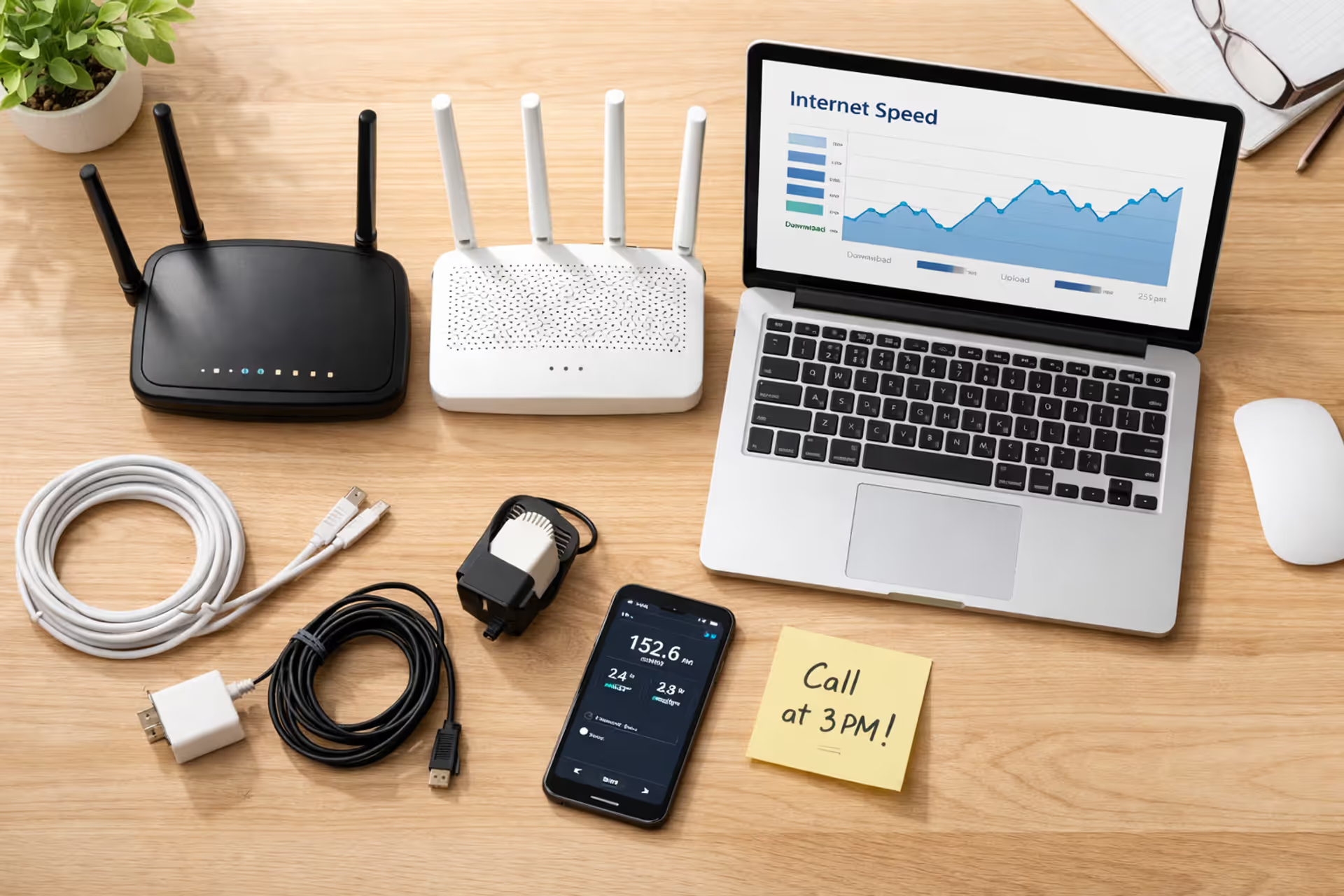
Top-down view of a home office desk with two Wi-Fi routers, a laptop showing a speed test, a smartphone, cables, and a sticky note, representing the process of switching internet providers
How to Switch Internet Providers Without Downtime or Extra Charges

Look, nobody wants to spend three days without internet while waiting for a new provider to show up. I've watched friends frantically tether to their phone's hotspot during important Zoom calls because they canceled too early. That's avoidable.
Here's what actually happens in most households: your bill creeps up after the first year. You notice you're paying $89 instead of the original $50. You think about switching but figure it's too much hassle. Fast forward two years, and you've hemorrhaged an extra $900 that could've paid for a decent vacation.
The FCC's 2023 survey pegged typical household internet costs at $64 monthly. Plenty of Americans keep paying whatever their ISP charges because the switching process feels like navigating a bureaucratic maze.
This guide shows you exactly how to jump from one provider to another without disconnecting from reality—or Wi-Fi.
When Switching ISPs Makes Financial Sense
Don't switch providers just because you're bored. Do the actual math first.
Let's say your promo rate died and your bill jumped from $49.99 to $89.99. Over twelve months, that's an extra $480. Meanwhile, a competitor down the street advertises $39.99 for new customers. Switching saves you $600 in year one. Pretty straightforward, right?
Before you bail on your current ISP, though, make one phone call. Not to regular customer service—they read from scripts and can't do much. Ask specifically for "customer retention" or "cancellation department." These folks have actual authority to cut deals.
Here's the exact phrase that works: "I'm looking at Verizon's $49.99 offer. Can you match that rate, or should I schedule my disconnect?"

Author: Lindsey Hartwell;
Source: flexstarsolutions.com
About seven out of ten people who bother calling get some kind of discount. Maybe not the full amount you want, but something. If your provider only drops your bill by $5 or $10 while competitors offer $30-40 less per month, that's your answer.
Stick with your current ISP when: - You're stuck in a contract where cancellation fees would eat up eight months worth of savings - Your speed-to-dollar ratio actually beats what's available locally - You bundle TV, phone, and internet with a multi-service discount that works out better than separating them - Every alternative in your neighborhood has one-star reviews from the past three months
Make the switch when: - Your bill inflated by 40% or more once the honeymoon period ended - Competitors offer legitimate savings of $25+ monthly (not just for three months) - Speed tests show you're getting 60 Mbps when you're paying for 200 Mbps - You've filed multiple outage complaints without receiving service credits
Pre-Switch Checklist: What to Review Before Canceling Your Current Provider
Don't just call and cancel. That's how you end up with surprise charges.
Log into your account and dig up your original service agreement. You're hunting for: - The date you signed up - How long the contract runs (usually 12, 24, or 36 months) - How many months you've got left - Exactly how much early cancellation costs - Which equipment shows up on your account - When your billing cycle resets each month
Screenshot everything. You'll look at these details multiple times.
Check when your billing cycle closes. Say it resets on the 23rd and you cancel on the 5th. Most ISPs will still charge you through the 23rd. Canceling a day or two before the new cycle kicks in means you're not paying for service you won't use. Spectrum prorates refunds sometimes. Xfinity generally doesn't.
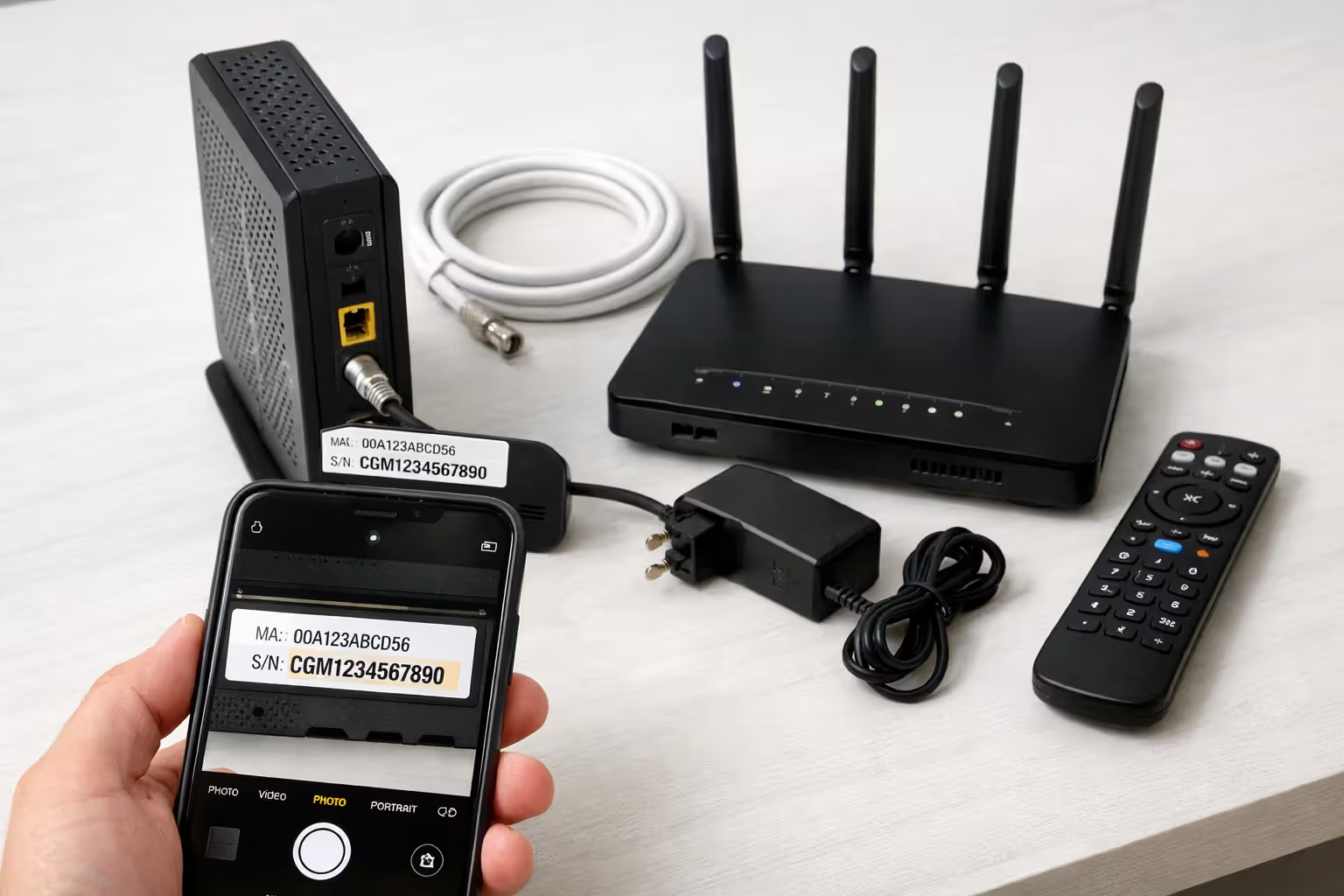
Make a list of every piece of equipment in your house: - Modem (write down the brand, model, serial number) - Router (if they gave it to you) - Any cable boxes or streaming adapters - Power supplies and coax cables - Ethernet cables they provided
Photograph each item with serial numbers visible. This creates a paper trail that protects you if they claim you never returned something three months later.
Author: Lindsey Hartwell;
Source: flexstarsolutions.com
Understanding Early Termination Fees and How to Avoid Them
Early termination fees usually run $10-20 for each month you haven't completed. Got eight months left? Expect somewhere around $160 in penalties.
Some situations trigger automatic fee waivers: - You're moving somewhere they literally can't provide service (you'll need proof—a signed lease or utility bill with the new address) - You've got documented service problems through multiple support tickets - They raised prices beyond what your original agreement specified
AT&T Fiber caps ETFs at $180 but waives them for military members with PCS orders. Verizon knocks off $15 for every month you've already completed.
Before assuming you'll pay full price, call and ask directly about waiver policies. If you're relocating, say: "I'm moving to 742 Evergreen Terrace. Can you provide service there? If not, are cancellation fees waived?"
When ETFs are unavoidable, run a breakeven calculation. A $120 termination fee with $40 monthly savings means you're ahead after three months and pocketing savings forever after.
Equipment You'll Need to Return vs. Keep
ISPs own the modems and routers they rent to you. You own stuff you bought outright, even if you purchased it through them.
Pull up your original invoice or account history. Monthly charges labeled "equipment lease" or "modem rental" mean it's theirs. One-time purchases like "modem - $89.99" mean you keep it.
Hand back to your ISP: - Any modem or router they've been charging you monthly to use - Gateway devices that combine modem and router functions - Voice adapters if you had phone service - TV remotes for cable boxes - Anything with their logo or an asset sticker
You own and keep: - Equipment you paid for in full - Third-party devices you bought at Best Buy or Amazon - Ethernet cables (unless they specifically ask for them back) - Your personal router if you ran it alongside their modem
Unreturned equipment fees hurt. Xfinity hits you for up to $110 on modems. Spectrum charges as much as $300 for gateway devices. These bills show up 30-60 days post-cancellation when their return window slams shut.
The Zero-Downtime Switch: Timing Your New Installation
Here's the golden rule: turn on new service before you kill the old service. Yes, you'll pay for two ISPs for one month. That's the insurance premium for not losing internet.
Timeline that actually works:
Days 1-3: Research who serves your address and what they're charging. Read reviews from the last six months specifically. Nobody cares that someone had a bad install in 2021.
Days 4-7: Call your top two choices. Ask about current promotions, when they can install, and whether you can self-install. Get concrete installation dates before signing anything.
Day 8: Book your installation. Grab the earliest slot available. Most ISPs schedule anywhere from five days to two weeks out, though sometimes you'll catch a next-day opening.
Day 9: Get written confirmation of your appointment. Email or text works. Note the date, time window, and whether you'll get a heads-up call from the tech.
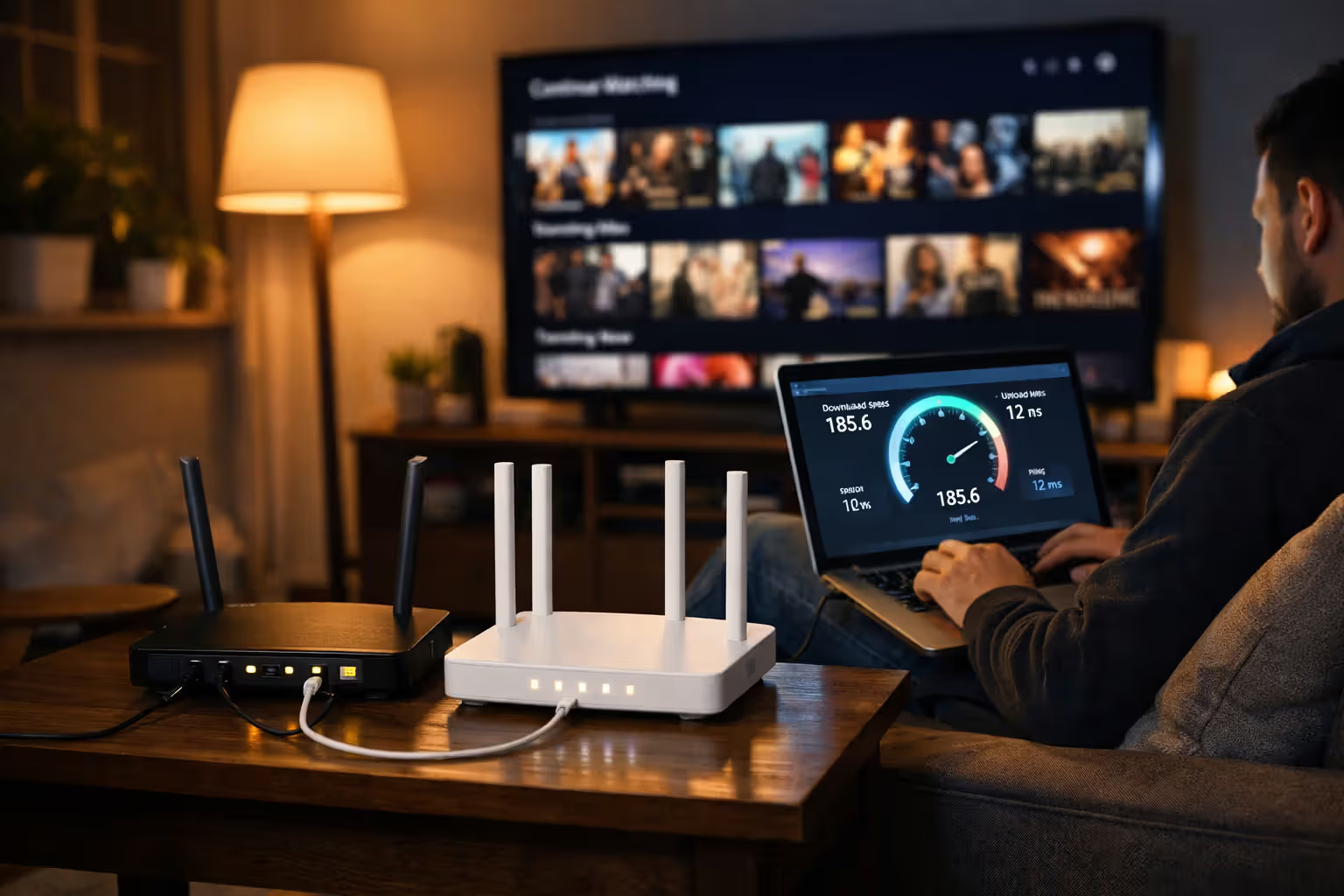
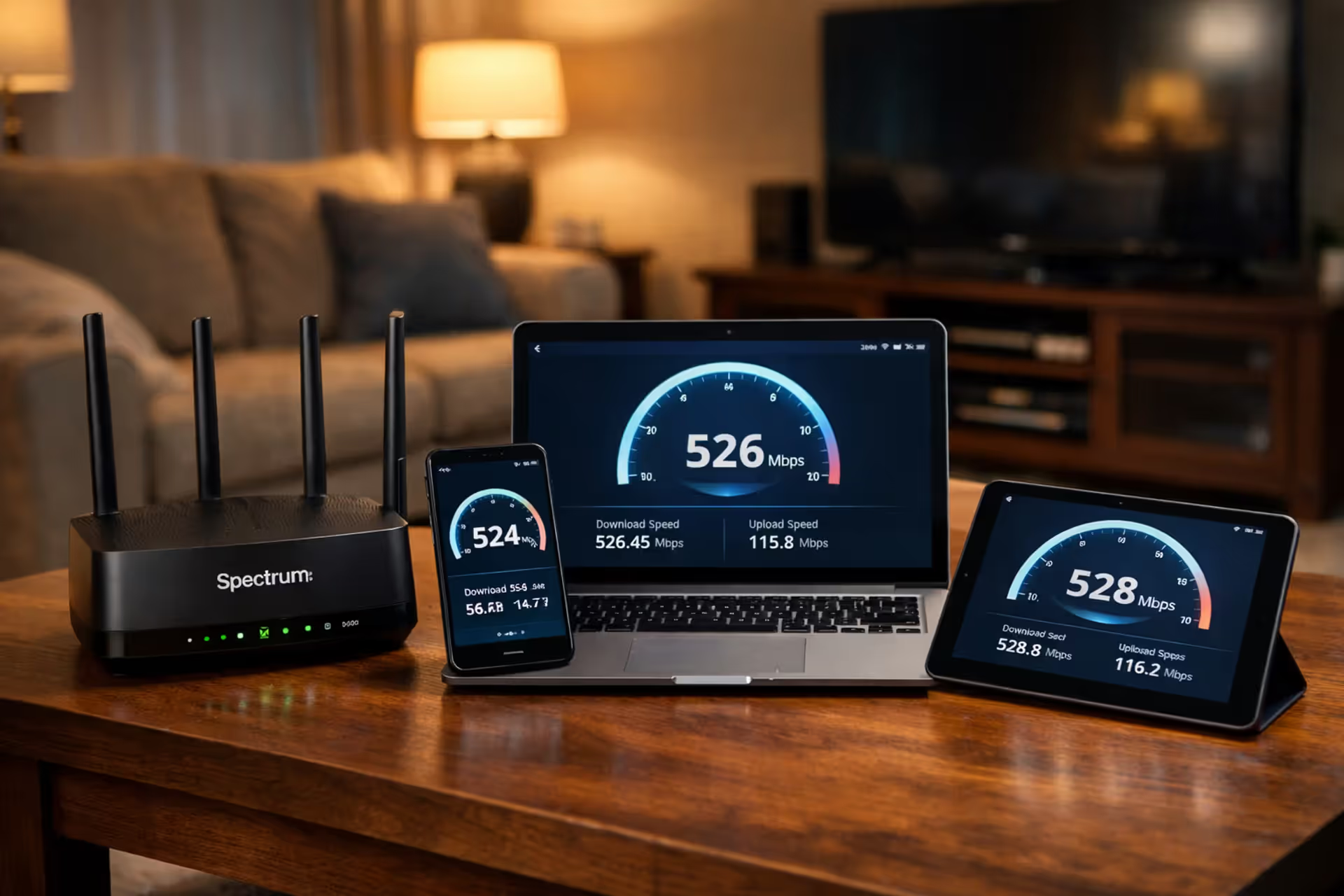
Installation Day: Have the technician fully set up and test everything. Connect your laptop, phone, smart TV, and gaming console before they leave. Run a speed test right then to confirm you're getting what you paid for.
Day After Installation: Actually use your new internet for a full day. Test it during peak evening hours (7-10 PM) when networks get hammered.
Author: Lindsey Hartwell;
Source: flexstarsolutions.com
Two Days After Installation: Call your old ISP and cancel. Be direct: "I need to disconnect my internet service effective today." Don't mention you switched providers unless they press you—keeps the conversation shorter.
Some ISPs like Google Fiber and T-Mobile Home Internet ship self-install kits. These arrive in 3-5 business days. If you go this route, wait until the equipment shows up and works before canceling your old service.
If you somehow end up with a gap anyway: - Your phone's mobile hotspot (check your data cap first) - Library Wi-Fi for emergency work stuff - Local coffee shop with free Wi-Fi - Your neighbor's guest network (ask permission first—don't be weird)
Step-by-Step Process for Switching Internet Providers
Here's the sequence that prevents headaches.
Researching and Comparing New ISP Options
Start with BroadbandNow.com or the FCC's broadband map. Punch in your exact street address—not just the ZIP code. Availability changes block by block.
Look beyond the advertised price: - Download AND upload speeds (upload matters for video calls and backing up photos to the cloud) - Whether they cap your data or slow you down after hitting limits - Contract obligations versus month-to-month flexibility - Installation charges and equipment rental costs - Recent customer service ratings (emphasis on recent)
Call providers directly instead of trusting website prices alone. Phone reps often have access to promotions that aren't posted online. Ask: "What's your absolute best offer for new customers at 123 Main Street who want 500 Mbps speeds?"
Get quotes from three providers minimum if your area has options. Use competing quotes as ammunition for negotiations.
Scheduling Installation and Activation
When you book installation, ask these questions:
"Do I have to use professional installation, or is self-install an option?" Professional install costs $50-100 extra but guarantees everything works. Self-install saves money and lets you control timing.
"What exactly does installation include?" Clarify whether the tech will connect all your devices, configure Wi-Fi networks, and verify speeds.
"Are you drilling new holes or running additional cables?" Important question if you rent and need landlord approval for any modifications.
"What happens if I need to reschedule?" Know your flexibility before committing to a time window.
Morning appointments work better. Technicians running late from earlier jobs push afternoon windows later and later. An 8-10 AM slot will probably happen on schedule. A 2-4 PM slot might turn into 5:30 PM.
Clear the installation area ahead of time. Move furniture away from where cables enter your house and where current equipment sits. Have your account information, ID, and payment method ready—some ISPs won't activate service until you've paid.
Canceling Your Old Service Properly
Call on a Tuesday or Wednesday morning. Weekends and evenings mean longer hold times and less experienced reps.
Open with: "I'm calling to disconnect my internet service." The rep will ask why and offer retention deals. Decide beforehand whether you'll listen to counteroffers or politely shut them down.
For a clean break, say: "I appreciate that, but I've already activated new service elsewhere. Let's proceed with cancellation effective immediately."
Before you hang up, get: - A cancellation confirmation number - The exact effective date of cancellation - Your final bill amount and when it's due - Equipment return instructions with deadlines - A return shipping label tracking number if they're mailing one
Ask specifically: "Will you email me confirmation of this cancellation?" Disputes happen when customers assume everything processed correctly when it didn't.
Write down the date, time, rep's name, and confirmation number. Screenshot any email confirmation.
Some ISPs like Spectrum let you cancel through their website. This creates automatic documentation but you lose the chance to negotiate final bills or ask questions in real-time.
Returning Modem, Router, and Other ISP Equipment
Equipment returns create the most post-cancellation billing fights. Handle this carefully.
Most ISPs accept returns multiple ways:
UPS Store drop-off: Get a receipt showing the tracking number and which items you returned. Photograph the equipment next to the receipt. UPS stores provide free packaging for ISP returns.
FedEx drop-off: Same process as UPS. Some providers like Xfinity work exclusively with FedEx; others only use UPS. Confirm which carrier your ISP accepts before showing up.
Retail store return: Xfinity and Spectrum run physical stores that take equipment back. Bring your account number and government-issued ID. Insist on a printed receipt that lists every returned item by serial number.
Mail return: Use the prepaid label your ISP provides. Pack everything securely—use the original box if you saved it, or get a sturdy box and bubble wrap. Photograph the packed equipment before sealing. Get a tracking receipt from the post office or shipping store.
Return everything within their deadline—typically 14-30 days after cancellation. Miss the deadline and they'll automatically charge you for the equipment even if you return it later.
Track your shipment daily until it shows "delivered" to their warehouse. Save tracking confirmations for at least three months. Equipment charges sometimes pop up 60+ days after you cancel.

Author: Lindsey Hartwell;
Source: flexstarsolutions.com
If you get charged for equipment you definitely returned, call immediately armed with your tracking number and delivery proof. Ask for a supervisor if the first rep can't fix it. File a complaint with your state's Public Utilities Commission if they refuse to remove bogus charges.
Don't bother returning: - Coax cables attached to your walls (unless they specifically request them) - HDMI cables you bought yourself - Power strips or surge protectors - Your personal router or mesh Wi-Fi system
Wipe dust off equipment before returning it, but don't stress about scratches or normal wear. They refurbish everything anyway.
Special Scenarios: Moving to a New Address While Switching Providers
Moving adds complications but also gives you leverage for waiving fees.
First, check whether your current ISP serves your new place. Call with the exact new address: "I'm relocating to 456 Oak Avenue, apartment 3B. Can you provide service at that location?"
If they do serve the new address, you'll decide between transferring or canceling:
Transfer your service if: - Your current rate and speeds still beat local competition - You're mid-way through a promotional period that's actually good - They'll waive transfer fees (usually $50-100) - Early termination fees would cost more than just staying put
Cancel and switch if: - New customer promos at the new address save you $25+ monthly - Transfer fees are ridiculous - You've wanted to switch anyway and moving gives you an out - Your contract is almost over anyway
If they don't serve the new location, request written documentation of the ETF waiver. Many providers want proof you're actually moving—a signed lease, closing papers, or a utility bill showing the new address in your name.
Schedule new service installation for your move-in date or the day after. Don't book installation before you have keys and access. Missing installation appointments often triggers rescheduling fees.
During the overlap, keep old service active at your current place until you've confirmed new service works at the new place. Yeah, you're paying double for a month. But you won't be stuck without internet during a move when you desperately need it for changing addresses, setting up utilities, and working remotely.
Coordinate internet installation with other utilities. No electricity means no internet installation. Confirm when power, water, and gas get turned on before scheduling your ISP appointment.
Common Mistakes That Cost Time and Money
Canceling old service before testing new service: You assume installation will go smoothly. The tech doesn't show up. Equipment is backordered. Your building has wiring issues requiring a second visit. Now you're without internet for a week. Always overlap services by at least a few days.
Blowing past the equipment return deadline: Life gets chaotic after switching. That box of old modem and router sits in your closet. A month passes. Suddenly you're staring at a $250 equipment charge. Set a phone reminder for three days after canceling: "Return internet equipment TODAY."
Not documenting your cancellation call: You call to cancel. The rep says you're all set. But the account stays open. Bills keep coming. You call again. They have zero record of your first call. Always get a confirmation number and save it with a screenshot.
Forgetting autopay keeps running: Autopay doesn't stop automatically when you cancel service. It keeps withdrawing money until you manually disable it. Check bank statements for two to three months after switching. Dispute unauthorized charges immediately.
Mailing equipment without tracking: You drop the modem in a box and ship it without tracking. It vanishes in transit. Your ISP charges you. You can't prove you sent it. Always use trackable shipping and save confirmation.
Losing access to your ISP email address: Lots of people still use yourname@comcast.net or yourname@att.net email addresses. Cancel service and you lose access to that email and every account linked to it—banking logins, subscription services, saved contacts. Before canceling, migrate to Gmail, Outlook, Yahoo, or another provider-independent email. Forward messages from the old address if possible.
Ignoring final bill line items: ISPs sometimes sneak unexpected charges onto final bills—partial month fees, "unreturned" equipment despite you returning it, mysterious processing charges. Read every single line item. Challenge anything that looks wrong immediately instead of assuming they calculated correctly.
ISP Cancellation Policy Comparison
| Provider | Contract Cancellation Fee | Standard Contract Term | Window for Equipment Returns | Accepted Return Options | When Final Bill Arrives |
| Xfinity | $10 per remaining month (capped at $230) | 12 or 24 months | 14 days after disconnect | UPS locations, Xfinity retail stores, prepaid mail | 30 to 45 days post-cancellation |
| Spectrum | No cancellation fees (no contracts required) | Month-to-month service | 30 days after disconnect | Spectrum store locations, prepaid mail | 15 to 30 days post-cancellation |
| AT&T | $15 per remaining month (capped at $180) | 12-month agreement | 21 days after disconnect | UPS locations, AT&T stores, FedEx | 30 to 60 days post-cancellation |
| Verizon | $10 per remaining month minus $15 for each completed month | 24-month agreement | 30 days after disconnect | Verizon retail stores, UPS, FedEx | 30 to 45 days post-cancellation |
| Cox | $10 per remaining month (capped at $240) | 12 or 24 months | 30 days after disconnect | Cox retail stores, UPS locations | 30 to 45 days post-cancellation |
What Industry Experts Say About Switching Providers
Nobody should feel trapped by poor service or excessive pricing. Successful provider switches come down to documentation. Record every conversation, track every return shipment, and save every confirmation number. ISPs rely on customers forgetting important details, which leads to disputed charges appearing months down the road
— John Breyault
Frequently Asked Questions
Making Your Switch Work Without Drama
Switching internet providers rewards planning over spontaneity. People who maintain connectivity while reducing costs are the ones who activate new service before disconnecting old service, document every step meticulously, and treat equipment returns as urgent priorities rather than "I'll get to it eventually" tasks.
Your switching checklist: - Calculate real savings including fees and promotional period durations - Document current contract terms and equipment assignments - Schedule new installation with confirmed dates and times - Test new service 24-48 hours before disconnecting old service - Cancel old service and record confirmation numbers - Return all equipment within deadlines using trackable shipping methods - Monitor bank accounts for 2-3 months catching billing errors
Most Americans overpay for internet by $20-50 monthly simply because switching feels complicated. Following this process transforms a potentially frustrating experience into a straightforward sequence that saves hundreds of dollars yearly while keeping your household connected.
Related Stories
Read more
Read more



The content on this website is provided for general informational and educational purposes only. It is intended to offer guidance on internet technology topics, including internet providers, connection types (fiber, cable, and 5G home internet), WiFi setup, router configuration, internet speed requirements, and online security practices. The information presented should not be considered technical, legal, or professional networking advice.
All information, articles, comparisons, and technical explanations on this website are for general informational purposes only. Internet service availability, performance, speeds, equipment requirements, and security features may vary by provider, location, infrastructure, and individual network configuration. Actual internet performance and reliability depend on many factors, including hardware, service plans, local network conditions, and user behavior.
This website is not responsible for any errors or omissions in the content or for actions taken based on the information provided. Reading this website does not create a professional or service relationship. Users are encouraged to consult with their internet service provider, network specialist, or qualified technical professional for advice specific to their internet setup, equipment, or connectivity needs.