
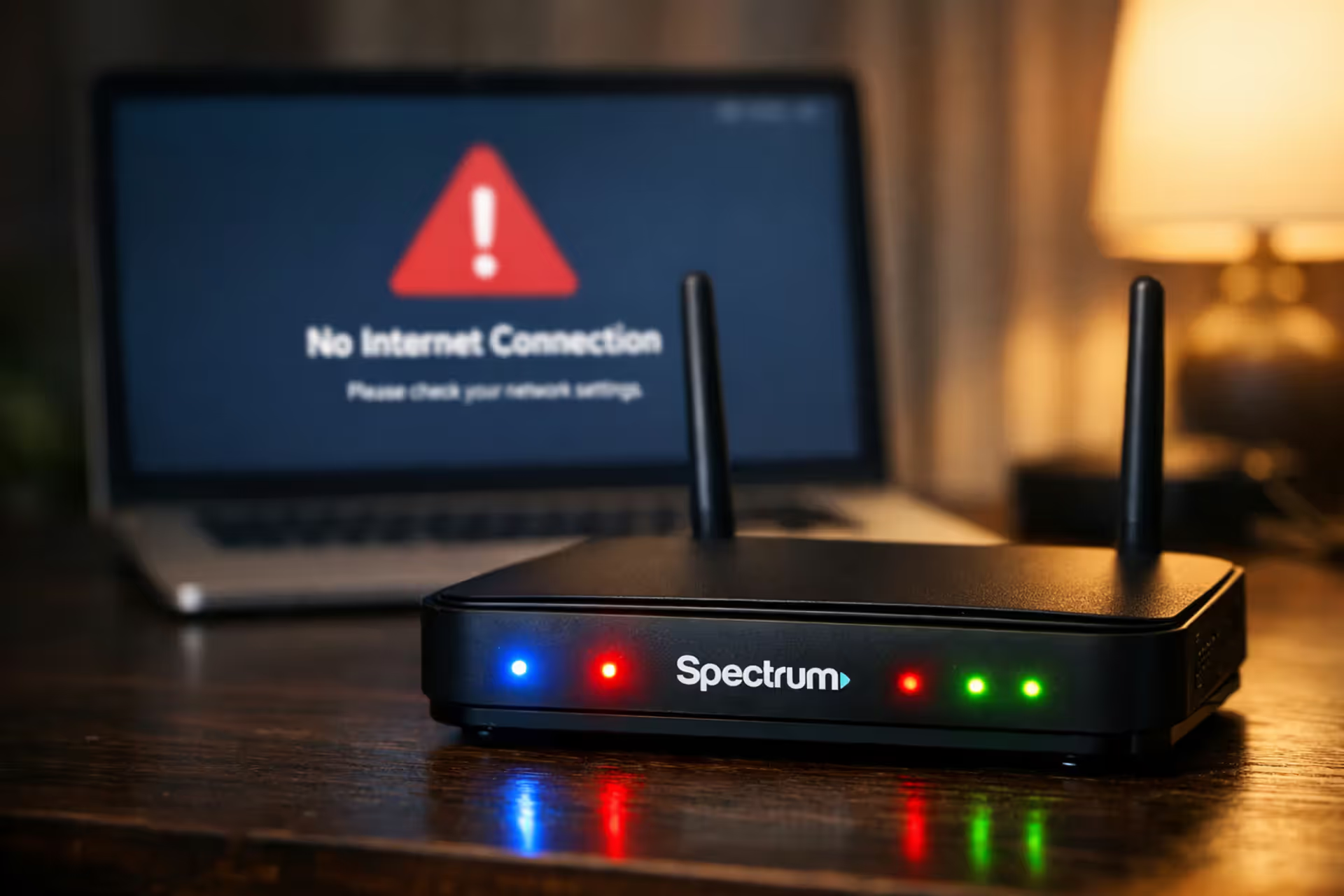
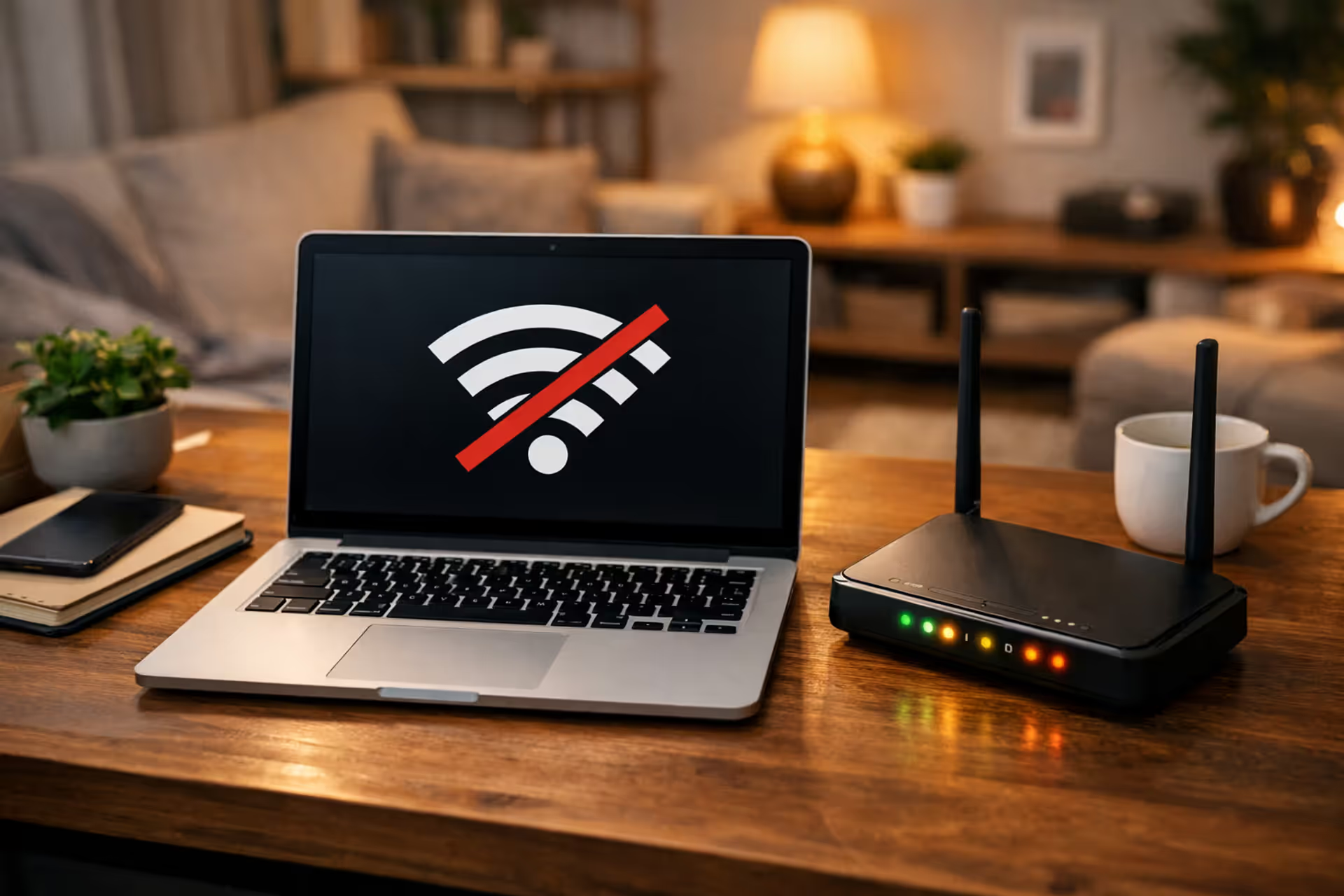
Spectrum modem with blinking LED lights on a desk next to a laptop showing a connection error screen in dim evening lighting
How to Check If Spectrum WiFi Is Out in Your Area Right Now

Your video conference just froze mid-sentence. Or maybe Netflix keeps buffering during the season finale you've waited weeks to watch. When Spectrum stops working, you need answers fast—is this a you problem or a them problem?
That's the question this guide answers. We'll show you exactly how to figure out whether Spectrum's network crashed or your equipment gave up the ghost.
How to Check If Spectrum Is Down in Your Area
Skip the whole "unplug everything and pray" routine until you know what you're dealing with. Grab your phone, switch to cellular data, and let's investigate.
Pull up spectrum.net/support on your phone's browser. You'll find a service status checker there, though it'll ask you to log in or punch in your service address. Takes maybe 30 seconds if you've got your credentials handy.
Faster option? The My Spectrum app absolutely crushes it here. Get it downloaded on your phone—obviously using cell data if your WiFi tanked. Sign in, hit the "Services" section, and boom. If Spectrum knows about an outage at your address, you'll see a red banner screaming about it. They usually toss in a time estimate too, though honestly those estimates move around as much as their repair trucks do.
Using the Spectrum Outage Map
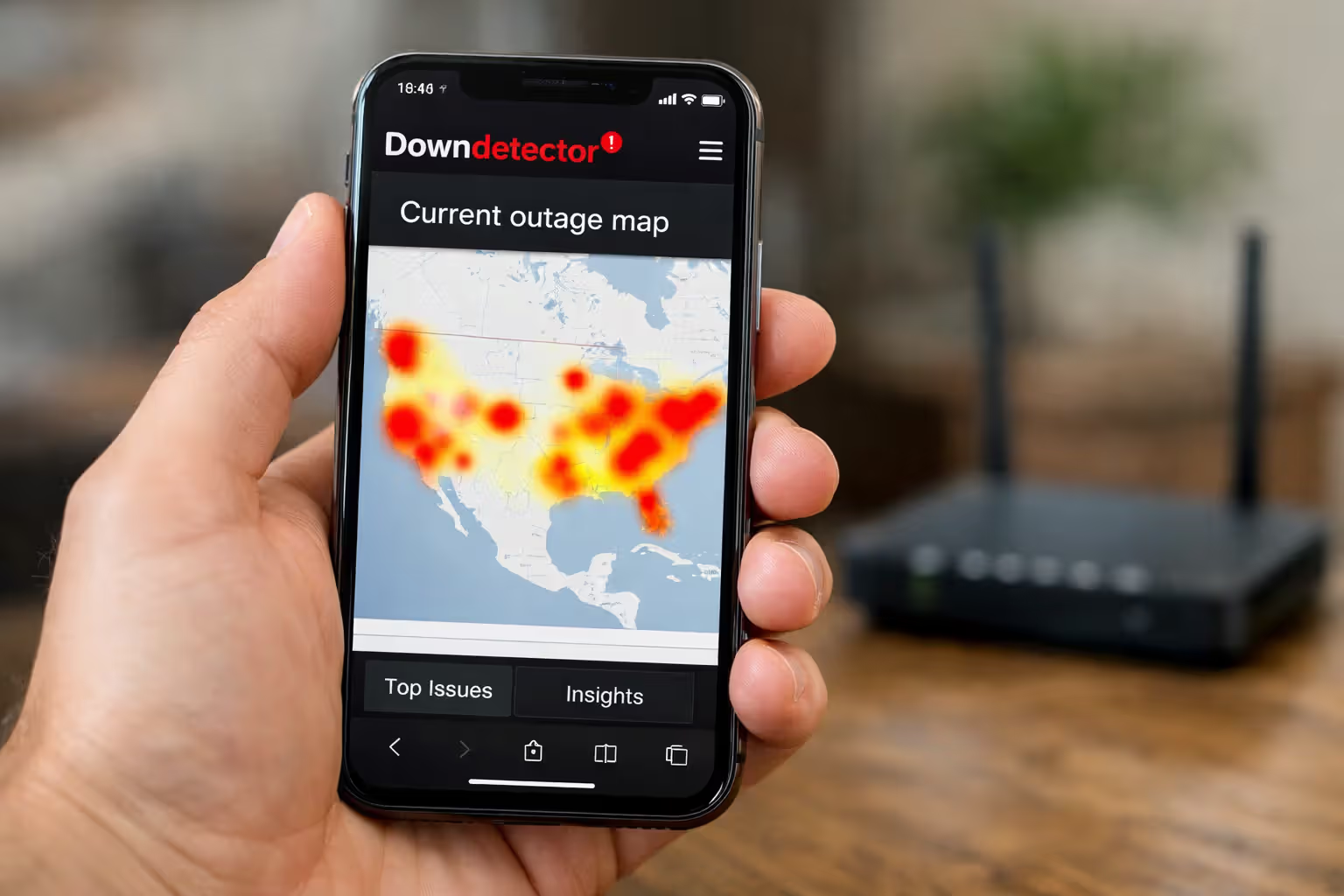
Websites like Downdetector.com don't wait for Spectrum to admit anything. Real people report problems there, and the site creates these heat map visualizations—red blobs where tons of complaints pile up. Look at their 24-hour graph. See a massive spike shooting upward? That's a legit widespread issue, not just your cranky modem.
Outage.Report does something similar but breaks everything down by city. Here's the thing about crowdsourced data though—50 reports in a city with half a million people might just be 50 folks with bad equipment. Context matters.
Alternative Ways to Verify Service Disruptions
Text your neighbor. Seriously. If you, the family three doors down, and that couple across the street all lost service at 2:47 PM, congratulations—you've got a node problem affecting your whole block.
Local Facebook groups go absolutely nuclear during outages. Same with Nextdoor. People post within minutes. You'll know what's up before Spectrum's official Twitter account (@GetSpectrum) even wakes up, though you should check there too. Search for your city name in their replies. Generic "we're working on it" responses don't help, but tweets mentioning your specific zip code or cross streets? That's confirmation.
Author: Lindsey Hartwell;
Source: flexstarsolutions.com
What Spectrum Modem Lights Tell You About Your Connection
Those little LEDs on your modem's face aren't just decorative. They're telling you a story—you just need to learn the language. Most Spectrum-issued modems rock four main indicators: Power, Online (sometimes labeled Internet), WiFi (on gateway models), and occasionally Link or US/DS lights.
Here's what they're actually saying:
| Indicator | What It's Doing | Translation | Your Next Move |
| Power (white or blue) | Glowing steady | Electricity's flowing normally | Nothing—you're good |
| Power | Dark | Zero electrical power reaching the modem | Try a different outlet, check if the power cable came loose, test your surge protector |
| Online/Internet (white or blue) | Glowing steady | Full connection established with Spectrum's network | Nothing—this is what success looks like |
| Online/Internet (white or blue) | Flashing | Your modem's hunting for Spectrum's signal | Give it 10 minutes; still blinking means outage or line problems |
| Online/Internet | Dark | Spectrum's network isn't responding at all | Almost certainly an outage or cable issue |
| Online/Internet (red or amber) | Steady or flashing | Connection handshake failed | Check where coax screws in, try restarting, confirm whether outage exists |
| WiFi (white or blue) | Glowing steady | Wireless signal broadcasting | Nothing—working as designed |
| WiFi | Dark | Wireless disabled or you're using a modem-only unit | Turn on WiFi through settings or stick with ethernet |
| Link/US/DS | Flickering green | Data moving up and down successfully | Nothing—flickering means activity |
| Link/US/DS | Amber or red | Upstream or downstream signal degraded | Inspect cable connections, possibly a line problem outside |
When that Online indicator glows solid blue or white, your modem locked onto Spectrum's frequency, completed its authentication dance, and grabbed an IP address. You're connected.
Blinking during the first five minutes after plugging in? Totally normal. The modem's scanning through frequencies and negotiating with Spectrum's equipment. Still blinking after 10-15 minutes? Either Spectrum's network isn't there, or your modem can't lock onto a clean signal.
Red or amber always equals trouble. An amber Online light specifically means registration failure—your modem sees Spectrum's network but can't complete the login process. Happens during outages, when billing issues freeze your account, or if your modem lost its authorization on Spectrum's system.
Step-by-Step: Restarting Your Spectrum Modem and Router
Power cycling clears out all the temporary junk cluttering your equipment's memory and forces a fresh connection negotiation. Fixes maybe 40% of non-outage problems, so worth trying before you call support and spend 20 minutes on hold.
First, figure out what you've got. One box with WiFi antennas sticking out? That's a gateway—modem and router combined. Two separate boxes? The one with just a coax cable going in is your modem; the one with multiple ethernet ports and WiFi antennas is your router.
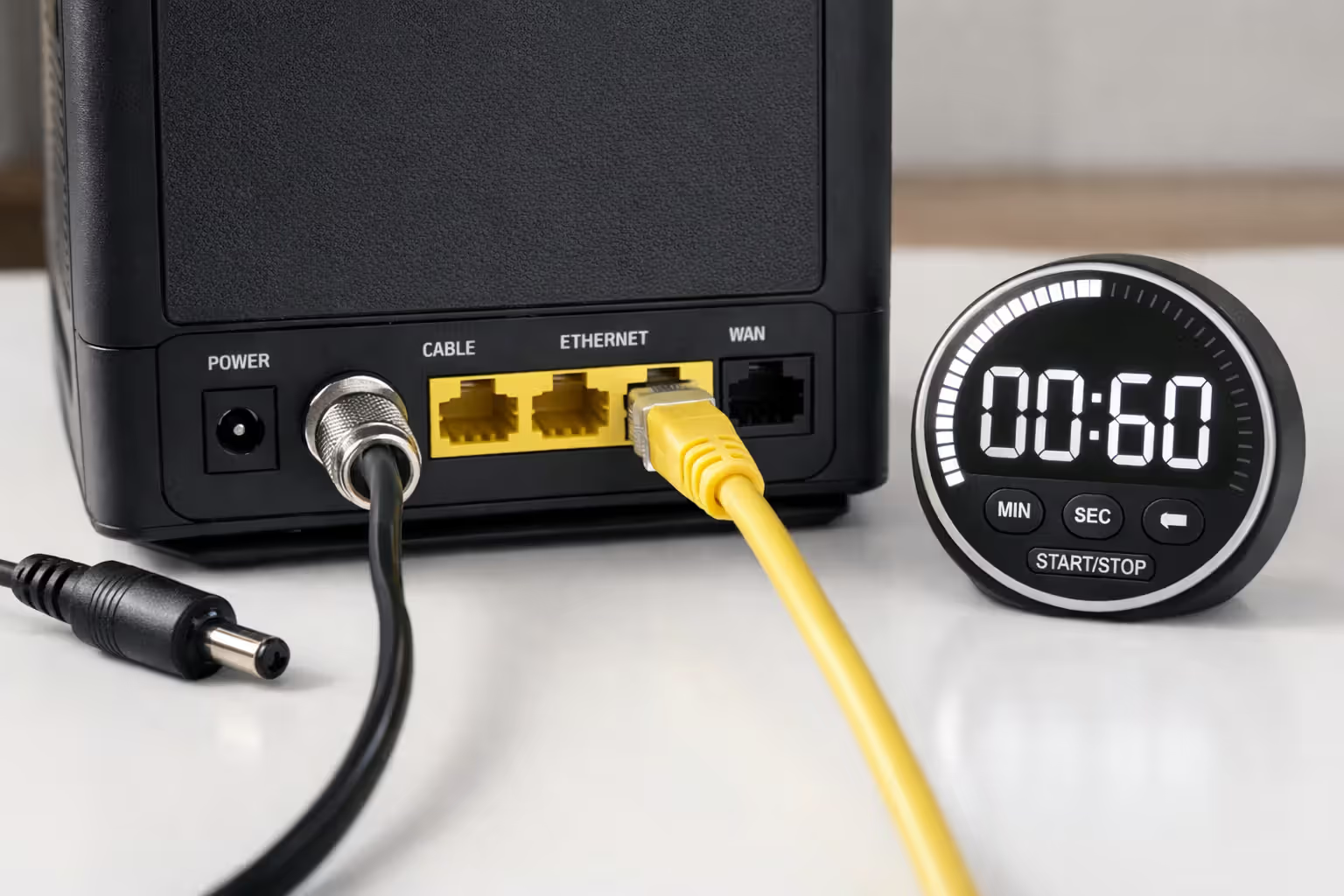
Yank the power cable from your modem's back panel. Don't just hit a power strip switch—physically disconnect it from the device. Got a separate router? Pull its power too.
Now wait 60 full seconds. Count them. This isn't superstition—capacitors inside need time to completely discharge. Quick five-second power cycles just put equipment to sleep without clearing problematic data lurking in volatile memory.
Reconnect modem power first. Watch the light show: Power comes on, then the modem cycles through its startup routine, and eventually the Online indicator goes solid. Takes anywhere from two to five minutes. Don't touch the router yet.
After that Online light stops blinking and holds steady, plug your router back in. The router can't configure itself properly without an active internet feed from the modem. Another two minutes for the router to boot up and start broadcasting WiFi.
Test your connection now. If it works, you just cleared a temporary software hiccup or memory overflow situation. If it doesn't work and your modem's Online light is still off or red, you're either in an outage or facing hardware/line issues.
Don't restart more than twice in a row. Spectrum's automated security systems sometimes interpret repeated power cycles as suspicious activity and lock your modem, which requires calling support to fix.
Author: Lindsey Hartwell;
Source: flexstarsolutions.com
How to Report a Spectrum Outage
Even when Spectrum already knows about an outage, reporting your experience helps them prioritize repair crews and creates a paper trail for potential service credits.
Residential customers dial 1-833-267-6094. Business accounts call 1-855-243-8892. The automated system grabs your phone number, checks your account, and immediately tells you about known outages at your address.
Mash zero or say "representative" to reach an actual human if the automated info doesn't match what you're seeing. Be specific: "My modem's Online light is dark" gives them way more useful information than "internet broken." Tell them when problems started and whether every device is affected or just some.
The My Spectrum app has a reporting feature buried under the "Support" section. Tap "Report an Issue," pick "Internet," then describe what's happening. This generates a ticket tied to your account that you can reference later. During massive outages when phone hold times hit 45 minutes, app reporting wins.
Spectrum's website chat at spectrum.net/support works too. The chatbot tries basic troubleshooting first, but typing "agent" or "representative" usually escalates you to a human pretty quickly. Chat gives you a transcript emailed to your account address, which beats trying to remember what a phone agent told you.
When you report, have your account number ready (check any bill), confirm the exact service address, and mention any error messages you're seeing. Already tried restarting everything? Say so—skips redundant troubleshooting steps. Grab a ticket number, ask when they expect restoration, and ask about service credits if the outage passes four hours.

Author: Lindsey Hartwell;
Source: flexstarsolutions.com
Troubleshooting When It's Not a Widespread Outage
Spectrum's status page says everything's fine, but your internet is decidedly not fine. This means the problem lives at your location—either your equipment or the line running from the street to your house.
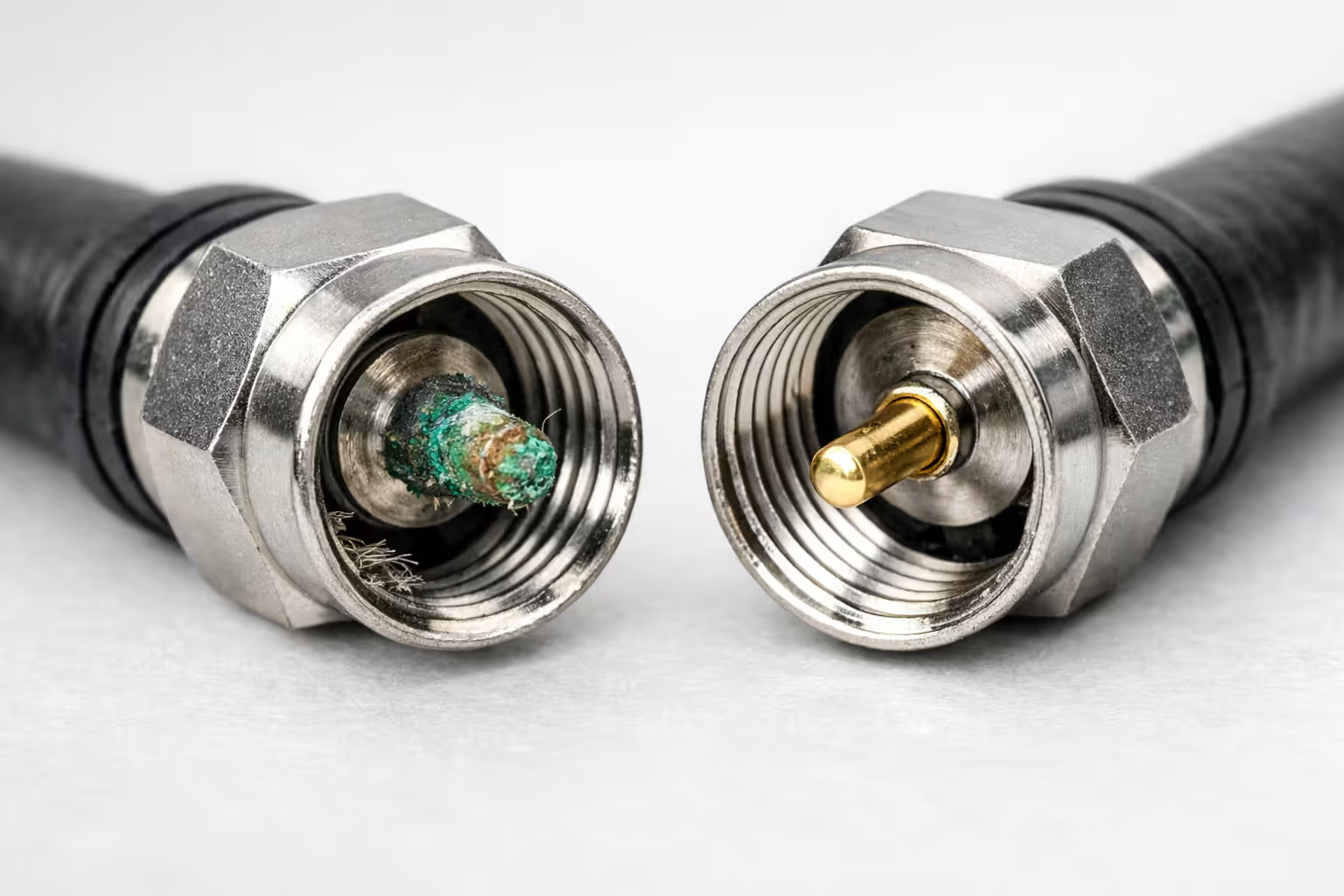
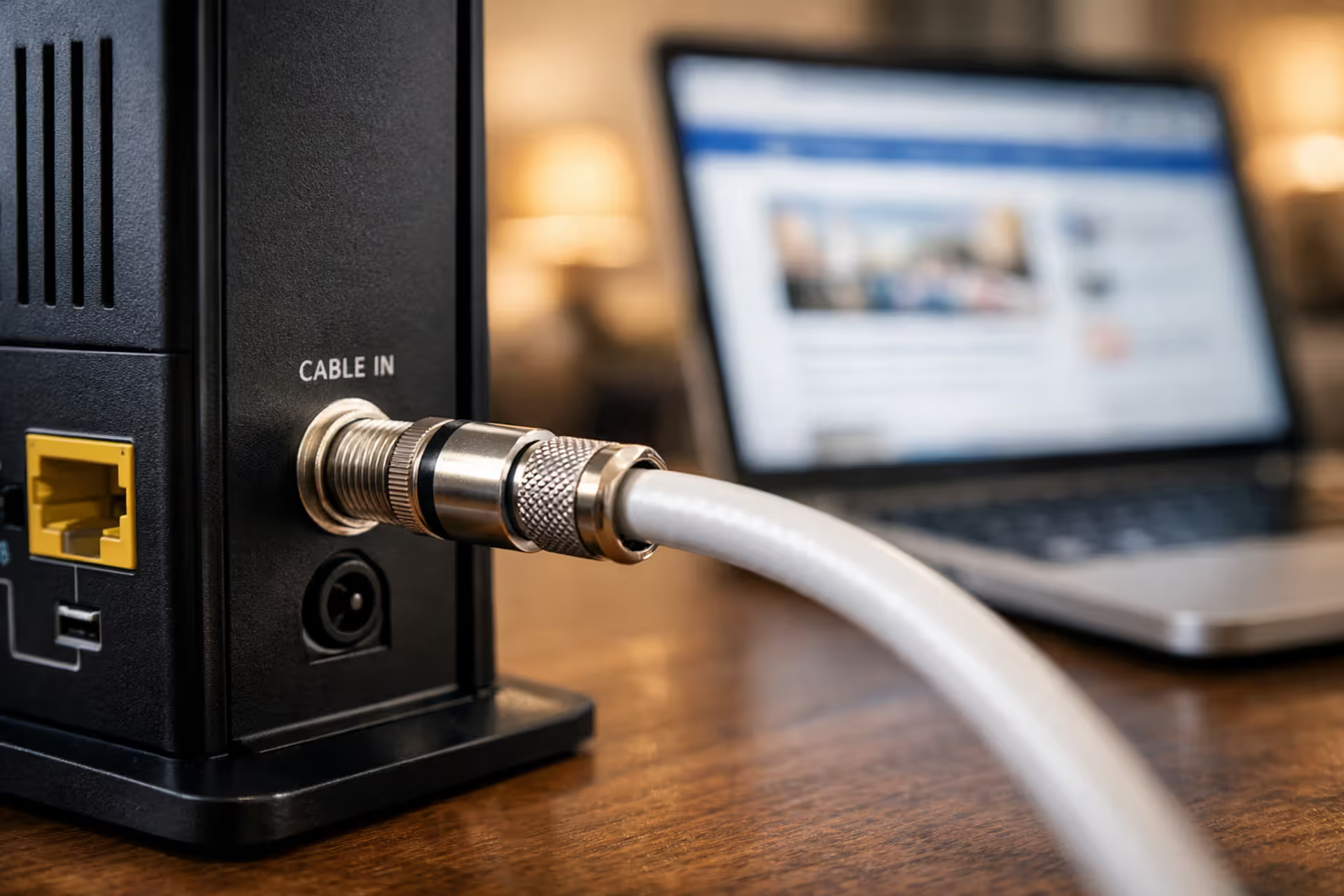
Start with coax cable connections. These loosen over time. Dust and moisture create corrosion. Follow the coax from your wall outlet to where it screws into your modem. Unscrew both ends, eyeball the center pin for bending or that green corrosion crud, and hand-tighten them back down. Don't grab pliers—you'll strip the connector or crack the cable's inner core. A loose wall connection creates these maddening intermittent drops where your modem keeps losing and finding signal, making everything feel broken.
Does the problem hit all your devices or just one? If your laptop connects via WiFi but your phone won't, that's a router wireless issue or a phone WiFi adapter problem, not Spectrum. Plug something directly into the modem with an ethernet cable, completely bypassing your router. Works now but WiFi doesn't? Your router needs firmware updates, a factory reset, or replacement.
Inspect that coax cable itself. Cables running along baseboards get crushed by couch legs, chewed by pets, or kinked during furniture rearranging. Even small bends trash signal quality. Visible damage or you suspect cable issues? Spectrum replaces the line from street to modem free for standard installations.
Weather impacts signal more than you'd think. Heavy rain seeps into outdoor connection boxes that weren't sealed properly, temporarily degrading signal. Extreme temperatures make cable connections expand or contract slightly, creating intermittent issues. If your problems correlate with specific weather—works fine until it rains hard—tell support. Points technicians toward outdoor infrastructure.
Author: Lindsey Hartwell;
Source: flexstarsolutions.com
Common Mistakes That Look Like Outages
Many routers have a physical WiFi toggle switch on the back panel. You bumped it accidentally, WiFi vanishes, and suddenly it feels like Spectrum's whole network collapsed. Check that switch before panicking.
Windows network adapter settings sometimes get disabled by troubleshooting wizards. Your computer thinks the internet died when actually just that computer's network interface got shut off. Check adapter settings in Control Panel.
Browser DNS cache corruption makes specific sites fail while others load fine. People interpret this as a partial outage. Clear your browser cache or try a different browser. Flush your computer's DNS cache (type "ipconfig /flushdns" in Windows Command Prompt) and see if that fixes things.
VPN software with "kill switch" features blocks all internet traffic when the VPN connection drops. If you run VPN services, disable them temporarily as a test. Antivirus and firewall software occasionally pushes updates that go overboard restricting network access, especially right after Windows updates.
Too many devices connected to a gateway can create bizarre symptoms. Spectrum gateways typically max out at 20-30 simultaneous connections. Smart home gadgets, multiple phones, tablets, streaming boxes—you hit that limit faster than you think. Disconnect half your devices as a test. Service returns? You exceeded your gateway's capacity and need a better router.
When to Expect Service Restoration During Spectrum Outages
How long you'll wait depends entirely on what broke. Scheduled maintenance windows run 2 AM to 6 AM and usually wrap up in two to four hours. Spectrum's supposed to notify customers 24-48 hours ahead via email or app, though those notifications love hiding in spam folders.
Unplanned outages from failed equipment at neighborhood nodes resolve faster than physical infrastructure damage. A fried line card at a distribution hub takes three to six hours to swap—technicians access the facility, diagnose the exact failed component, and replace hardware. Fiber cuts from construction accidents take eight to 24 hours because crews have to locate the exact damage point, splice in new fiber, and test signal quality across the entire affected segment.
Weather-related outages drag on longest. Trees falling on aerial cable lines require utility company coordination to shut down power lines before Spectrum technicians can safely reach communication cables. Ice storms hitting multiple states push restoration to 48-72 hours as crews prioritize critical infrastructure—hospitals, emergency services—then systematically work through residential areas.
ISPs typically restore service to the largest number of customers first, meaning individual line issues get addressed after neighborhood-wide problems are fixed. Customers should expect 24-hour resolution times for localized outages, but persistent individual connection problems sometimes take multiple truck rolls to diagnose intermittent issues
— John Bergmayer
Spectrum follows a logical but sometimes annoying restoration hierarchy: critical infrastructure and business customers first, then residential areas ranked by customer density. A node serving 500 homes jumps ahead of one serving 50. If your neighborhood ends up last in queue, your outage extends hours beyond nearby areas even though the underlying cause is identical.
Service credits kick in after four hours of downtime, calculated as a pro-rated daily credit for each 24-hour period you're completely without service. Not automatic—you've got to call customer service within 30 days of the outage and request it. Document start and end times using your phone's cellular data connection for reference.
Frequently Asked Questions
Conclusion
Figuring out whether Spectrum WiFi is down comes down to a systematic approach: confirm widespread outages using official and third-party sources, decode what your modem's lights are saying, execute proper equipment restarts, and separate network problems from local equipment issues. Most connection headaches resolve through basic troubleshooting, but recognizing when to report an outage versus when to check your own gear saves massive amounts of frustration and wasted time.
Save Spectrum's support number in your phone now. Bookmark those outage map sites. Learn what your modem's light patterns mean before everything breaks. When outages happen, report promptly and track duration for service credit requests. These processes transform a hair-pulling disruption into a manageable annoyance with clear steps toward resolution.
Related Stories

Read more
Read more



The content on this website is provided for general informational and educational purposes only. It is intended to offer guidance on internet technology topics, including internet providers, connection types (fiber, cable, and 5G home internet), WiFi setup, router configuration, internet speed requirements, and online security practices. The information presented should not be considered technical, legal, or professional networking advice.
All information, articles, comparisons, and technical explanations on this website are for general informational purposes only. Internet service availability, performance, speeds, equipment requirements, and security features may vary by provider, location, infrastructure, and individual network configuration. Actual internet performance and reliability depend on many factors, including hardware, service plans, local network conditions, and user behavior.
This website is not responsible for any errors or omissions in the content or for actions taken based on the information provided. Reading this website does not create a professional or service relationship. Users are encouraged to consult with their internet service provider, network specialist, or qualified technical professional for advice specific to their internet setup, equipment, or connectivity needs.