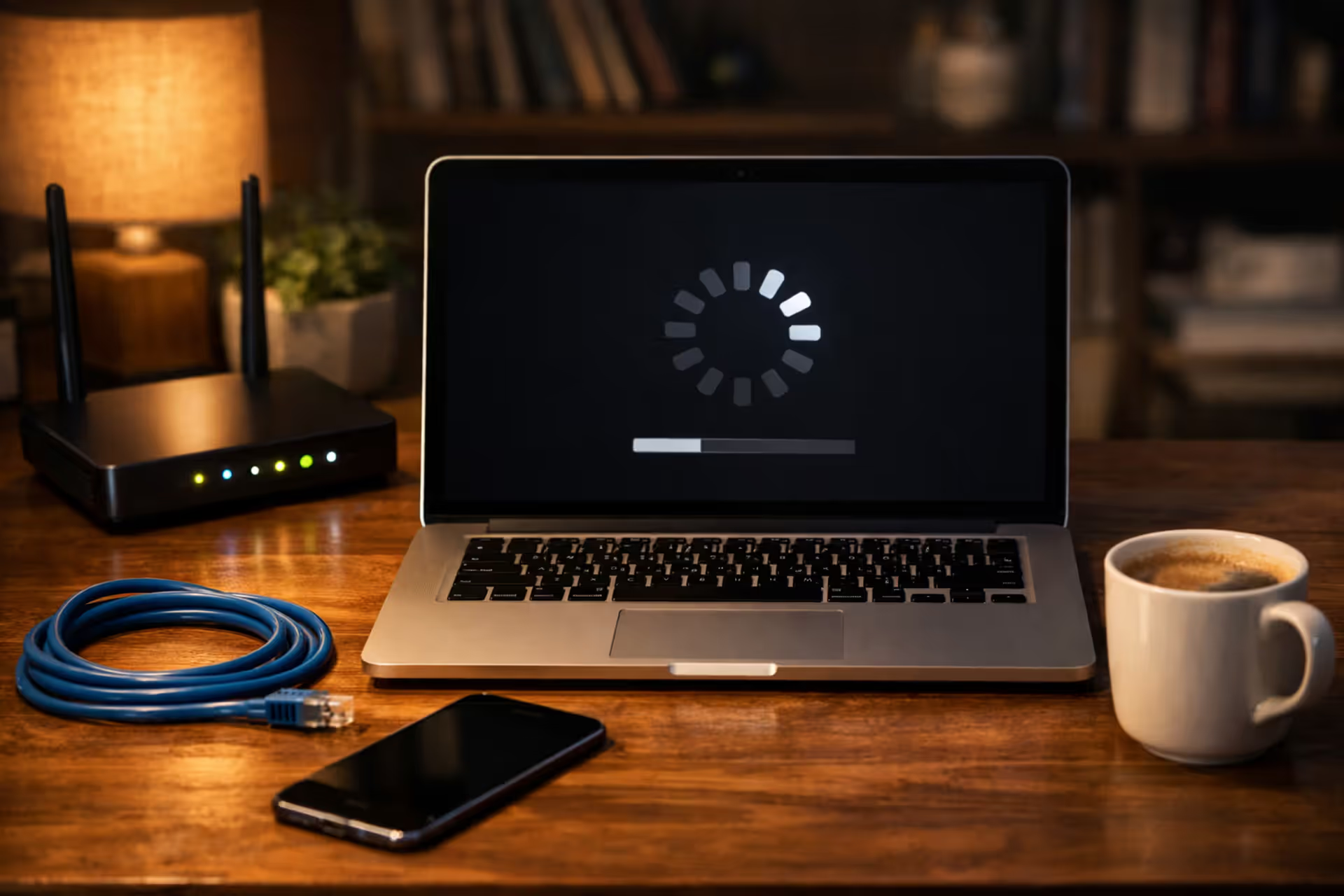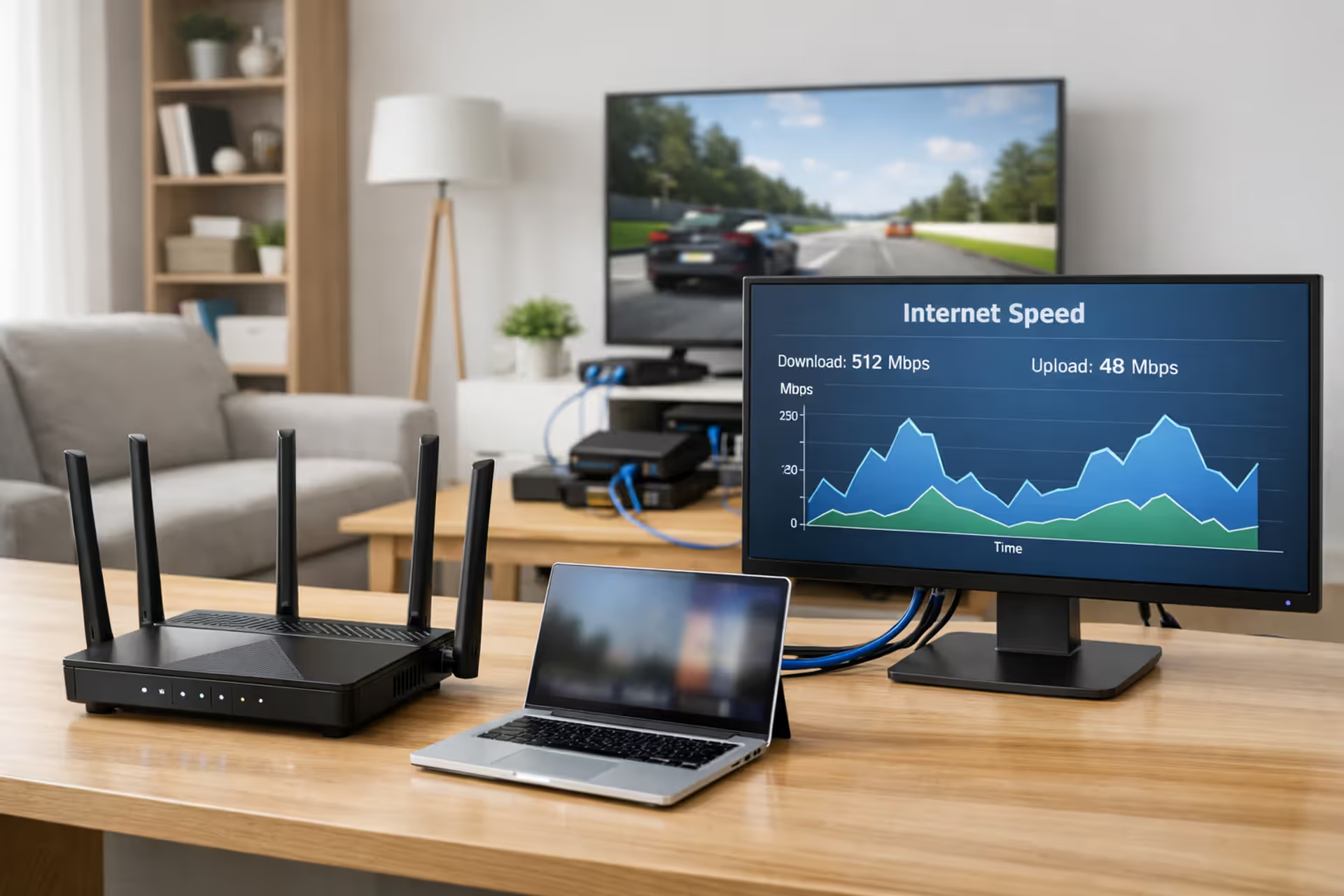
Modern home office with a high-performance WiFi router, laptop, monitor displaying internet speed graph, and connected devices in a living room
How to Decide Between 1 Gig vs 2 Gig Internet for Your Home

Content
Your internet service provider just announced a 2 gig plan. The marketing promises blazing speeds and future-proof connectivity, but you're already paying $70–$90 monthly for gigabit service that seems plenty fast. Should you upgrade?
The answer depends less on raw speed and more on your specific equipment, household usage patterns, and willingness to invest in new hardware. Most homes won't extract meaningful value from 2 gig service without spending $300–$800 on compatible gear first.
Speed on Paper vs Speed in Your Home: What Actually Changes
Theoretical maximum speeds rarely translate to everyday performance gains. A 2 gig connection delivers 2,000 Mbps down and typically 1,000–2,000 Mbps up, double the 1,000 Mbps symmetrical speeds of gigabit fiber. But your actual experience depends on simultaneous device usage, network architecture, and whether your activities actually consume that bandwidth.
Download and Upload Speed Comparison
Single-device downloads show the clearest difference. A 100 GB game download takes roughly 13 minutes on 1 gig versus 6.5 minutes on 2 gig—assuming your gaming console or PC has a 2.5 GbE or faster network card and connects via Ethernet. Most laptops ship with 1 GbE ports, immediately capping your download at gigabit speeds regardless of your internet plan.
Upload speeds matter more for content creators, remote workers sharing large files, and anyone running cloud backups. If you're uploading 50 GB of 4K footage, 1 gig completes the job in about 6.5 minutes while 2 gig cuts that to 3.25 minutes. The time savings compound when you perform these tasks daily.
Here's where real-world differences appear—and disappear:
| Activity | Simultaneous Devices | 1 Gig Performance | 2 Gig Performance | Noticeable Difference? |
| 4K streaming (25 Mbps per stream) | 10 | Flawless (uses 250 Mbps) | Flawless (uses 250 Mbps) | No—streaming doesn't scale with faster plans |
| Video conferencing (5 Mbps up per feed) | 6 active cameras | Smooth (30 Mbps used) | Smooth (30 Mbps used) | No—insufficient bandwidth isn't the bottleneck |
| Competitive gaming (0.5–3 Mbps per session) | 4 gamers | Perfect (12 Mbps max) | Perfect (12 Mbps max) | No—latency matters more than bandwidth |
| Large file download + 4K streaming + gaming | 8 total | 600 Mbps available for download | 1,400 Mbps available for download | Yes—download completes 2.3× faster during congestion |
| Simultaneous cloud backups (3 computers) | 3 uploading | Shares 1,000 Mbps (~330 Mbps each) | Shares 2,000 Mbps (~660 Mbps each) | Yes—backups finish in half the time |
| Smart home devices (cameras, sensors, speakers) | 40+ devices | Minimal impact (50 Mbps total) | Minimal impact (50 Mbps total) | No—IoT devices use negligible bandwidth |
The pattern emerges clearly: streaming, gaming, and video calls consume fixed bandwidth regardless of your plan speed. Only bandwidth-intensive simultaneous activities—multiple large downloads, cloud uploads, or local network transfers—benefit from the extra headroom.
How Network Congestion Affects Multi-Gig Performance
Network congestion happens at three levels: within your home, at your ISP's local node, and across the broader internet. A 2 gig plan only addresses the first issue.
During peak evening hours (7–11 PM), some cable ISPs experience neighborhood congestion where advertised speeds drop 20–40%. Fiber providers typically avoid this problem through dedicated bandwidth allocation. If your 1 gig cable connection slows to 600 Mbps during peak times, upgrading to 2 gig cable might deliver 1,200 Mbps—but you're still experiencing the same proportional slowdown.
Inside your home, congestion occurs when aggregate device demand exceeds your connection speed. A household running two 4K streams (50 Mbps), three video calls (15 Mbps), background cloud sync (200 Mbps), and a game download (700 Mbps) hits 965 Mbps—maxing out a 1 gig connection. That same scenario on 2 gig leaves 1,035 Mbps unused, but the practical benefit only appears during those specific high-usage windows.
The Equipment Barrier: Why Your Current Setup Won't Support 2 Gig
Your existing router, modem, network switch, Ethernet cables, and device network cards almost certainly cannot handle 2 gig speeds. This hardware limitation represents the biggest hidden cost of upgrading.
Standard gigabit equipment uses 1 GbE (Gigabit Ethernet) ports that physically cannot exceed 1,000 Mbps. Plugging a 2 gig connection into 1 GbE hardware bottlenecks your speed at gigabit rates—you're paying for 2 gig but receiving 1 gig performance.
Router and Modem Requirements for Multi-Gig Plans
Your ISP typically provides a compatible modem or ONT (optical network terminal) for fiber connections, though some charge $10–$15 monthly rental fees. Purchasing your own compatible modem costs $150–$300 but eliminates recurring fees.
The router presents a bigger challenge. Multi-gig routers need:
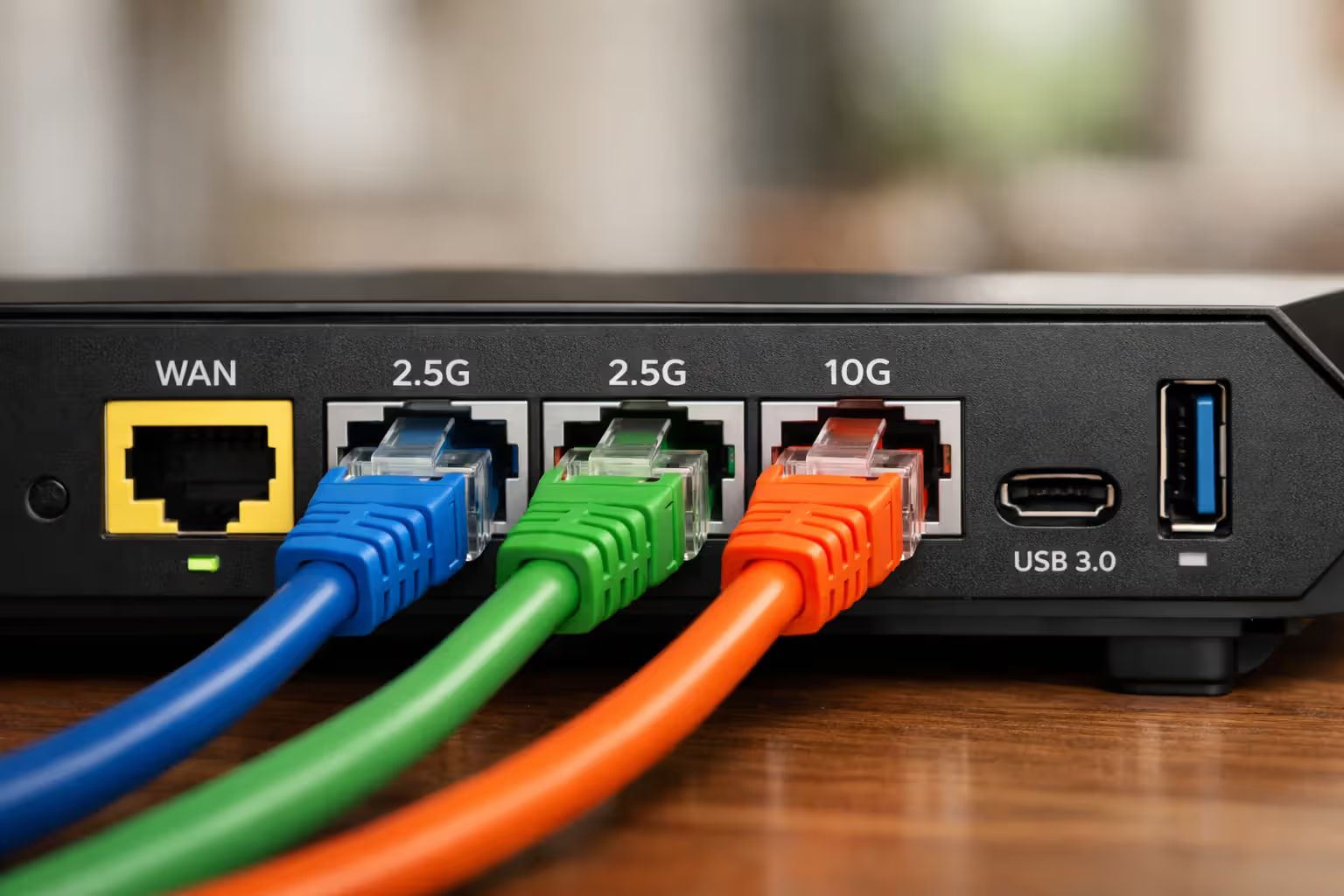
- At least one 2.5 GbE or 10 GbE WAN port to receive the full internet connection
- Multiple 2.5 GbE or faster LAN ports to distribute speed to wired devices
- WiFi 6E or WiFi 7 to deliver multi-gig wireless speeds
- Sufficient processing power to route traffic at 2+ Gbps without creating CPU bottlenecks
Budget routers ($80–$150) universally lack these specifications. You'll need to spend $250–$600 on models like the ASUS RT-AXE7800, Netgear Nighthawk RAXE500, or TP-Link Archer AXE200. Mesh systems supporting multi-gig typically cost $400–$800 for a three-pack.
Author: Tyler Beaumont;
Source: flexstarsolutions.com
2.5GbE vs 10GbE: Which Ports Do You Actually Need?
The networking industry created 2.5 GbE and 5 GbE standards as affordable stepping stones between 1 GbE and 10 GbE. For 2 gig internet, 2.5 GbE ports provide adequate headroom. For future-proofing or local network transfers exceeding 2 Gbps, 10 GbE makes sense.
2.5 GbE advantages: - Works with standard Cat 5e or Cat 6 Ethernet cables you already own - Costs 30–50% less than 10 GbE equipment - Adequate for 2 gig internet with overhead for network protocol efficiency - Lower power consumption and heat generation
10 GbE advantages: - Supports future 5 gig or 10 gig internet plans without another equipment upgrade - Enables 10 Gbps local network transfers between computers, NAS devices, and servers - More common in enterprise-grade equipment with better long-term support
For most households, a router with one 2.5 GbE WAN port and 2–4 2.5 GbE LAN ports hits the sweet spot. If you run a home lab, edit video from a NAS, or plan to keep this equipment for 7+ years, invest in 10 GbE infrastructure.
Here's what you'll actually need to replace:
| Component | 1 Gig Spec | 2 Gig Spec Required | Approximate Cost | Must Replace? |
| Router | 1 GbE WAN/LAN ports, WiFi 5/6 | 2.5+ GbE WAN/LAN, WiFi 6E/7 | $250–$600 | Yes |
| Network switch (if used) | 1 GbE ports | 2.5 GbE or 10 GbE ports | $100–$400 | Yes, for full-speed wired devices |
| Ethernet cables | Cat 5e (adequate for 1 GbE) | Cat 6/6a (required for 2.5+ GbE) | $30–$100 for home | Maybe—Cat 5e works for 2.5 GbE up to 100m |
| PC network card | 1 GbE integrated | 2.5 GbE or 10 GbE add-in card | $30–$150 per computer | Yes, for computers to exceed 1 Gbps |
| Laptop adapter | 1 GbE USB-C/Thunderbolt | 2.5 GbE USB 3.2 or Thunderbolt | $40–$80 per laptop | Yes, for laptops to exceed 1 Gbps |
Total equipment investment: $300–$800 for a typical household, or $800–$1,500 if upgrading multiple computers, adding a multi-gig switch, and purchasing a high-end mesh system.
WiFi 6E and WiFi 7 Capabilities for Wireless Multi-Gig
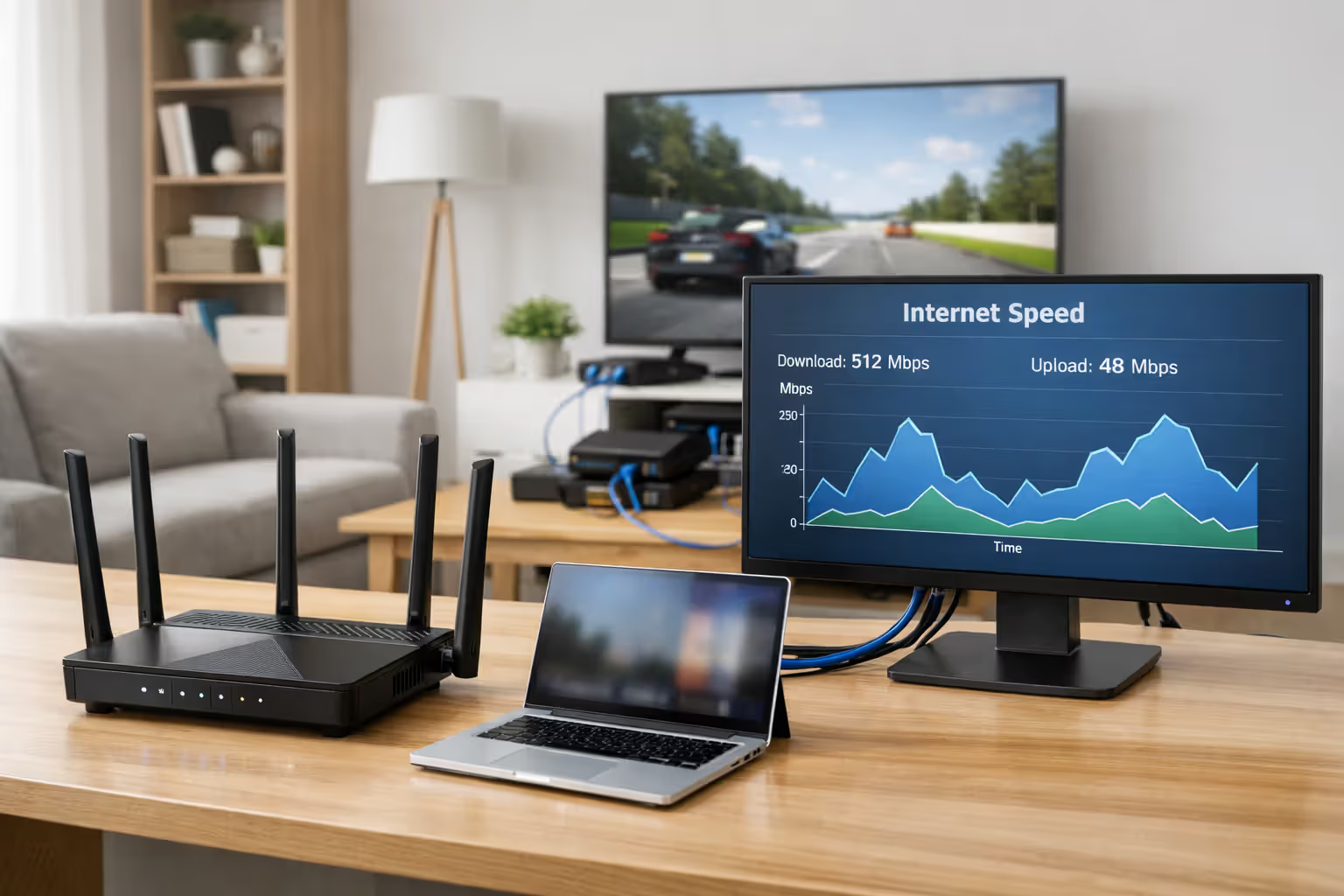
WiFi creates another bottleneck. WiFi 5 maxes out around 600–800 Mbps in real-world conditions. WiFi 6 improves to 900–1,200 Mbps on the 5 GHz band. To exceed gigabit speeds wirelessly, you need WiFi 6E or WiFi 7.
WiFi 6E adds the 6 GHz band with cleaner spectrum and less interference, enabling 1,500–2,000 Mbps to compatible devices. WiFi 7 pushes theoretical speeds to 5,000+ Mbps through wider 320 MHz channels and improved modulation.
The catch: your devices need compatible wireless cards. Most phones from 2023 onward support WiFi 6E. Laptops vary widely—business models often include WiFi 6E, while budget laptops stick with WiFi 6. Gaming consoles like PlayStation 5 and Xbox Series X use WiFi 6, capping wireless speeds around 1 Gbps.
Even with WiFi 6E, distance and obstacles degrade performance. You might achieve 1,800 Mbps standing 10 feet from the router but drop to 600 Mbps in a bedroom 40 feet away through two walls. Mesh systems help, but each wireless hop between mesh nodes cuts available bandwidth roughly in half.
Wired connections remain the only reliable way to achieve consistent 2 gig speeds at individual devices.
Author: Tyler Beaumont;
Source: flexstarsolutions.com
Who Actually Benefits from 2 Gig Internet (And Who's Wasting Money)
Not every household gains meaningful value from doubling internet speed. The decision hinges on specific usage patterns and whether you regularly encounter bandwidth constraints.
You'll benefit from 2 gig internet if you:
- Operate a household with 6+ people simultaneously streaming, gaming, and video calling during peak hours
- Regularly upload 50+ GB files for work (video editors, 3D artists, software developers pushing large builds)
- Run a home business hosting servers, video conferencing with clients, and transferring large datasets
- Download 100+ GB game files or software updates multiple times weekly and value time savings
- Maintain extensive smart home systems with 4K security cameras uploading to cloud storage
- Work remotely while other household members consume high bandwidth, and you've experienced slowdowns
You're probably wasting money if you:
- Live alone or with one other person with typical internet usage
- Primarily stream video, browse the web, and use social media—activities that consume 50–200 Mbps total
- Game competitively (latency matters more than bandwidth; 100 Mbps is sufficient)
- Already have 1 gig internet and never notice slowdowns or buffering
- Use WiFi exclusively with devices that don't support WiFi 6E or WiFi 7
- Aren't willing to invest $300–$800 in compatible networking equipment
We see less than 8% of customers with 2 gig plans actually utilizing more than 1.2 Gbps during peak usage. The sweet spot for most households remains 500 Mbps to 1 gig. Multi-gig plans make sense for power users and large families, but the average subscriber won't notice the difference in daily activities. The equipment upgrade cost alone exceeds what most people save by sticking with gigabit service for 12–18 months
— Mark Chen
Content creators represent the clearest use case. A YouTube creator uploading 80 GB of edited 4K footage weekly saves about 4 hours monthly with 2 gig versus 1 gig upload speeds. Over a year, that's 48 hours—nearly six full workdays. For someone billing $50–$150 hourly, the time savings justify the equipment investment and higher monthly fees within 3–6 months.
Families with teenagers face bandwidth congestion during evening hours when everyone's home. Three kids streaming different shows, parents on work calls, and someone downloading a game update can push past 1 Gbps. The 2 gig headroom prevents the buffering and slowdowns that trigger household complaints.
Cost Analysis: Monthly Fees, Equipment Upgrades, and Break-Even Timeline
Pricing varies by provider and region, but typical patterns emerge:
- 1 gig internet: $60–$90/month (fiber), $80–$120/month (cable)
- 2 gig internet: $100–$150/month (fiber), $120–$180/month (cable)
- Monthly premium: $30–$60 more for 2 gig
Equipment costs add $300–$800 upfront. If your provider charges $15 monthly modem rental, purchasing your own recoups costs in 10–20 months, but you still need the router, network cards, and potentially a switch.
Break-even scenarios:
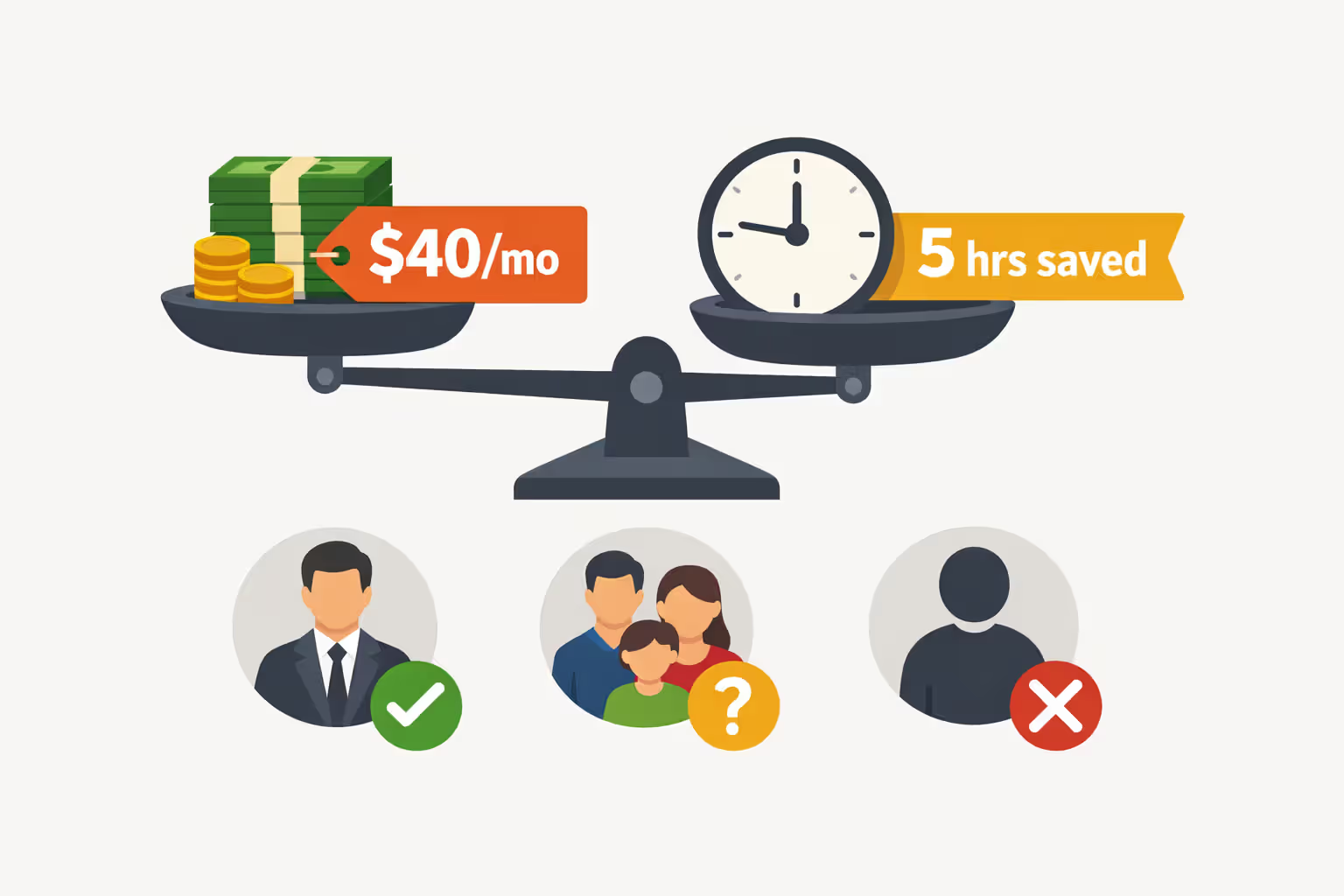
Scenario 1: Time-is-money professional - Monthly premium: $40 - Equipment investment: $600 - Time saved: 5 hours/month at $75/hour = $375 value - Break-even: Immediate—time savings exceed costs from month one
Scenario 2: Large family avoiding slowdowns - Monthly premium: $35 - Equipment investment: $450 - Intangible value: Eliminating buffering complaints, smoother concurrent usage - Break-even: Subjective—depends on how much you value convenience
Scenario 3: Typical household with moderate usage - Monthly premium: $40 - Equipment investment: $500 - Measurable benefit: Minimal—rarely exceeds 1 Gbps - Break-even: Never—paying for unused capacity
Run your own calculation: estimate how many hours monthly you save with faster uploads/downloads, multiply by your hourly value (professional rate or what you'd pay someone for that time), and compare against the monthly premium plus amortized equipment costs over 24–36 months.
Author: Tyler Beaumont;
Source: flexstarsolutions.com
Your Pre-Upgrade Checklist: 7 Things to Verify Before Switching to 2 Gig
Don't commit to a 2 gig plan until you've confirmed these points:
- Check current bandwidth utilization Log into your router and review bandwidth usage statistics over the past month. If peak usage never exceeds 600–700 Mbps, you don't need 2 gig. Most routers show this data under "Traffic Monitor," "Statistics," or "QoS" settings.
- Audit your existing equipment List every router, switch, network card, and cable in your network. Search model numbers to confirm port speeds. Assume anything older than 2021 lacks 2.5 GbE support unless explicitly specified.
- Verify ISP availability and real-world speeds Call your ISP to confirm 2 gig service availability at your address. Ask about upload speeds (some cable providers offer 2 gig down but only 100–200 Mbps up). Check independent speed test data on sites like DSLReports to see if customers actually achieve advertised speeds.
- Calculate total equipment replacement costs Price out every component you need: router, switch (if applicable), network cards for computers you want to exceed 1 Gbps, and cables. Add 20% contingency for unexpected compatibility issues.
- Confirm device compatibility Check specifications for your computers, laptops, gaming consoles, and NAS devices. If your most bandwidth-intensive devices max out at 1 GbE, you'll need to upgrade those too or accept they'll remain bottlenecked.
- Test current service quality during peak hours Run speed tests at 8 PM on a weeknight—the highest congestion period. If you're getting 900+ Mbps on your 1 gig plan, your ISP delivers reliably. If speeds drop to 400–600 Mbps, congestion exists, but upgrading to 2 gig may not solve it if the bottleneck is at the ISP's node.
- Review contract terms and trial periods Ask about installation fees ($50–$150 for some providers), contract length, early termination fees, and whether they offer a 30-day trial. Some ISPs let you test 2 gig for a month and downgrade without penalty if you're unsatisfied.
Common Mistakes When Upgrading to Multi-Gig Internet
Even tech-savvy users overlook critical details when jumping to 2 gig service:
Buying a "2 gig compatible" router with only one 2.5 GbE port Some routers advertise multi-gig support but include just one 2.5 GbE WAN port with four 1 GbE LAN ports. Your internet connection runs at 2 gig, but wired devices still max out at 1 Gbps. Verify the router has multiple 2.5 GbE LAN ports or plan to add a multi-gig switch.
Assuming WiFi will deliver 2 gig speeds Physics limits wireless performance. Even WiFi 6E rarely exceeds 1,500 Mbps in real-world conditions, and that's only in the same room as the router. Budget for Ethernet runs to stationary devices that need maximum speed—desktop computers, gaming consoles, NAS devices.
Ignoring CPU bottlenecks in older routers Some routers have 2.5 GbE ports but use older processors that can't route 2 Gbps of traffic without maxing out CPU and creating latency spikes. Check reviews specifically testing multi-gig routing performance, not just port specifications.
Mixing Cat 5e and Cat 6 cables without labeling Cat 5e supports 2.5 GbE up to 100 meters but struggles with 5 GbE or 10 GbE. If you're planning for future upgrades, use Cat 6a throughout. Label cables by category so you know which runs support what speeds.
Failing to update router firmware before testing Manufacturers often release firmware updates improving multi-gig performance and fixing bugs. Update immediately after installing new equipment, then run speed tests.
Not configuring QoS for mixed-speed devices If some devices connect at 2.5 GbE and others at 1 GbE, configure Quality of Service rules to prevent slower devices from hogging bandwidth during high-demand periods. Prioritize latency-sensitive applications like video calls and gaming over background downloads.
Overlooking ISP equipment limitations Some ISPs provide modems or ONTs that can't actually deliver 2 gig speeds to the router. Confirm your ISP's provided equipment has a 2.5 GbE or 10 GbE output port. If they only offer 1 GbE output, you're bottlenecked regardless of your router.
FAQ: 1 Gig vs 2 Gig Internet
Upgrading from 1 gig to 2 gig internet makes financial sense for power users who regularly max out gigabit bandwidth and can quantify time savings. Content creators, large households with concurrent high-bandwidth usage, and remote workers transferring massive files see measurable benefits that justify the $30–$60 monthly premium and $300–$800 equipment investment.
For everyone else, 1 gig internet remains more than adequate. Streaming, gaming, video calls, and typical web usage consume a fraction of gigabit speeds. The real-world difference between 1 gig and 2 gig disappears for these activities—you're paying double for capacity you'll never use.
Before upgrading, audit your actual bandwidth consumption during peak hours. If you're consistently hitting 800+ Mbps and experiencing slowdowns, 2 gig solves a real problem. If your usage hovers around 300–500 Mbps, save the money. Your time and budget are better spent on equipment that improves WiFi coverage, reduces latency, or enhances network security rather than chasing speed you don't need.