Tyler Beaumont

Tyler Beaumont

Internet Provider & Broadband Analyst

Tyler Beaumont is a broadband analyst who specializes in internet provider comparisons, service coverage, and performance differences between cable, fiber, DSL, and wireless networks. He helps consumers understand how internet infrastructure affects speed, reliability, and long-term service quality.

His guides examine ISP pricing models, data caps, contract terms, installation fees, and promotional offers, allowing readers to evaluate providers beyond advertised speeds. Tyler focuses on helping households choose internet services that match real usage needs — from remote work and streaming to gaming and smart home devices.

He also tracks emerging trends in broadband expansion and explains how new fiber deployments and 5G networks are reshaping internet access across the United States.

Displaying 1-10 results out of 17 for Tyler Beaumont
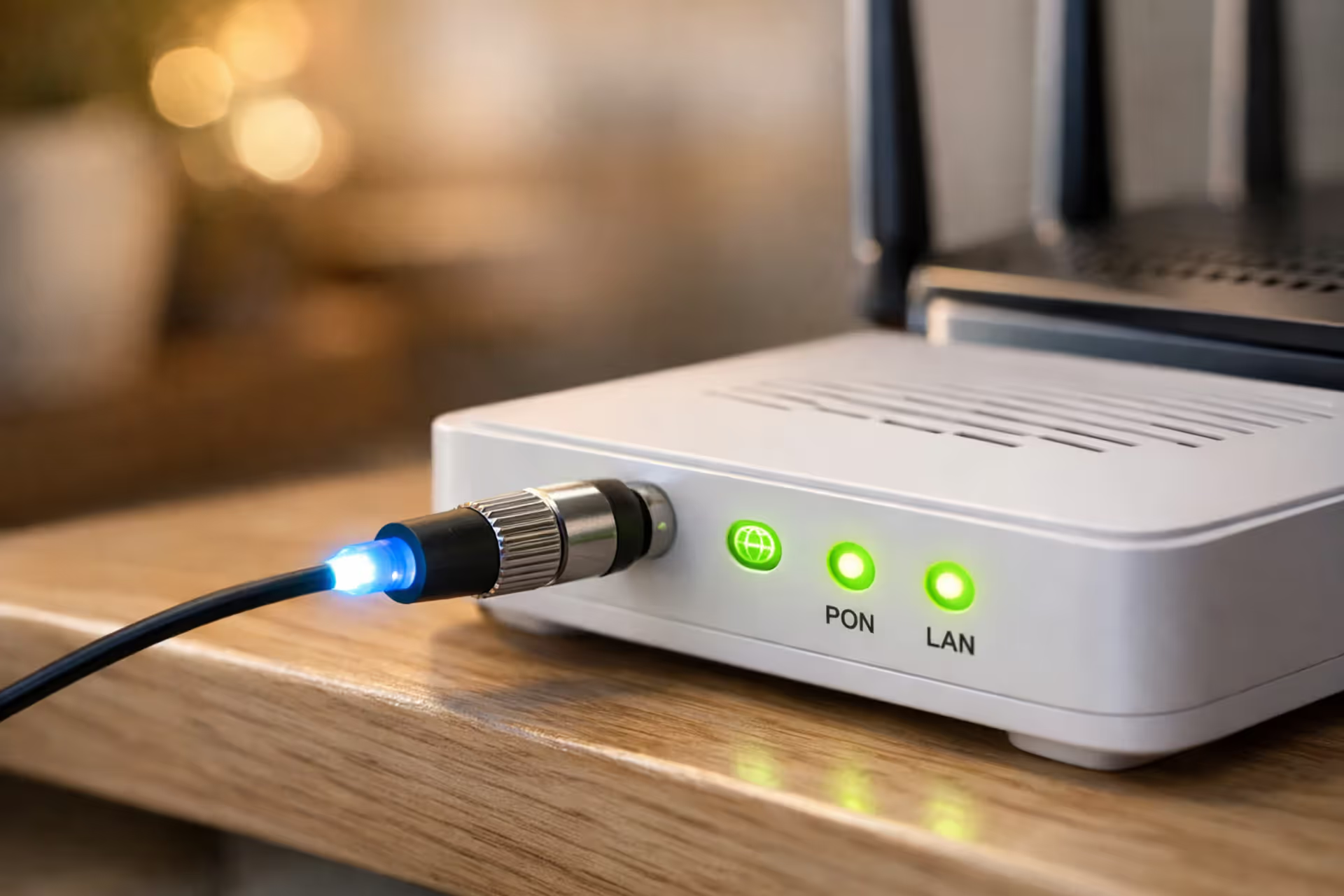
Fiber optic cable with glowing blue tip connected to a white ONT device next to a modern Wi-Fi router on a shelf in a home setting with green LED indicators
Does Fiber Internet Need a Modem or Something Else?
Mar 08, 2026
/
13 MIN
Fiber internet doesn't require a traditional modem. Instead, it uses an Optical Network Terminal (ONT) that converts light signals to electrical data. Understanding the difference between ONTs and modems, what equipment you actually need, and how to properly connect everything ensures you get the speeds you're paying for

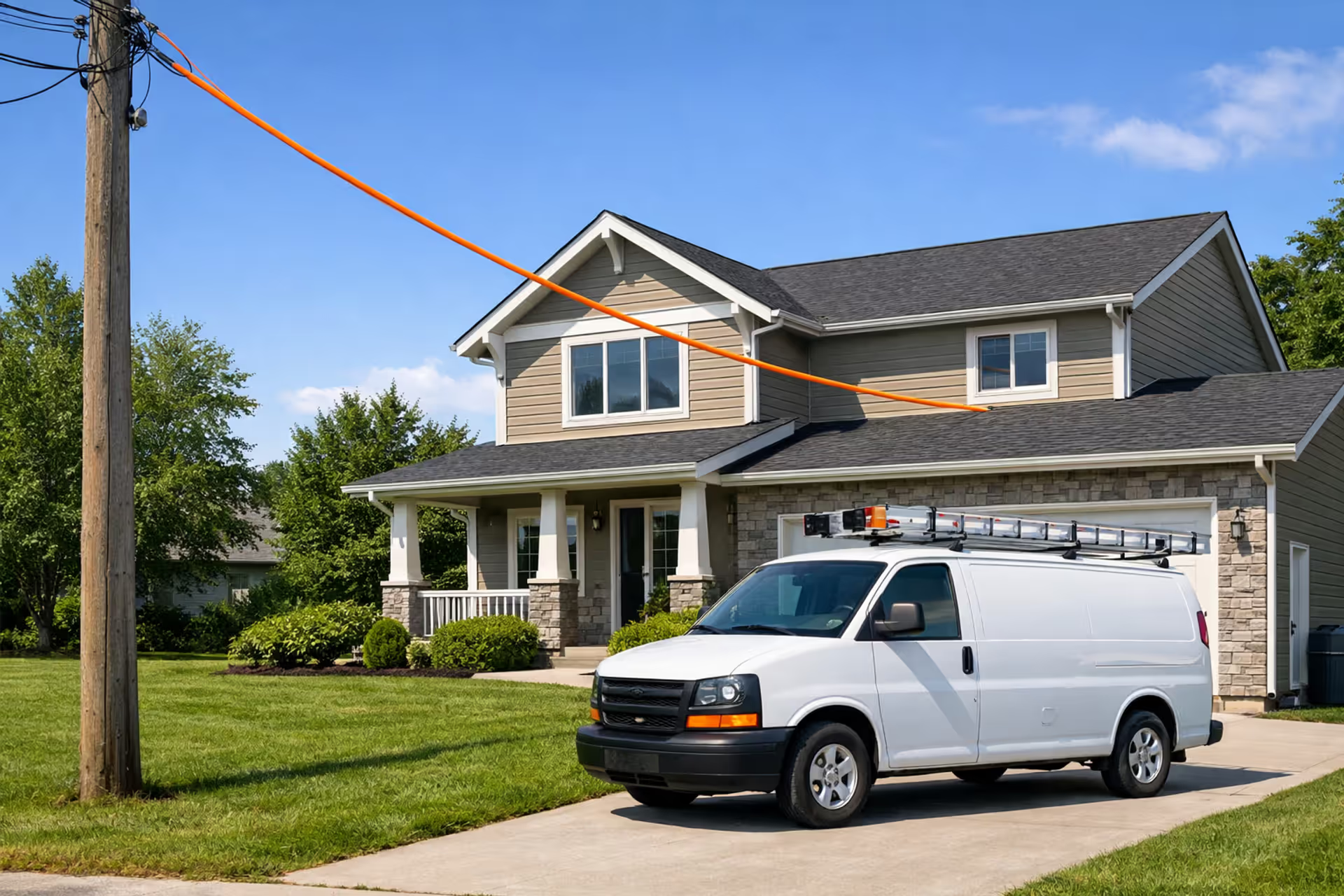
Fiber optic cable being installed from a utility pole to a suburban house with a service van parked nearby on a sunny day
How Long Does Fiber Internet Installation Take
Mar 08, 2026
/
14 MIN
Most fiber installations take 1 to 4 weeks from order to activation, with the technician visit lasting 2 to 4 hours. The timeline depends on whether fiber reaches your property, scheduling availability, and potential complications like permits or weather delays

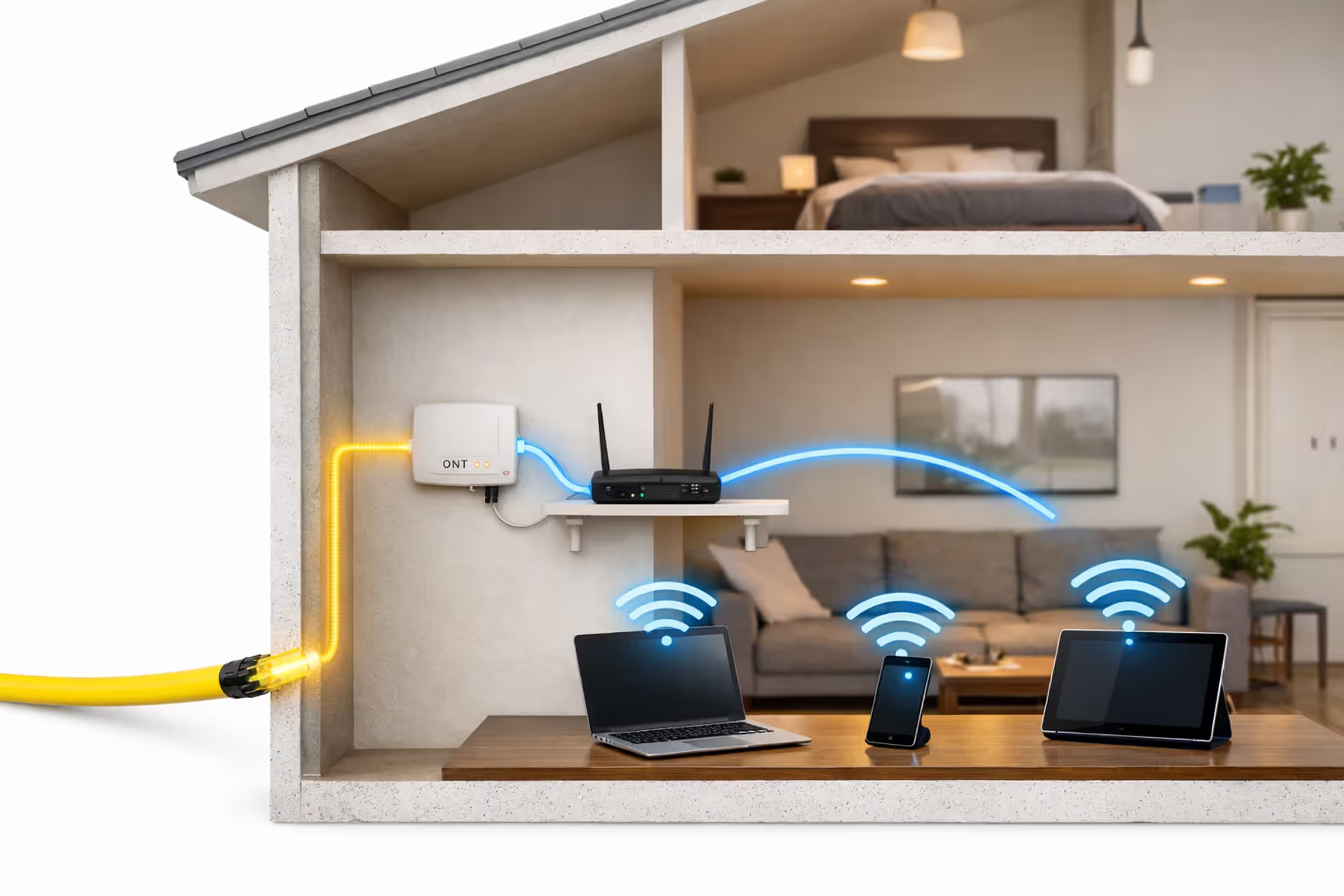
Cutaway view of a modern home showing fiber optic cable entering the wall, connecting to an ONT device, then to a WiFi router broadcasting wireless signal to laptops and smartphones
Is Fiber Internet Wireless or Wired
Mar 08, 2026
/
13 MIN
Fiber internet relies on physical cables from start to finish. What you experience wirelessly is WiFi—just the last step in a completely wired journey. Understanding this distinction affects how you set up your network, troubleshoot speed issues, and get the most from your fiber service

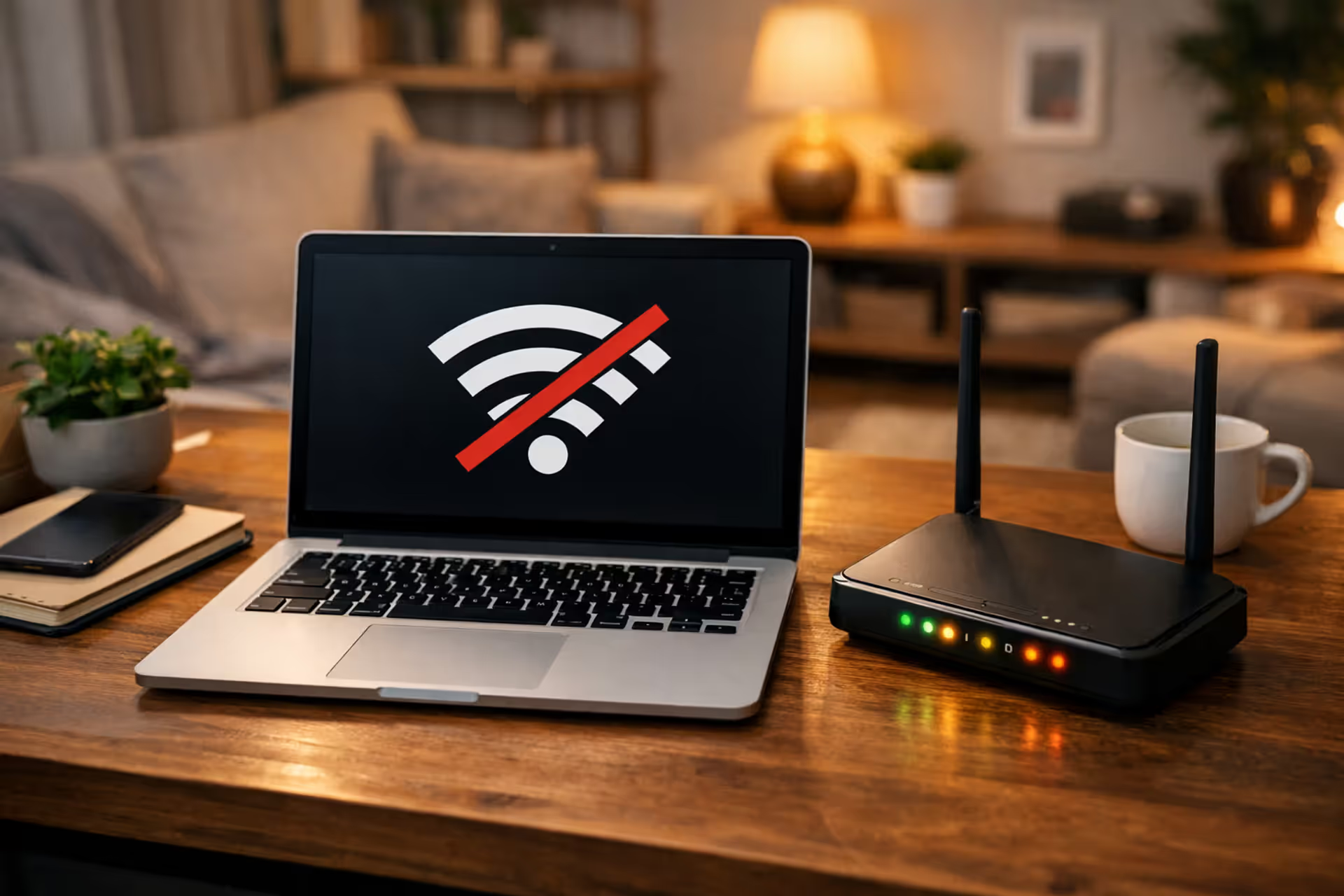
Laptop on home desk showing no internet connection icon next to an Xfinity modem with blinking LED lights
How to Check for an Xfinity Internet Outage
Mar 08, 2026
/
14 MIN
When Xfinity internet stops working, quickly determine if you're facing a widespread outage or equipment issue. This guide shows you how to check service status, interpret modem lights, restart your gateway correctly, and decide when to report problems versus troubleshoot at home

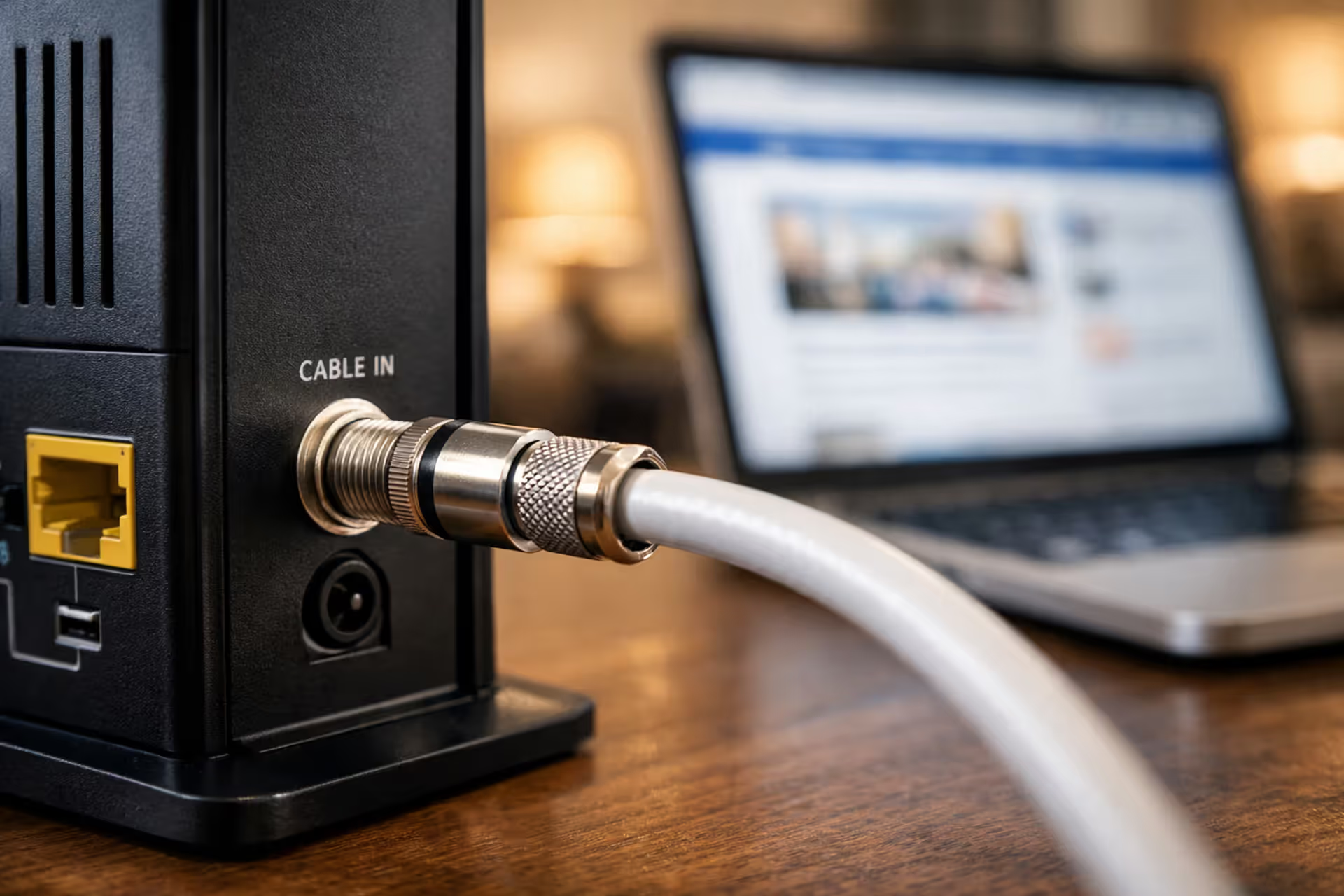
Close-up of a coaxial cable connected to a cable modem on a desk in a modern home with a laptop in the background
What Is Cable Internet Speeds Technology Pros and Cons
Mar 08, 2026
/
15 MIN
Cable internet leverages coaxial cables to deliver high-speed broadband to 89% of U.S. households. Understanding DOCSIS standards, shared bandwidth architecture, and asymmetric speed allocation helps you choose the right plan and set realistic performance expectations

Person using a laptop with a browser security warning and privacy icons
Best Practices for Safe Internet Browsing
Mar 09, 2026
/
16 MIN
Millions hand over credentials to cybercriminals daily through simple oversights. This guide covers the defensive layers you need: recognizing phishing, fortifying accounts, configuring browser privacy, avoiding malicious extensions, safe downloads, and navigating public WiFi securely

Night view of Earth from space showing illuminated internet connection nodes and city lights with visible digital divide between connected and unconnected regions
How Many People Use the Internet Worldwide
Mar 09, 2026
/
15 MIN
Approximately 5.35 billion people use the internet—66.2% of the global population. Explore the latest statistics on worldwide connectivity, regional adoption rates, growth trajectories, and the factors keeping 2.7 billion people offline

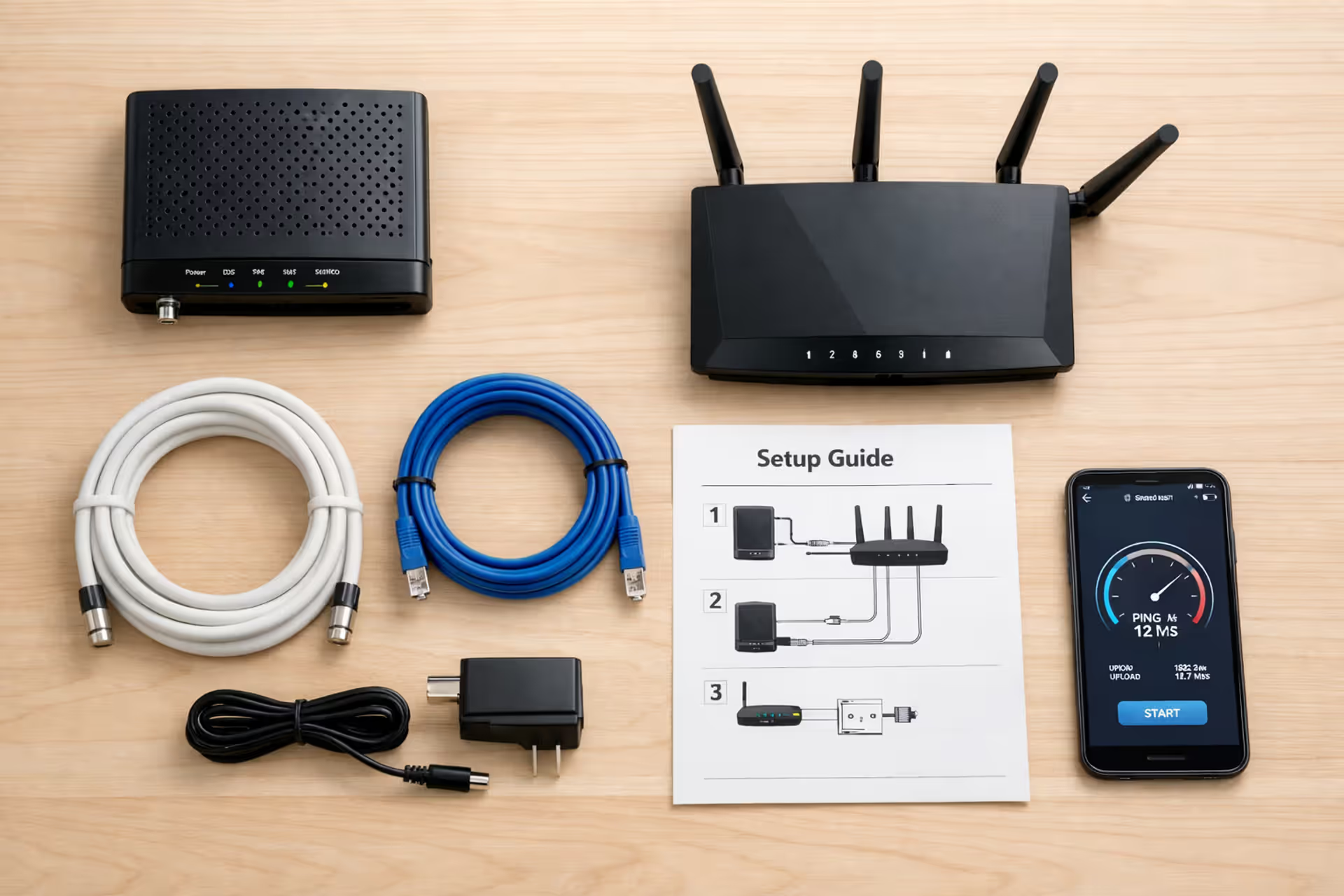
Flat lay of home internet self-installation kit on a desk including cable modem, router, coaxial cable, Ethernet cable, power adapter, and smartphone showing speed test
How to Set Up Internet in a New Home?
Mar 09, 2026
/
14 MIN
Getting online in a new home doesn't require technical expertise, but it does demand attention to detail. This guide walks you through physical connections, ISP coordination, and verification steps to establish reliable home internet service without professional installation

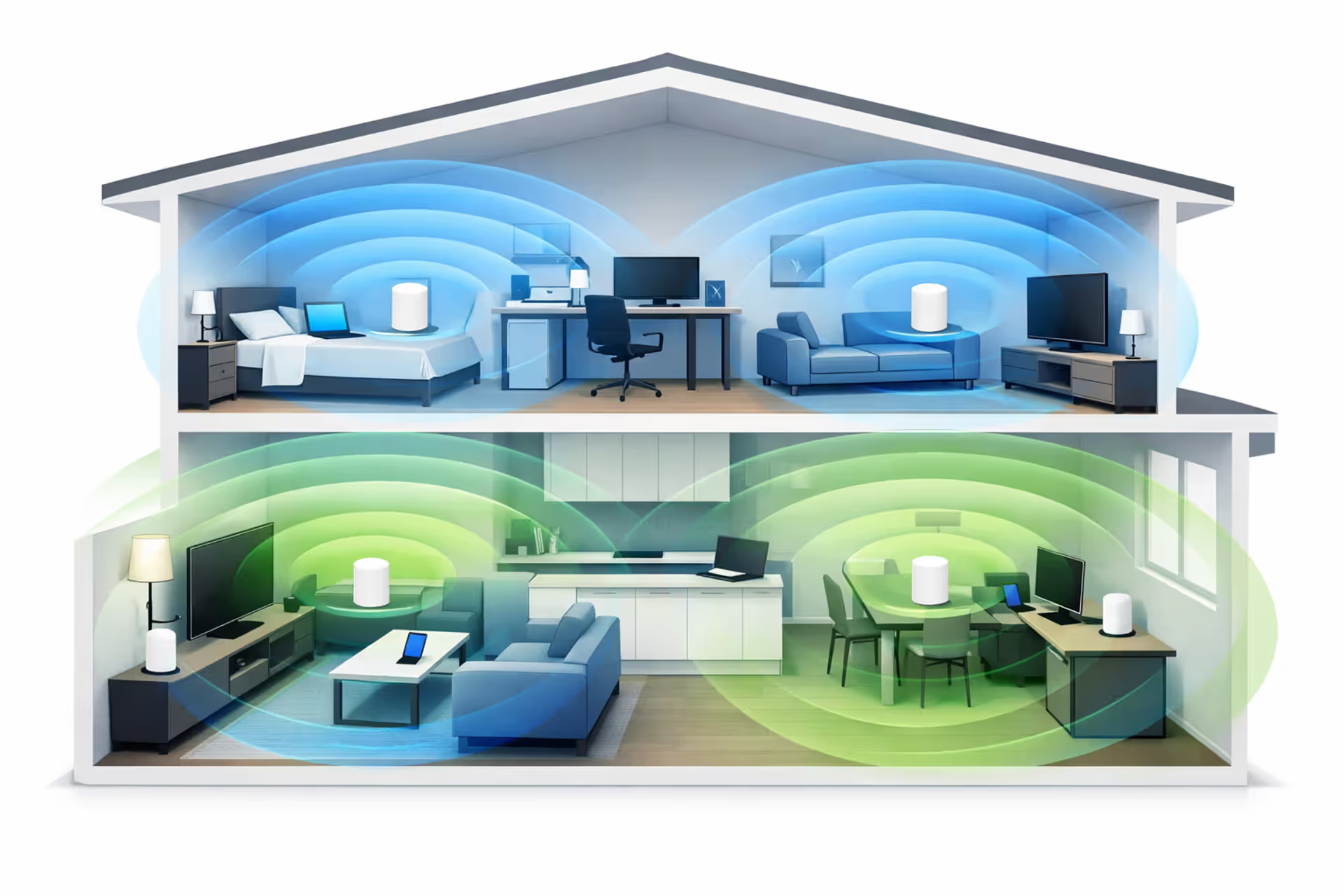
Cutaway view of a modern two-story house with mesh WiFi nodes on each floor emitting wireless signal waves covering all rooms
What Is Whole Home WiFi and How It Eliminates Dead Zones
Mar 10, 2026
/
14 MIN
Whole home WiFi uses multiple nodes to create seamless coverage throughout your house, eliminating dead zones. Unlike single routers or extenders, mesh systems maintain consistent speeds and automatically connect devices to the strongest signal as you move between rooms

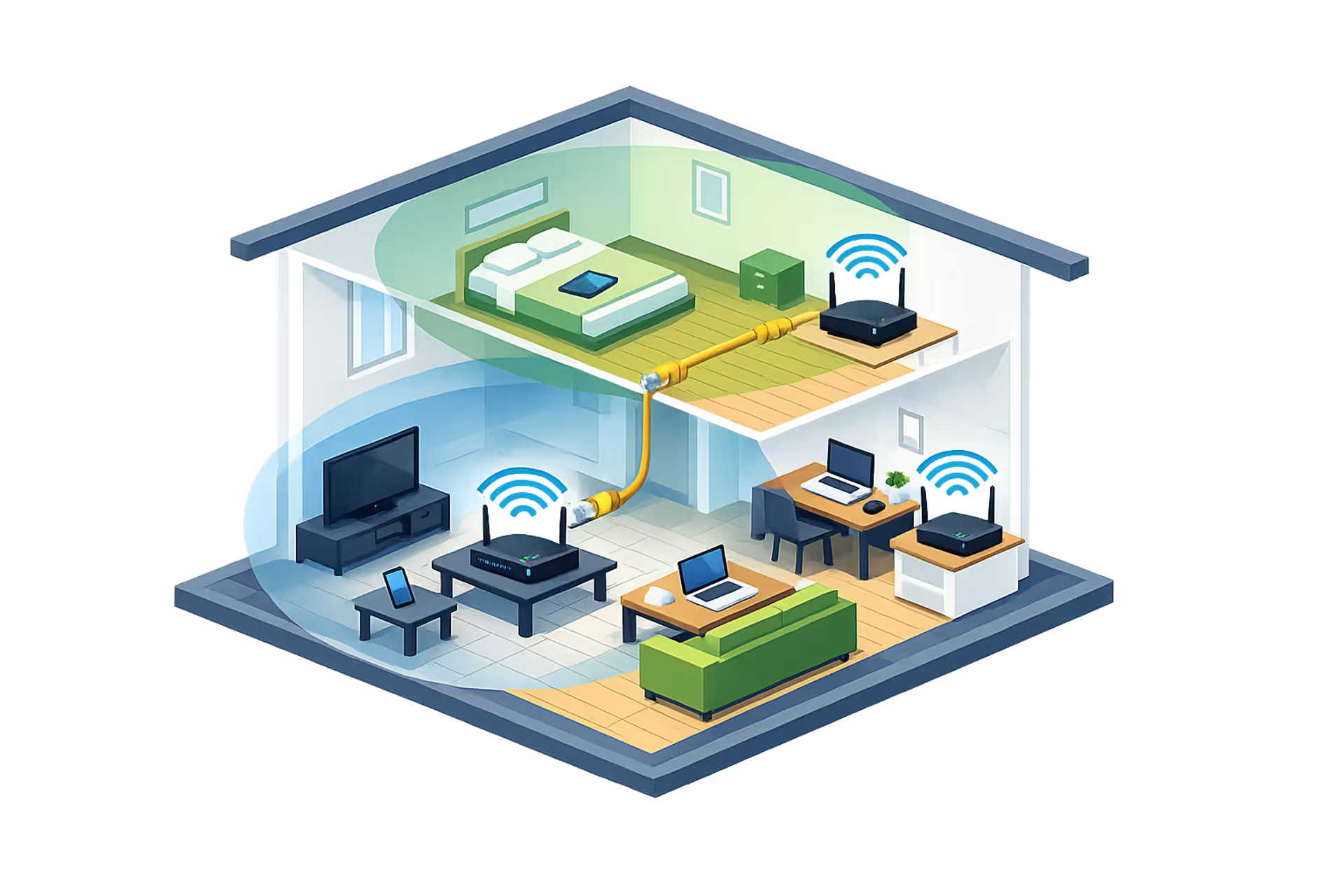
Cutaway isometric view of a two-story house with two WiFi routers connected by Ethernet cable, overlapping coverage zones, and various connected devices in different rooms
How to Set Up Multiple WiFi Routers Without Double NAT
Mar 10, 2026
/
16 MIN
You can have multiple WiFi routers in your home when configured correctly. This guide covers access point mode, bridge mode, avoiding double NAT problems, and choosing between a second router and mesh WiFi for extending coverage throughout large homes

Load more

disclaimer

The content on this website is provided for general informational and educational purposes only. It is intended to offer guidance on internet technology topics, including internet providers, connection types (fiber, cable, and 5G home internet), WiFi setup, router configuration, internet speed requirements, and online security practices. The information presented should not be considered technical, legal, or professional networking advice.

All information, articles, comparisons, and technical explanations on this website are for general informational purposes only. Internet service availability, performance, speeds, equipment requirements, and security features may vary by provider, location, infrastructure, and individual network configuration. Actual internet performance and reliability depend on many factors, including hardware, service plans, local network conditions, and user behavior.

This website is not responsible for any errors or omissions in the content or for actions taken based on the information provided. Reading this website does not create a professional or service relationship. Users are encouraged to consult with their internet service provider, network specialist, or qualified technical professional for advice specific to their internet setup, equipment, or connectivity needs.