
Security
14 MIN READ
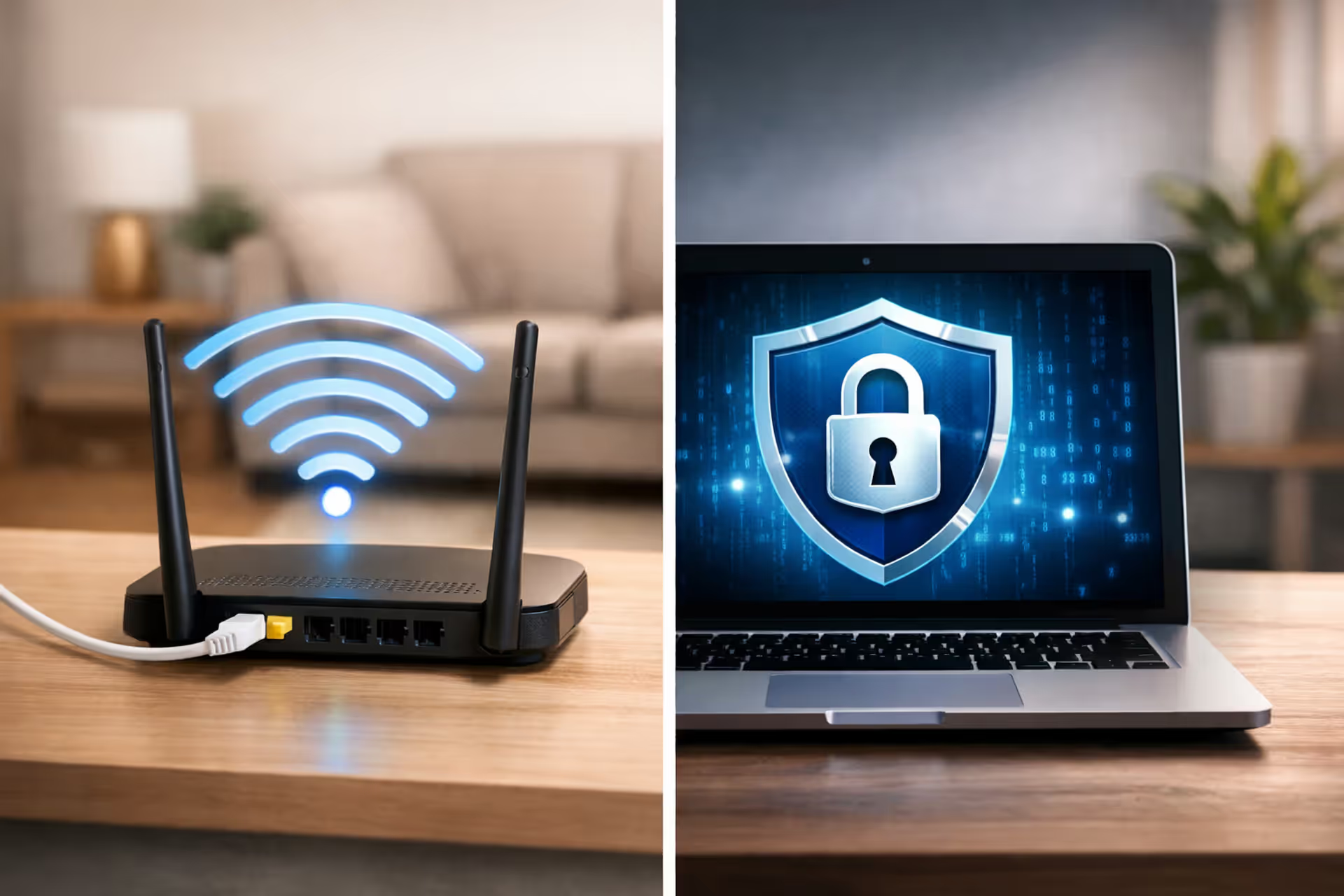
Does a VPN Replace WiFi?
Confusion about VPNs and WiFi stems from misunderstanding what each technology does. WiFi connects your device to a network. A VPN encrypts data traveling through that network. You need the connection first—the VPN just changes how visible you are while using it

Lindsey HartwellHome WiFi Setup & Network Optimization Specialist

Secure Internet Fax GuideMedical practices, legal firms, and financial institutions need to transmit confidential documents without triggering regulatory fines. Secure internet fax applies end-to-end encryption and audit trails that email can't match. This guide covers HIPAA requirements, encryption standards, and the seven features to verify before choosing a provider
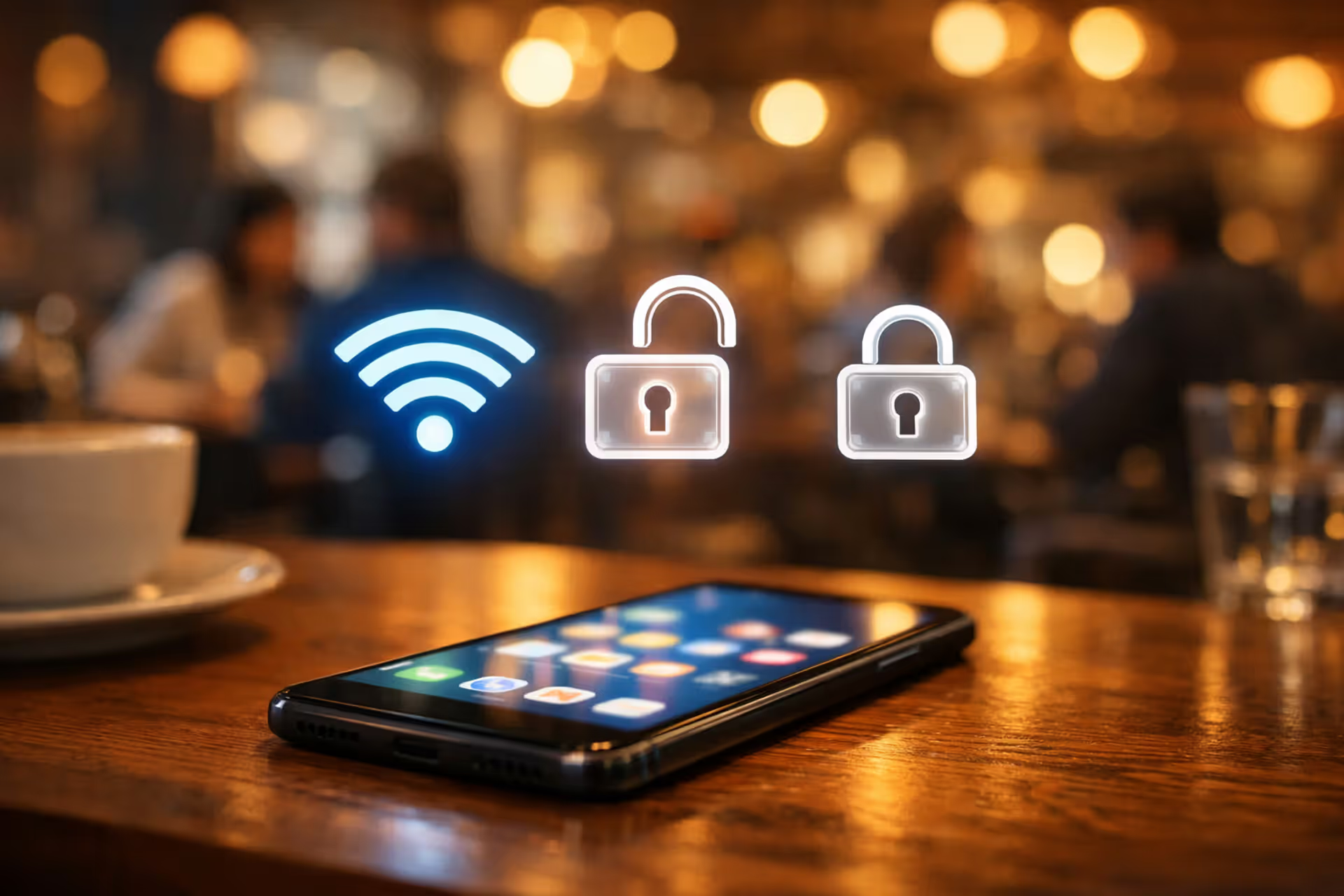
Can Someone Hack Into My Phone Through WiFi?Your phone connects to WiFi dozens of times weekly—at coffee shops, airports, and home. Each connection creates a potential entry point for attackers. Yes, someone can hack into your phone through WiFi, but the likelihood depends on network type, security practices, and attacker sophistication
Most read
- 1Is It Safe to Use a VPN on Public WiFi?Caroline Prescott/Mar 10, 2026/12 MIN
- 2How to Tell if Your WiFi Is Secure?Tyler Beaumont/Mar 10, 2026/15 MIN
- 3Is 5G More Secure Than WiFi?Marcus Leland/Mar 10, 2026/13 MIN
- 4Why Is Internet Security Important?Marcus Leland/Mar 10, 2026/17 MIN
- 5What Is an Internet Security Suite?Lindsey Hartwell/Mar 10, 2026/15 MIN
- 6Does a VPN Replace WiFi?Lindsey Hartwell/Mar 10, 2026/14 MIN
Fresh
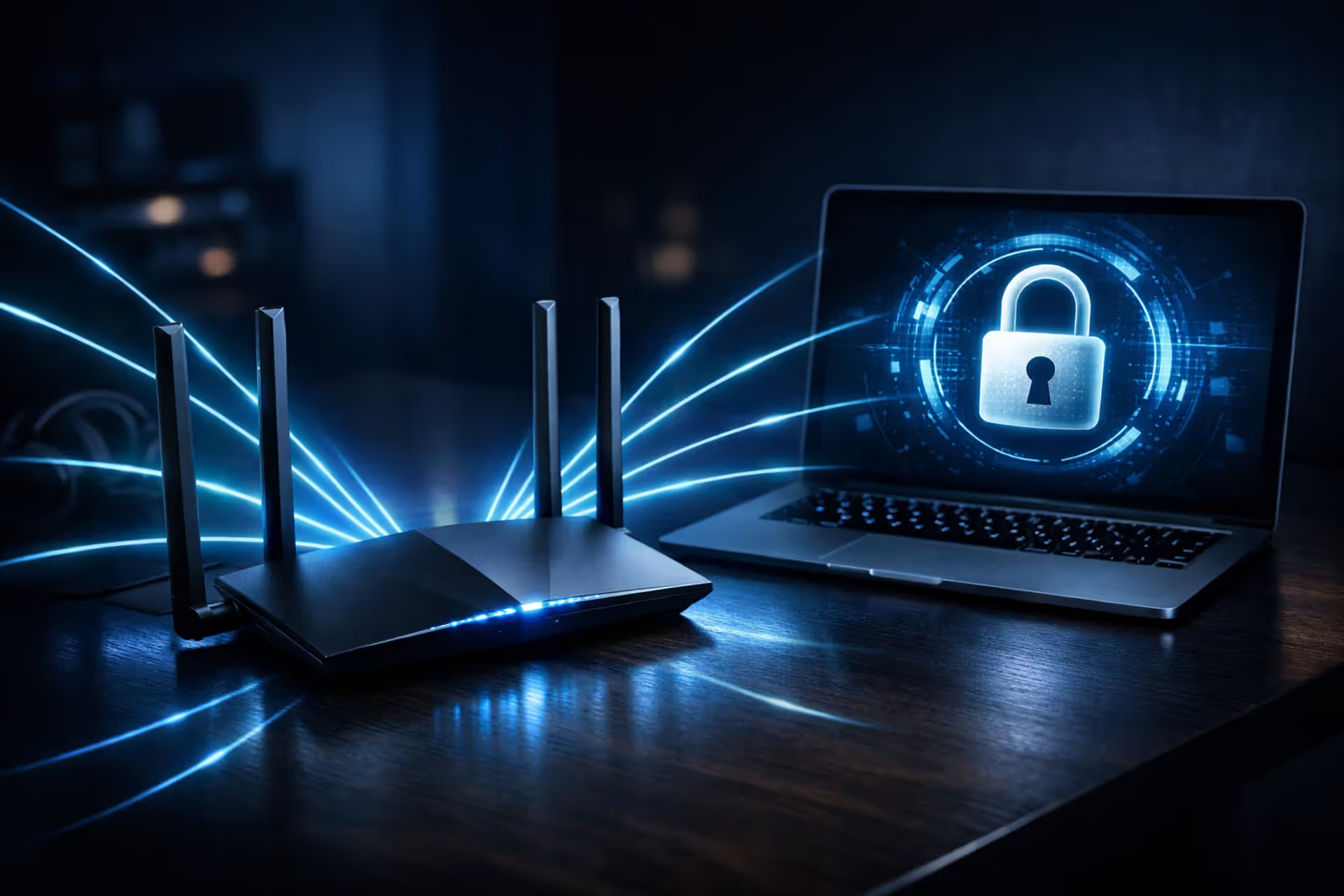
How to Tell if Your WiFi Is Secure?Your home WiFi protects banking apps, work emails, and private conversations. Most people set up their router once and never check security again—a mistake that can cost you. This guide shows you how to spot vulnerabilities, recognize warning signs, and lock down your network in under 30 minutes
Can Someone Hack Into My Phone Through WiFi?Your phone connects to WiFi dozens of times weekly—at coffee shops, airports, and home. Each connection creates a potential entry point for attackers. Yes, someone can hack into your phone through WiFi, but the likelihood depends on network type, security practices, and attacker sophistication
Does a VPN Replace WiFi?Confusion about VPNs and WiFi stems from misunderstanding what each technology does. WiFi connects your device to a network. A VPN encrypts data traveling through that network. You need the connection first—the VPN just changes how visible you are while using it
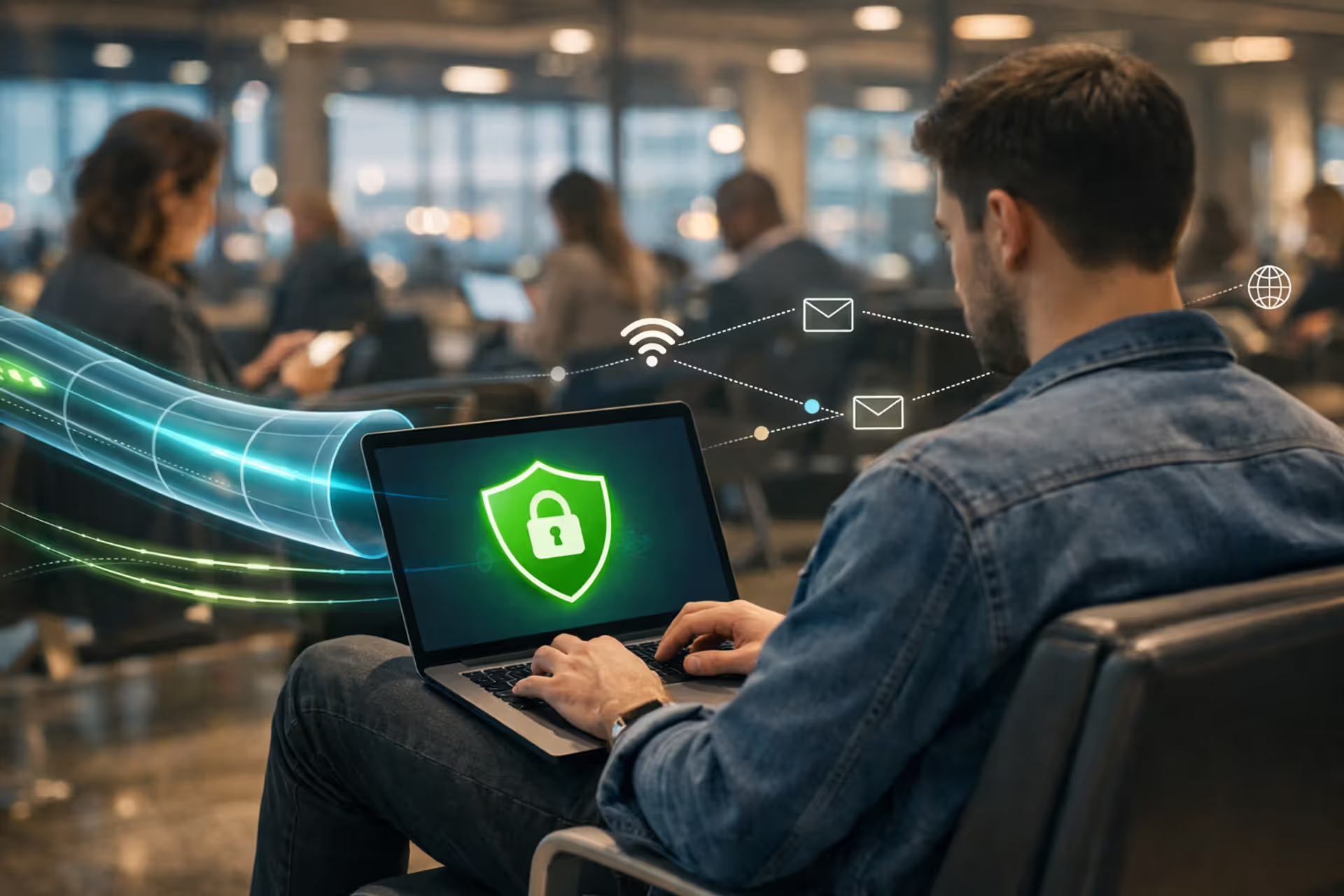
Is It Safe to Use a VPN on Public WiFi?A VPN dramatically improves security on public WiFi by encrypting your data and blocking common attacks. But it doesn't protect against everything. Understanding what your VPN actually shields—and what vulnerabilities remain—determines whether you're truly safe or just feel that way
Top stories
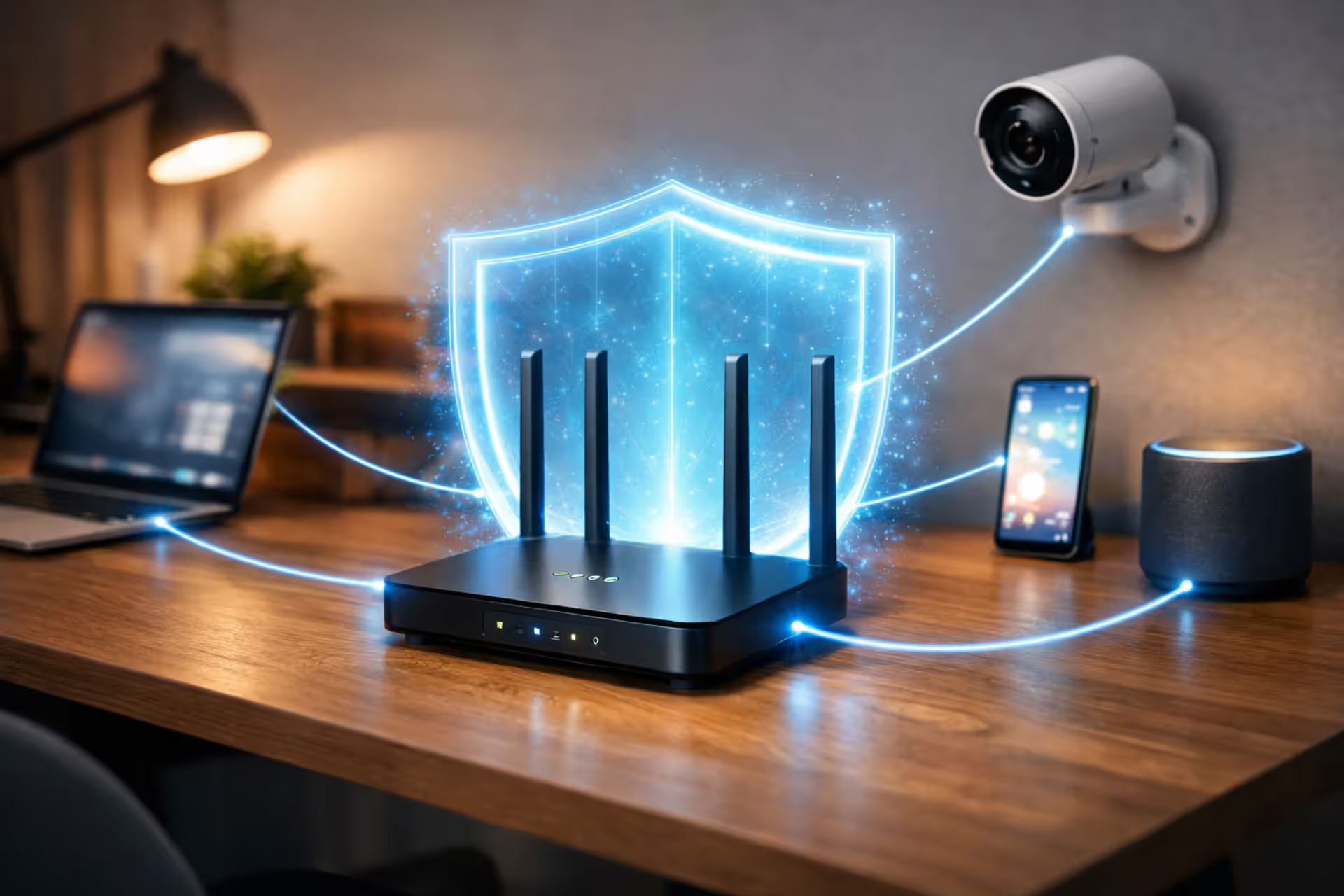
How to Secure Your Internet Gateway?Your internet gateway is a prime target for hackers. Most people never change default settings, creating an open door for attackers. This guide provides 8 concrete steps to harden your gateway's security, including changing admin passwords, updating firmware, disabling remote management and WPS, configuring secure DNS, and more
Most read
- 1How to Tell if Your WiFi Is Secure?Tyler Beaumont/Mar 10, 2026/15 MIN
- 2Can Someone Hack Into My Phone Through WiFi?Tyler Beaumont/Mar 10, 2026/19 MIN
- 3What Is an Internet Security Suite?Lindsey Hartwell/Mar 10, 2026/15 MIN
- 4Does a VPN Replace WiFi?Lindsey Hartwell/Mar 10, 2026/14 MIN
- 5Is 5G More Secure Than WiFi?Marcus Leland/Mar 10, 2026/13 MIN
- 6Why Is Internet Security Important?Marcus Leland/Mar 10, 2026/17 MIN
In focus
Does a VPN Replace WiFi?Confusion about VPNs and WiFi stems from misunderstanding what each technology does. WiFi connects your device to a network. A VPN encrypts data traveling through that network. You need the connection first—the VPN just changes how visible you are while using it
Does a VPN Replace WiFi?Confusion about VPNs and WiFi stems from misunderstanding what each technology does. WiFi connects your device to a network. A VPN encrypts data traveling through that network. You need the connection first—the VPN just changes how visible you are while using it
How to Tell if Your WiFi Is Secure?Your home WiFi protects banking apps, work emails, and private conversations. Most people set up their router once and never check security again—a mistake that can cost you. This guide shows you how to spot vulnerabilities, recognize warning signs, and lock down your network in under 30 minutes
How to Tell if Your WiFi Is Secure?Your home WiFi protects banking apps, work emails, and private conversations. Most people set up their router once and never check security again—a mistake that can cost you. This guide shows you how to spot vulnerabilities, recognize warning signs, and lock down your network in under 30 minutes
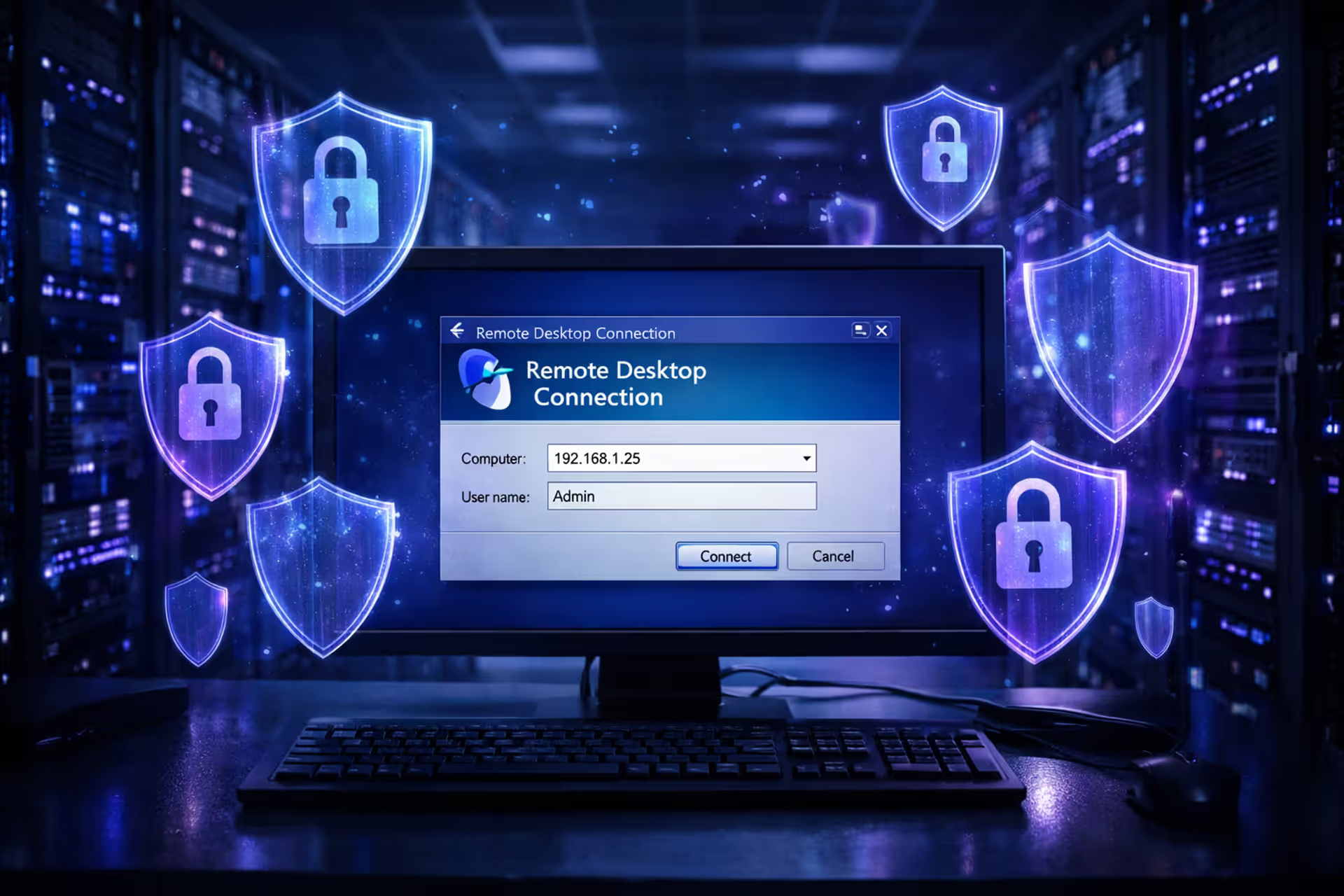
How to Secure RDP Over Internet?Remote Desktop Protocol remains one of the most targeted services on the internet. Every day, automated scanners probe millions of IP addresses looking for port 3389. This guide covers seven proven methods to secure RDP over internet connections without blocking legitimate access
How to Secure RDP Over Internet?Remote Desktop Protocol remains one of the most targeted services on the internet. Every day, automated scanners probe millions of IP addresses looking for port 3389. This guide covers seven proven methods to secure RDP over internet connections without blocking legitimate access

Is 5G More Secure Than WiFi?Your phone switches between WiFi and 5G constantly, but which connection actually protects your data better? Both encrypt your information, but they face different threats. Public WiFi poses risks that 5G avoids, while cellular networks have their own vulnerabilities that carriers don't advertise
Is 5G More Secure Than WiFi?Your phone switches between WiFi and 5G constantly, but which connection actually protects your data better? Both encrypt your information, but they face different threats. Public WiFi poses risks that 5G avoids, while cellular networks have their own vulnerabilities that carriers don't advertise

How to Secure Internet Bank Accounts?Online banking fraud cost Americans $1.2 billion in 2023. Most victims believed their banking setup was secure until unauthorized transactions drained their accounts. Standard login credentials and default settings create vulnerabilities that criminals exploit daily through password reuse, public WiFi, and phishing attacks
Is It Safe to Use a VPN on Public WiFi?A VPN dramatically improves security on public WiFi by encrypting your data and blocking common attacks. But it doesn't protect against everything. Understanding what your VPN actually shields—and what vulnerabilities remain—determines whether you're truly safe or just feel that way
How to Secure Your Internet Gateway?Your internet gateway is a prime target for hackers. Most people never change default settings, creating an open door for attackers. This guide provides 8 concrete steps to harden your gateway's security, including changing admin passwords, updating firmware, disabling remote management and WPS, configuring secure DNS, and more
Can Someone Hack Into My Phone Through WiFi?Your phone connects to WiFi dozens of times weekly—at coffee shops, airports, and home. Each connection creates a potential entry point for attackers. Yes, someone can hack into your phone through WiFi, but the likelihood depends on network type, security practices, and attacker sophistication