
Router Issues

12 MIN READ
Do You Need a Modem and Router for WiFi?
Getting WiFi requires the right equipment, but what you actually need depends on your internet connection type. Cable and DSL require both a modem and router, while fiber uses an ONT. Learn the differences, costs, and best setup for your home

Caroline PrescottNetwork Security & Smart Home Connectivity Writer

How to Reset Your Panoramic WiFi?Your Xfinity Panoramic gateway stops delivering internet. Before spending an hour on hold with support, a proper reset might solve the problem in minutes. This guide walks through every reset method, explains what's happening behind the scenes, and shows you how to get all devices back online
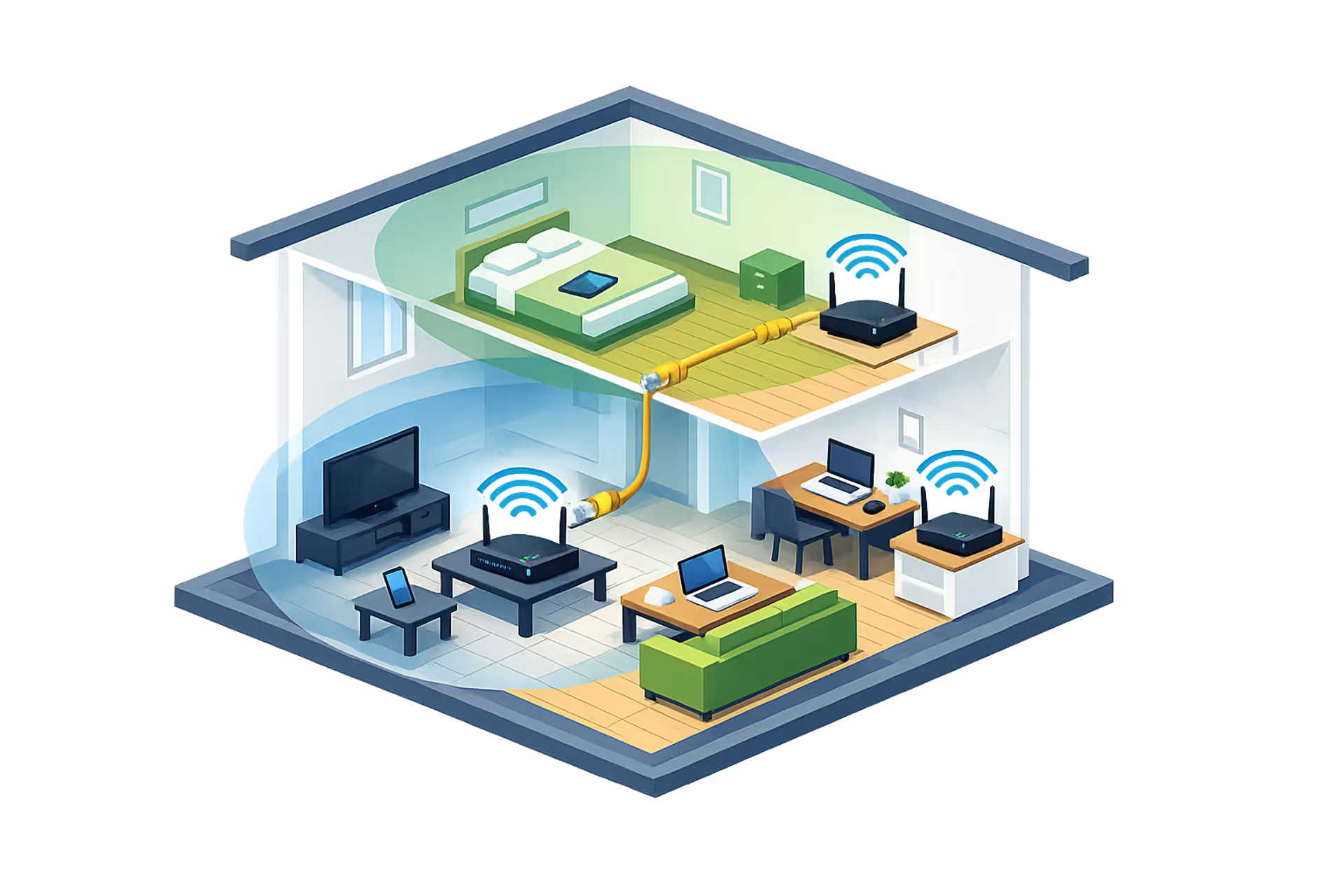
How to Set Up Multiple WiFi Routers?You can have multiple WiFi routers in your home when configured correctly. This guide covers access point mode, bridge mode, avoiding double NAT problems, and choosing between a second router and mesh WiFi for extending coverage throughout large homes
Most read
- 1How to Fix a Router That Won't Connect to the Internet?Caroline Prescott/Mar 10, 2026/12 MIN
- 2How to Fix Red Light on WiFi Router?Lindsey Hartwell/Mar 10, 2026/16 MIN
- 3Is My Internet Down?Marcus Leland/Mar 10, 2026/14 MIN
- 4Can You Move Your WiFi Router to a Different House?Lindsey Hartwell/Mar 10, 2026/10 MIN
- 5Do You Need a Modem and Router for WiFi?Caroline Prescott/Mar 10, 2026/12 MIN
Fresh
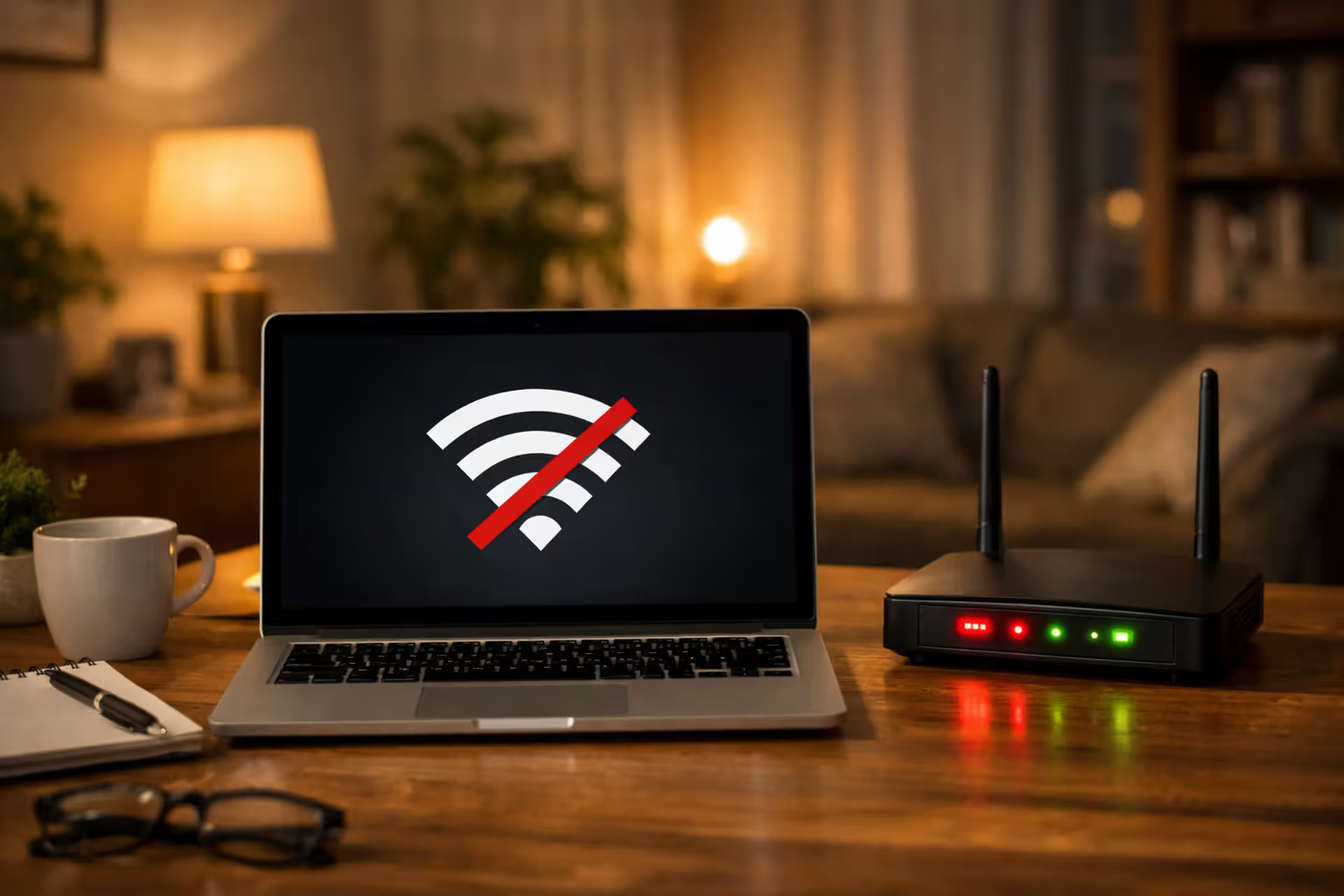
Is My Internet Down?Nothing disrupts your workday quite like losing internet. Before restarting your router, figure out what's causing the problem. Learn to diagnose connection issues, interpret equipment lights, check for ISP outages in your area, and determine whether it's your equipment or the network that's failed
How to Reset Your Panoramic WiFi?Your Xfinity Panoramic gateway stops delivering internet. Before spending an hour on hold with support, a proper reset might solve the problem in minutes. This guide walks through every reset method, explains what's happening behind the scenes, and shows you how to get all devices back online
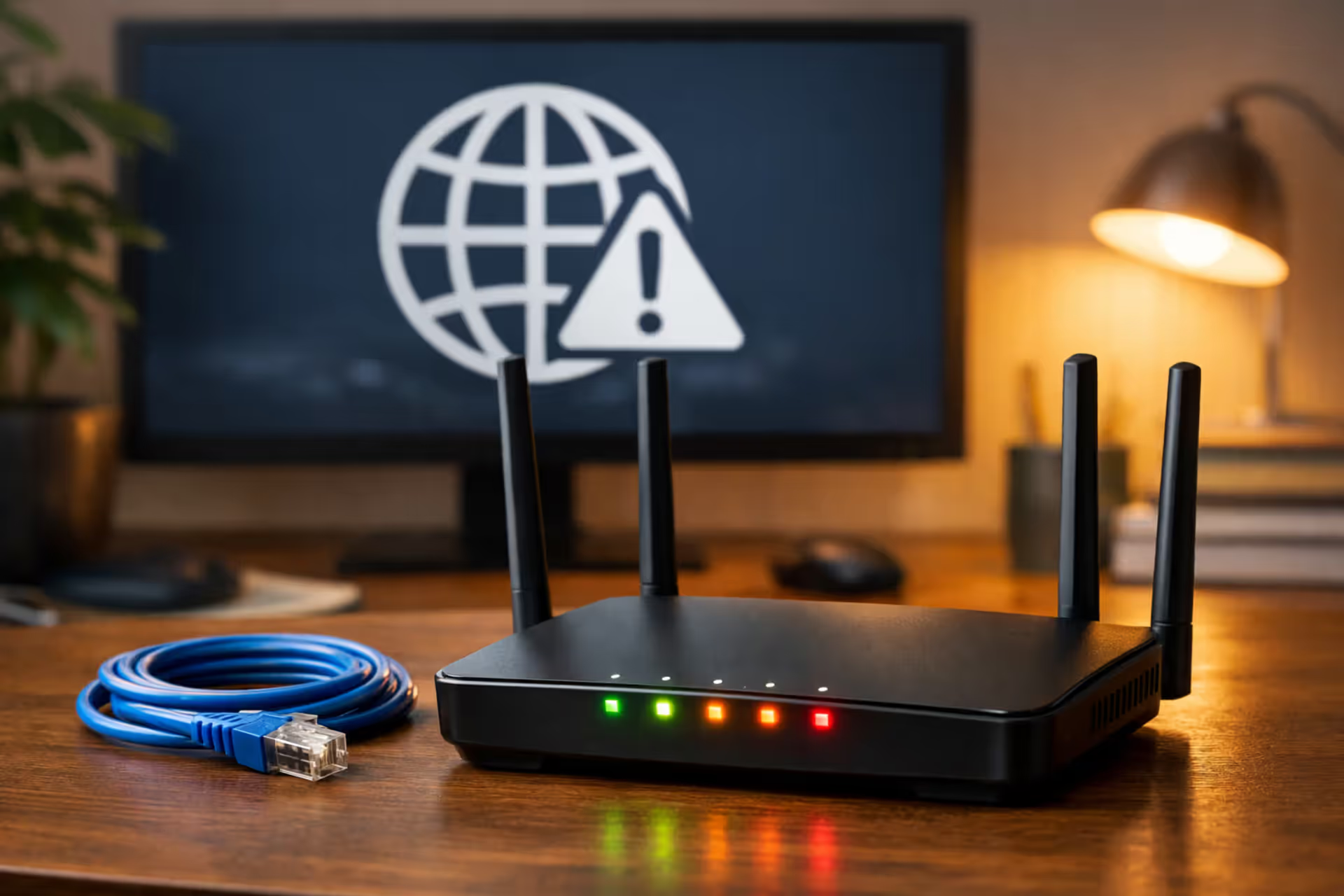
How to Fix a Router That Won't Connect to the Internet?Router connectivity failures hide behind vague errors and blinking lights. Learn how to diagnose authentication problems, WAN port failures, ISP-specific requirements like VLAN tagging, and firmware issues that prevent your router from connecting to the internet

Can You Move Your WiFi Router to a Different House?Most people assume internet equipment works anywhere you plug it in. The truth is more complicated—your router might be fine, but your modem could become useless at a new address. Understanding the difference before moving day saves you from connectivity problems
Top stories
Do You Need a Modem and Router for WiFi?Getting WiFi requires the right equipment, but what you actually need depends on your internet connection type. Cable and DSL require both a modem and router, while fiber uses an ONT. Learn the differences, costs, and best setup for your home
Most read
- 1How to Set Up Multiple WiFi Routers?Tyler Beaumont/Mar 10, 2026/16 MIN
- 2Can You Move Your WiFi Router to a Different House?Lindsey Hartwell/Mar 10, 2026/10 MIN
- 3How to Fix Red Light on WiFi Router?Lindsey Hartwell/Mar 10, 2026/16 MIN
- 4How to Fix a Router That Won't Connect to the Internet?Caroline Prescott/Mar 10, 2026/12 MIN
- 5How to Reset Your Panoramic WiFi?Tyler Beaumont/Mar 10, 2026/15 MIN
In focus
Do You Need a Modem and Router for WiFi?Getting WiFi requires the right equipment, but what you actually need depends on your internet connection type. Cable and DSL require both a modem and router, while fiber uses an ONT. Learn the differences, costs, and best setup for your home
Do You Need a Modem and Router for WiFi?Getting WiFi requires the right equipment, but what you actually need depends on your internet connection type. Cable and DSL require both a modem and router, while fiber uses an ONT. Learn the differences, costs, and best setup for your home
How to Reset Your Panoramic WiFi?Your Xfinity Panoramic gateway stops delivering internet. Before spending an hour on hold with support, a proper reset might solve the problem in minutes. This guide walks through every reset method, explains what's happening behind the scenes, and shows you how to get all devices back online
How to Reset Your Panoramic WiFi?Your Xfinity Panoramic gateway stops delivering internet. Before spending an hour on hold with support, a proper reset might solve the problem in minutes. This guide walks through every reset method, explains what's happening behind the scenes, and shows you how to get all devices back online
How to Set Up Multiple WiFi Routers?You can have multiple WiFi routers in your home when configured correctly. This guide covers access point mode, bridge mode, avoiding double NAT problems, and choosing between a second router and mesh WiFi for extending coverage throughout large homes
How to Set Up Multiple WiFi Routers?You can have multiple WiFi routers in your home when configured correctly. This guide covers access point mode, bridge mode, avoiding double NAT problems, and choosing between a second router and mesh WiFi for extending coverage throughout large homes
Is My Internet Down?Nothing disrupts your workday quite like losing internet. Before restarting your router, figure out what's causing the problem. Learn to diagnose connection issues, interpret equipment lights, check for ISP outages in your area, and determine whether it's your equipment or the network that's failed
Is My Internet Down?Nothing disrupts your workday quite like losing internet. Before restarting your router, figure out what's causing the problem. Learn to diagnose connection issues, interpret equipment lights, check for ISP outages in your area, and determine whether it's your equipment or the network that's failed
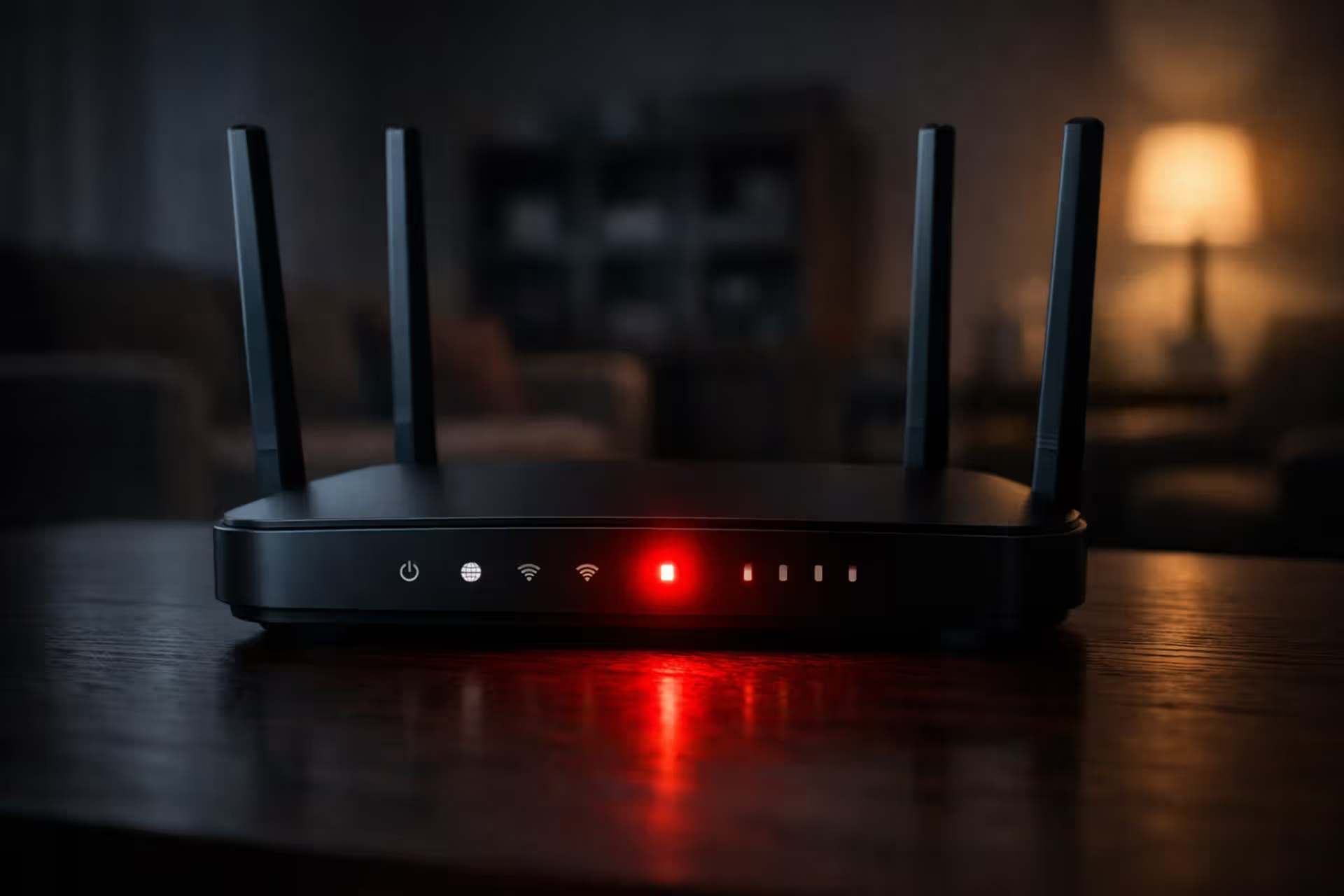
How to Fix Red Light on WiFi Router?A red light on your router signals a connectivity problem, but most issues resolve in minutes with proper troubleshooting. This guide covers what different red lights mean, step-by-step fixes from power cycling to firmware updates, and how to identify whether the problem is your equipment or your ISP
Can You Move Your WiFi Router to a Different House?Most people assume internet equipment works anywhere you plug it in. The truth is more complicated—your router might be fine, but your modem could become useless at a new address. Understanding the difference before moving day saves you from connectivity problems
How to Fix a Router That Won't Connect to the Internet?Router connectivity failures hide behind vague errors and blinking lights. Learn how to diagnose authentication problems, WAN port failures, ISP-specific requirements like VLAN tagging, and firmware issues that prevent your router from connecting to the internet