Marcus Leland

Marcus Leland

Internet Speed & Network Performance Researcher

Marcus Leland analyzes internet speed requirements, network performance metrics, and bandwidth demands for modern digital activities. His work helps readers understand what speeds are actually needed for streaming, gaming, remote work, and large file transfers.

He explains download vs upload speeds, latency, packet loss, and network congestion, translating technical concepts into practical recommendations. Marcus also explores how internet speeds scale in households with multiple users and connected devices.

His goal is to help consumers match their internet plans to real-world usage instead of paying for speeds they may never fully use.

Displaying 1-10 results out of 16 for Marcus Leland

ISP server rack with glowing fiber optic cables connecting to laptop, smartphone and tablet silhouettes, with translucent lock, eye and shield icons overlay on dark blue background
Can My Internet Provider See What Websites I Visit
Mar 08, 2026
/
15 MIN
Your internet service provider sees more of your online activity than you might think. Even with HTTPS, ISPs track which websites you visit, when you visit them, and patterns in your behavior. Understand what data passes through ISP infrastructure and learn practical steps to limit tracking

Suburban neighborhood at dusk showing two neighboring houses with different internet connections — one with glowing fiber optic cable and another with old copper wire from the same utility pole
How to Find Internet Providers Available at Your Address
Mar 08, 2026
/
20 MIN
Searching for internet service shouldn't feel like solving a puzzle, but your exact address determines everything. Discover which providers will actually serve you, how to verify availability beyond marketing claims, and which factors matter most when comparing plans

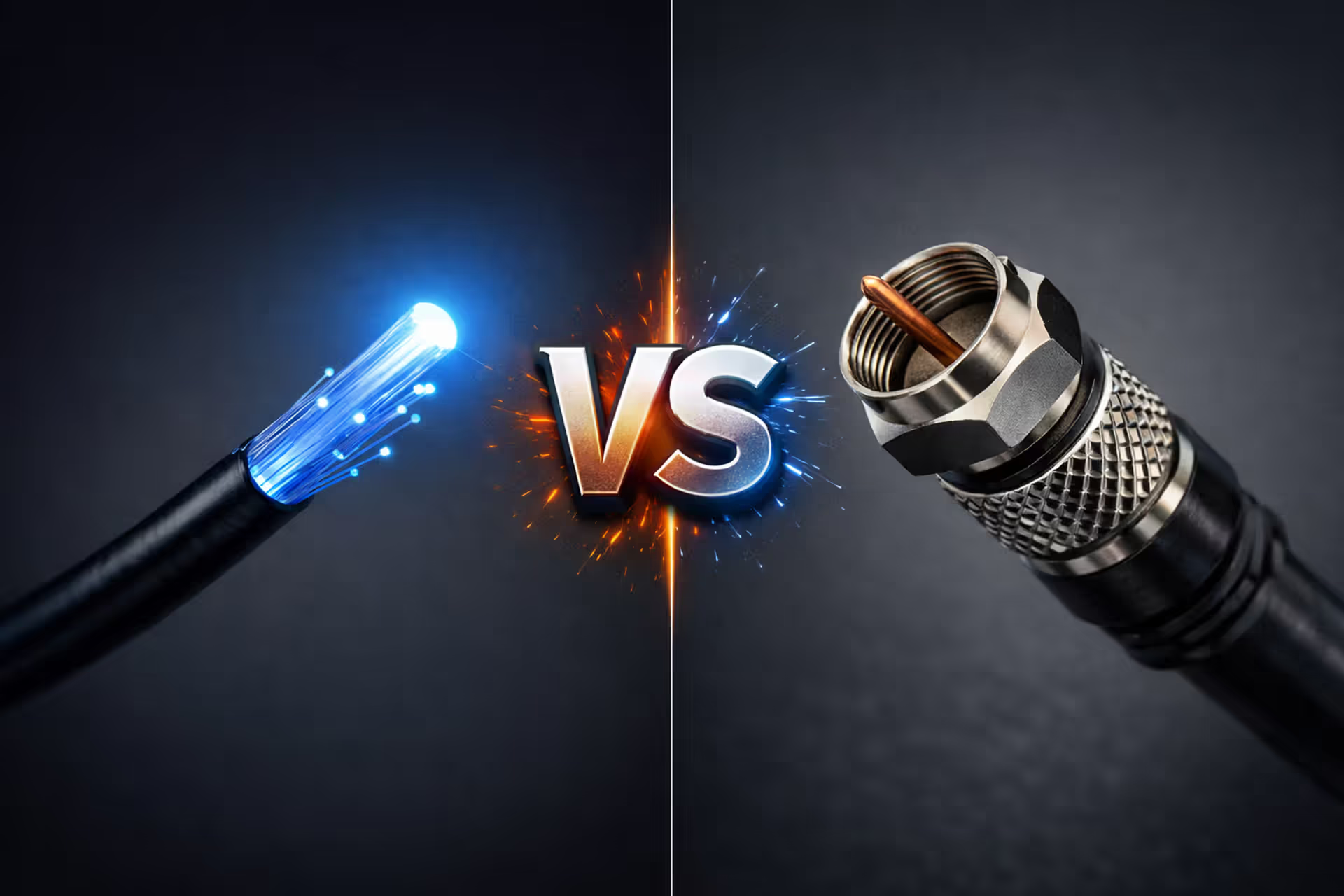
Fiber optic cable glowing blue on the left versus coaxial copper cable on the right with VS symbol in the center on dark gray background
AT&T vs Spectrum Which Internet Provider Is Better
Mar 08, 2026
/
14 MIN
Choosing between AT&T and Spectrum means weighing fiber versus cable technology. AT&T's fiber delivers symmetrical gigabit speeds where available, while Spectrum's cable reaches more addresses with asymmetrical performance. Neither provider wins universally—your location and usage determine the better choice

A modern gaming setup with a glowing monitor displaying a multiplayer game ping indicator next to a white 5G home internet gateway device in a dimly lit room with neon ambient lighting
Is T-Mobile Home Internet Good for Gaming?
Mar 08, 2026
/
14 MIN
T-Mobile's 5G home internet promises fast speeds and no data caps, but gaming demands more than raw download speed. We analyze real-world ping, jitter, packet loss, and CGNAT limitations to determine whether T-Mobile works for casual and competitive gaming

Gaming setup with Verizon 5G home internet gateway next to a monitor displaying a multiplayer shooter with high ping indicator in a dimly lit room
Is Verizon 5G Home Internet Good for Gaming?
Mar 08, 2026
/
15 MIN
Verizon's 5G and LTE home internet promise fast speeds, but gamers need more than bandwidth. This analysis examines actual ping performance, CGNAT restrictions, console-specific issues, and whether wireless home internet can truly compete for online gaming

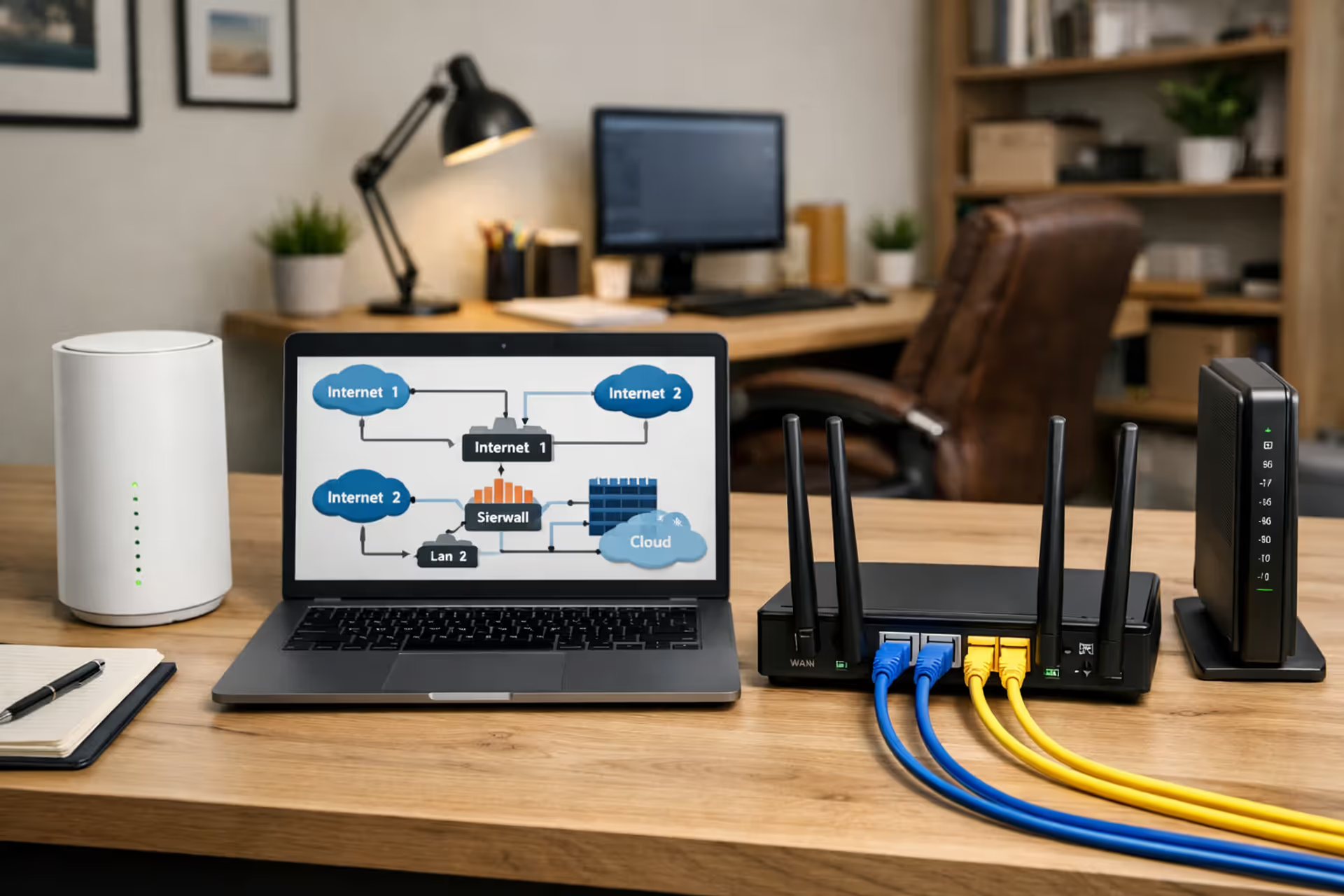
Home office with two ISP modems and a dual WAN router
Can You Have Two Internet Providers in the Same House
Mar 09, 2026
/
14 MIN
You can absolutely subscribe to two internet service providers and run both connections simultaneously in the same house. Thousands of remote workers, content creators, and home businesses already do this for reliability and bandwidth. Here's what the setup actually requires, what it costs, and whether it makes sense for you

Modern living room with a white WiFi router on a central shelf surrounded by a laptop, smartphone, and tablet with loaded web pages, bright natural daylight
How to Get WiFi at Home for First-Time Users
Mar 09, 2026
/
14 MIN
Getting WiFi in your home requires internet service, the right equipment, and proper setup. This guide covers choosing an internet plan, deciding whether to buy or rent equipment, step-by-step installation, router placement tips, and common mistakes that slow your connection

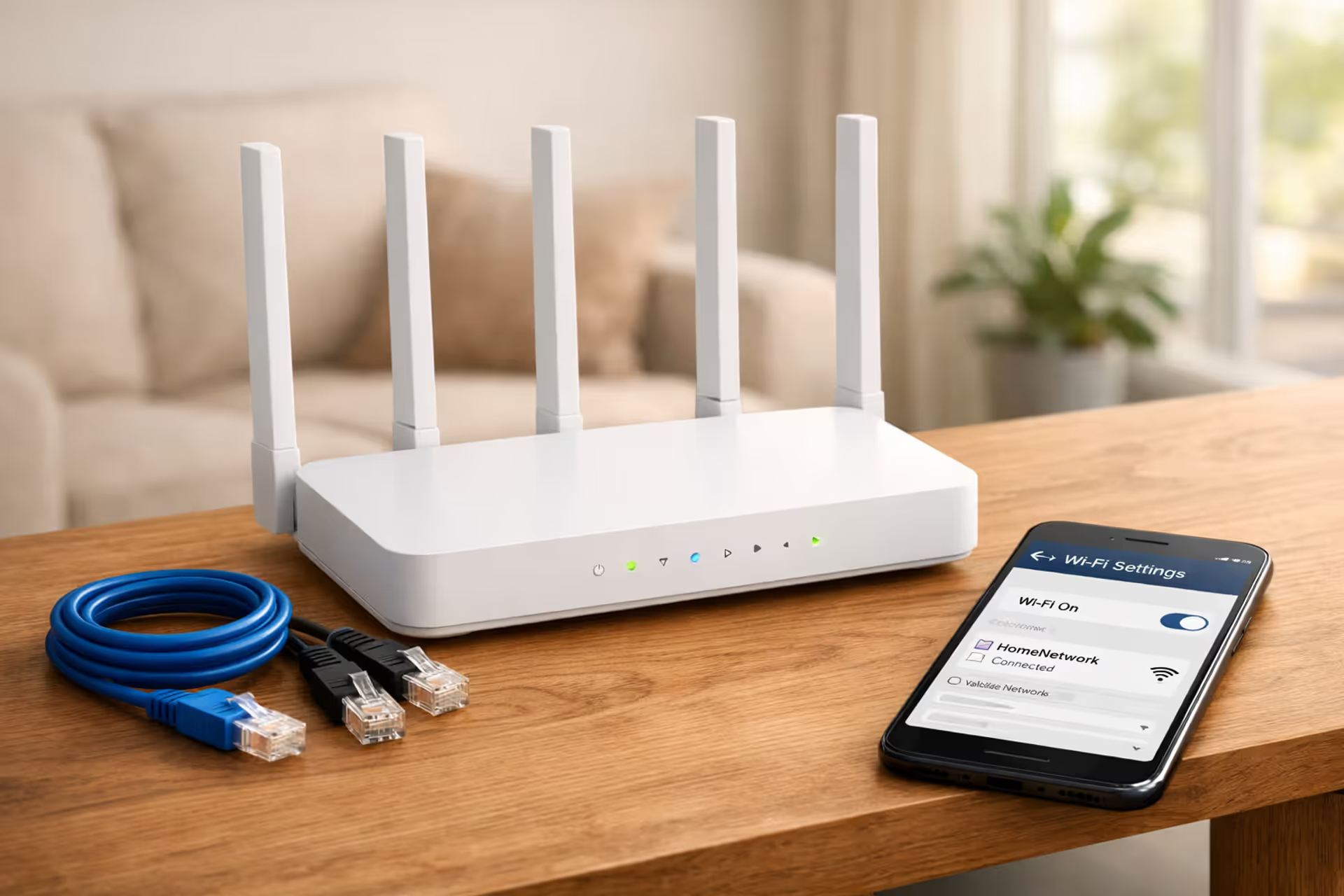
Modern white WiFi router on a wooden shelf in a bright living room with Ethernet cables and a smartphone showing WiFi settings nearby
How to Set Up WiFi in Your Home for Full Coverage
Mar 10, 2026
/
16 MIN
Setting up WiFi correctly makes the difference between streaming smoothly in every room and fighting dead zones. This complete guide covers physical installation, security configuration with WPA2/WPA3, router placement strategies, coverage testing, and solutions for dead zones including mesh systems

Ethernet cable splitting into two paths: one leading to a utility power plug symbol and the other to a shopping cart icon, representing the broadband classification debate
Is Internet a Utility What Broadband Classification Means
Mar 10, 2026
/
21 MIN
The legal classification of internet service has changed three times since 2015, directly impacting consumer protections, pricing transparency, and service quality. Understanding whether broadband qualifies as a utility explains your rights when dealing with providers and what regulatory safeguards apply to your connection

Futuristic quantum internet network with glowing blue and purple connections between nodes and entangled particles in dark space
What Is Quantum Internet and How It Works
Mar 10, 2026
/
17 MIN
Quantum internet harnesses quantum mechanics for fundamentally different networking—not faster speeds, but provably secure communication and quantum computing links. Discover what quantum networks actually do, how quantum key distribution already protects sensitive data, and why you won't need quantum Wi-Fi at home

Load more

disclaimer

The content on this website is provided for general informational and educational purposes only. It is intended to offer guidance on internet technology topics, including internet providers, connection types (fiber, cable, and 5G home internet), WiFi setup, router configuration, internet speed requirements, and online security practices. The information presented should not be considered technical, legal, or professional networking advice.

All information, articles, comparisons, and technical explanations on this website are for general informational purposes only. Internet service availability, performance, speeds, equipment requirements, and security features may vary by provider, location, infrastructure, and individual network configuration. Actual internet performance and reliability depend on many factors, including hardware, service plans, local network conditions, and user behavior.

This website is not responsible for any errors or omissions in the content or for actions taken based on the information provided. Reading this website does not create a professional or service relationship. Users are encouraged to consult with their internet service provider, network specialist, or qualified technical professional for advice specific to their internet setup, equipment, or connectivity needs.