
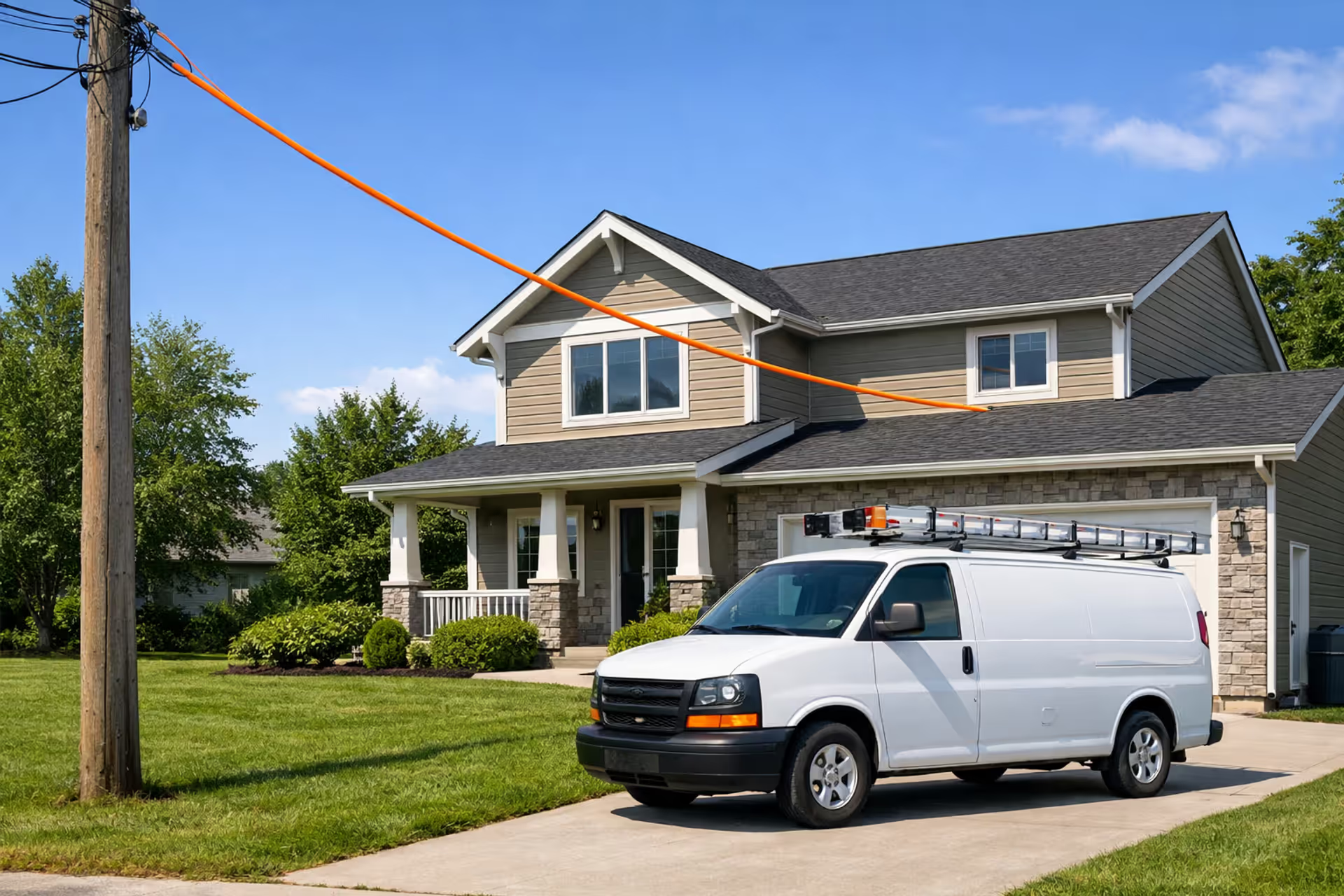
Fiber optic cable being installed from a utility pole to a suburban house with a service van parked nearby on a sunny day
How Long Does Fiber Internet Installation Take — Timelines by Provider

Content
Content
So you've ordered fiber internet—now what? Unlike hooking up a cable modem yourself, fiber installation means coordinating with technicians, sometimes dealing with outside construction crews, and occasionally waiting on utility companies or local permits.
Here's the reality: you're looking at 1-4 weeks from clicking "order" to actually streaming on your new connection. But the tech visit itself? Usually wraps up in 2-4 hours. The wide gap between those numbers depends on your situation—whether fiber already terminates at your home, how backed up installers are in your area, and whether you hit complications like underground utility conflicts or HOA red tape.
Let me walk you through what actually happens at each stage and why some installations fly while others drag on for weeks.
The Complete Fiber Installation Timeline: Every Phase from Order to Activation
Fiber installation isn't one appointment—it's a series of steps that sometimes overlap, sometimes stretch out.
Phase 1: Order processing and scheduling (1-3 days)
Once your order goes through, the provider's systems run address validation. They're checking whether fiber terminates at your specific property—not just "your neighborhood" or "your street." Established fiber areas usually get installation appointments scheduled within a couple days. High-demand zones (think: college towns in August, new suburbs during moving season) might push you out a week before you even get a date.
Phase 2: Pre-installation assessment (0-7 days)
Already have fiber at your property line? Skip this entirely. But if you're one of the first on your block ordering service, expect a site survey. A tech or engineer maps the route from the closest fiber tap to your house, flags potential issues (rocky soil, other utilities in the way, easement complications), and figures out whether permits are needed. Some companies send techs out for this. Others just review satellite imagery and utility maps, which works until it doesn't.
Phase 3: Outside construction work (0-14 days)
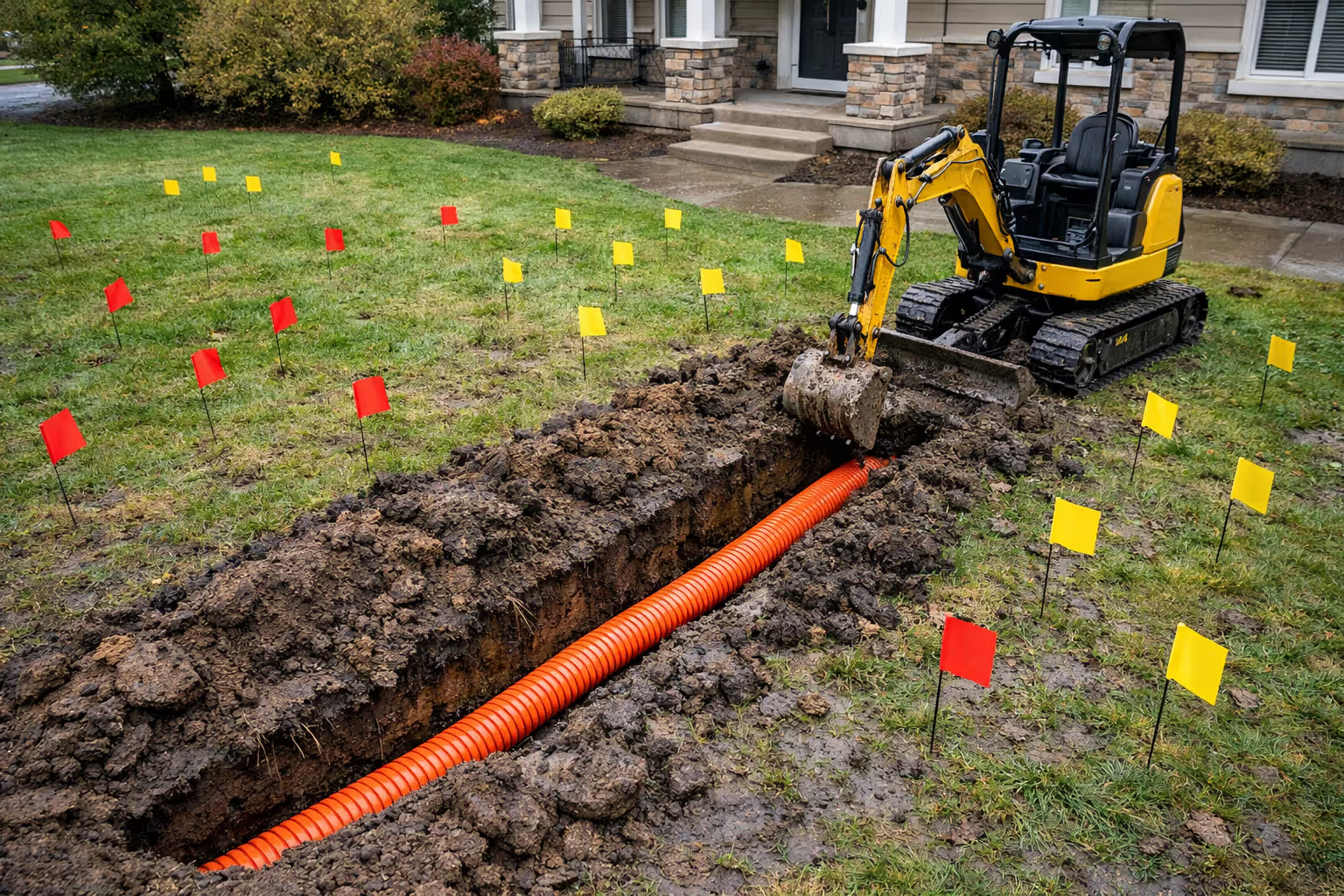
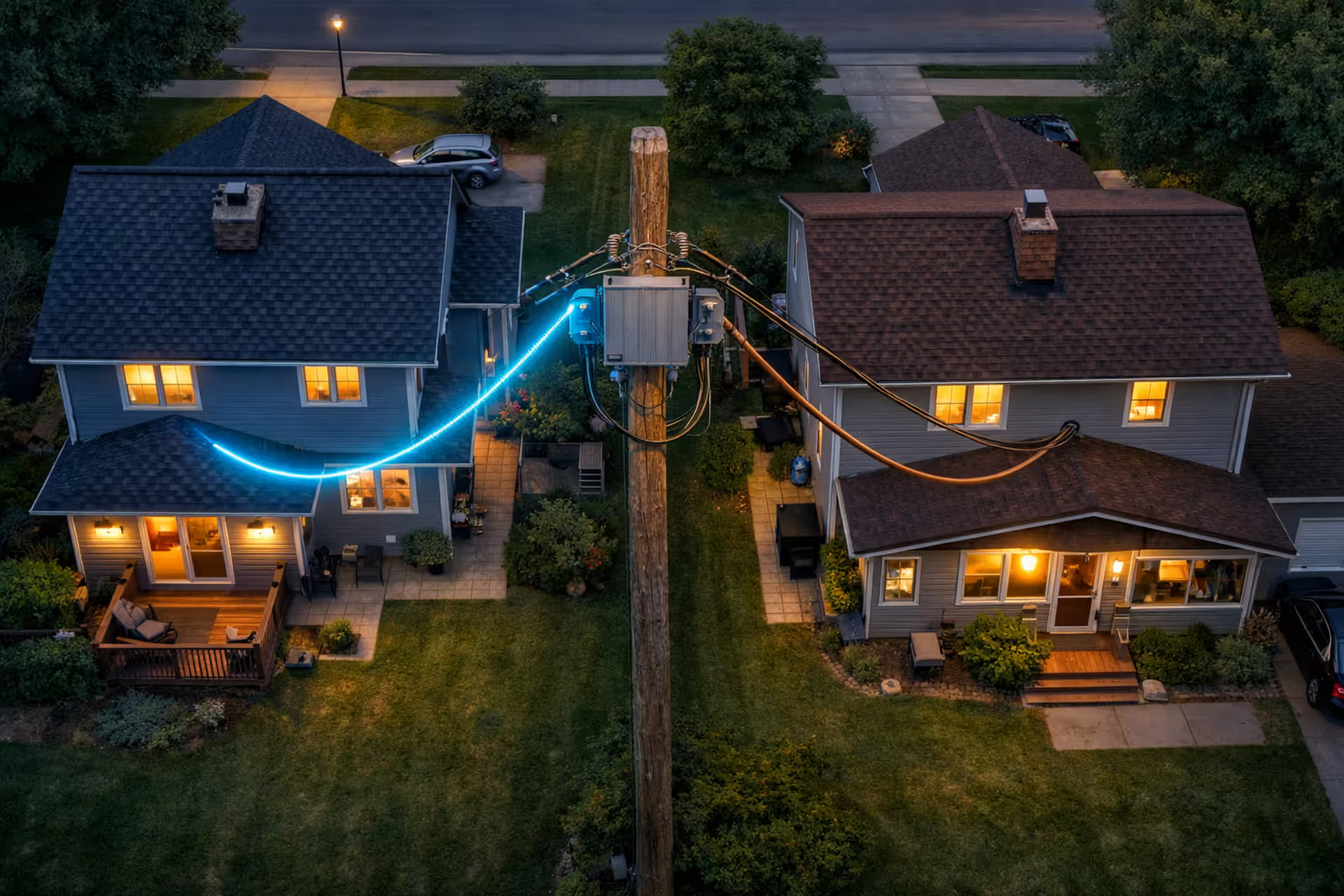
This phase only hits you if fiber needs extending to your property. Aerial drops—running fiber along existing utility poles to your house—typically wrap up in 3-7 days. Underground installations eat up more time: 7-14 days on average, longer if the 811 utility locate service finds conflicts. I've seen installations stall for three weeks because the planned fiber route crossed an unmarked gas line that needed rerouting.
Phase 4: Inside installation and activation (2-4 hours)
This is your scheduled tech visit. They drill an entry point (usually), run fiber to wherever you want your equipment, mount the ONT (optical network terminal), connect your router, and verify everything works. Straightforward installs in fiber-ready homes typically book 5-10 business days out from order date.
| Provider | Time from Order to Install | How Long Techs Stay | Same-Day Install? | Self-Install Available? |
| AT&T Fiber | 5-10 business days | 3-4 hours | Only certain metros | No |
| Verizon Fios | 3-7 business days | 2-3 hours | Sometimes available | Yes (some buildings) |
| Google Fiber | 1-14 days (wide range) | 2-4 hours | Yes, where fiber exists | Yes (apartments) |
| Frontier Fiber | 7-14 business days | 3-5 hours | Almost never | No |
| Ziply Fiber | 5-10 business days | 2-4 hours | No | In limited cases |
| Regional providers | 7-21 days | 3-6 hours | Rare | Depends on provider |
These numbers assume fiber already terminates at your property. First installs in a neighborhood? Tack on another 2-4 weeks for outside work.
What Actually Happens During the Tech's Visit to Your Home
The installation day involves more than just "plugging stuff in." Here's what eats up those 2-4 hours.
The outside work at your property
Your tech locates the fiber demarcation point—where the provider's network ends and your home begins. Aerial fiber runs from a nearby utility pole to your exterior wall. Underground fiber emerges from a green pedestal (you've seen these on street corners) or from an underground vault, then routes to your foundation through buried conduit or direct burial.
Entry point? They drill a hole roughly pencil-width through your exterior wall. Most techs aim for existing utility entry areas, basement walls, or spots near where you want equipment. They seal the hole with caulk or expanding foam. Renters: get landlord approval for this drilling before scheduling. Some property managers freak out about new exterior penetrations.
Inside wiring and gear setup
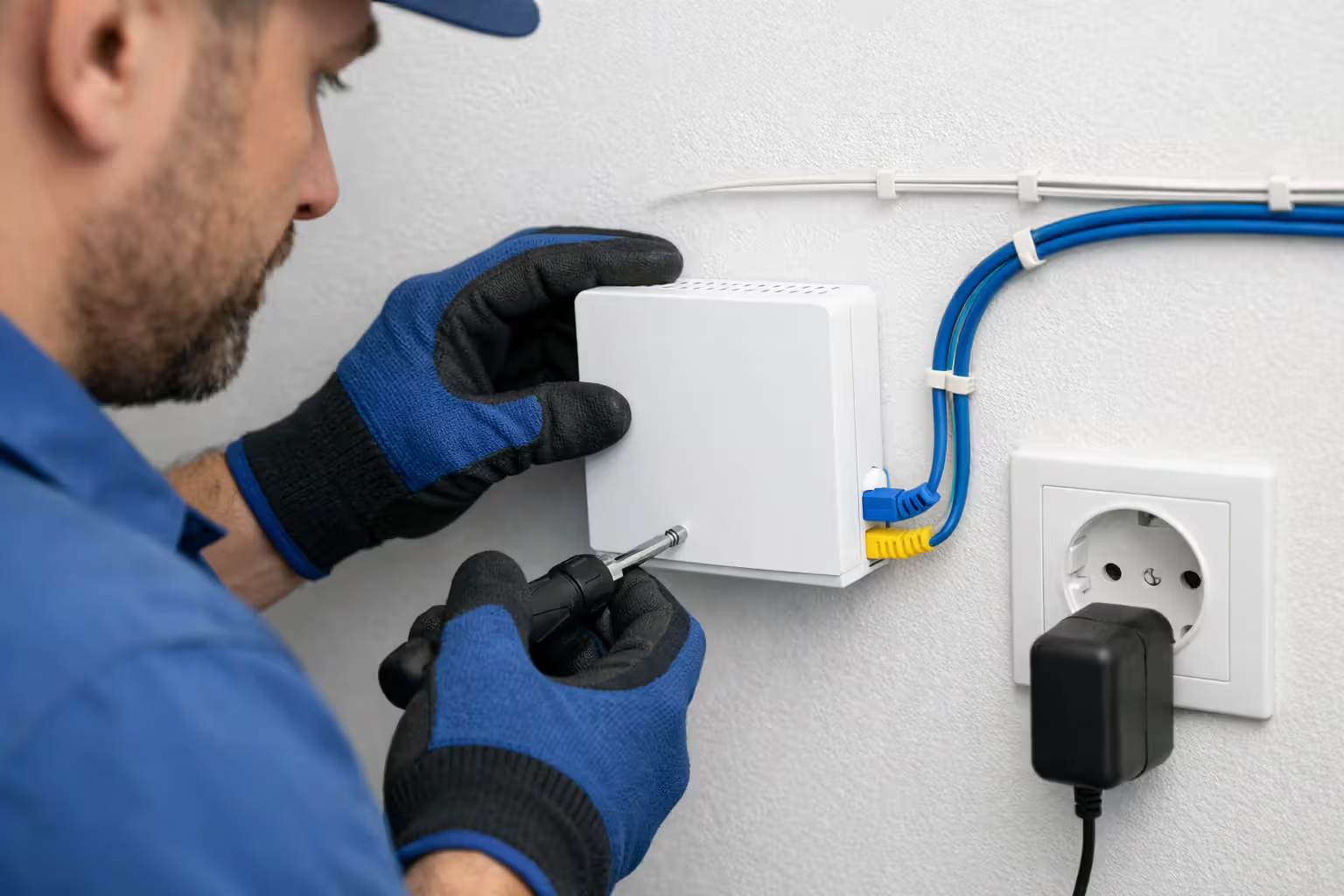
Once fiber's inside, the tech runs it to your ONT location. This box converts light signals to electrical ones that routers understand. It needs wall power and should live near your router or main computer area. Most providers include 50-100 feet of indoor fiber cable. Need more? You'll pay extra or might be told it's not possible.
The tech mounts the ONT (usually on a wall or baseboard), connects the fiber, plugs in power. Then they connect your router to the ONT via Ethernet. Provider-supplied routers get configured with your network name and password. Bringing your own router? The tech should still help connect it, though they might not configure custom settings.
Author: Tyler Beaumont;
Source: flexstarsolutions.com
Testing everything before they leave
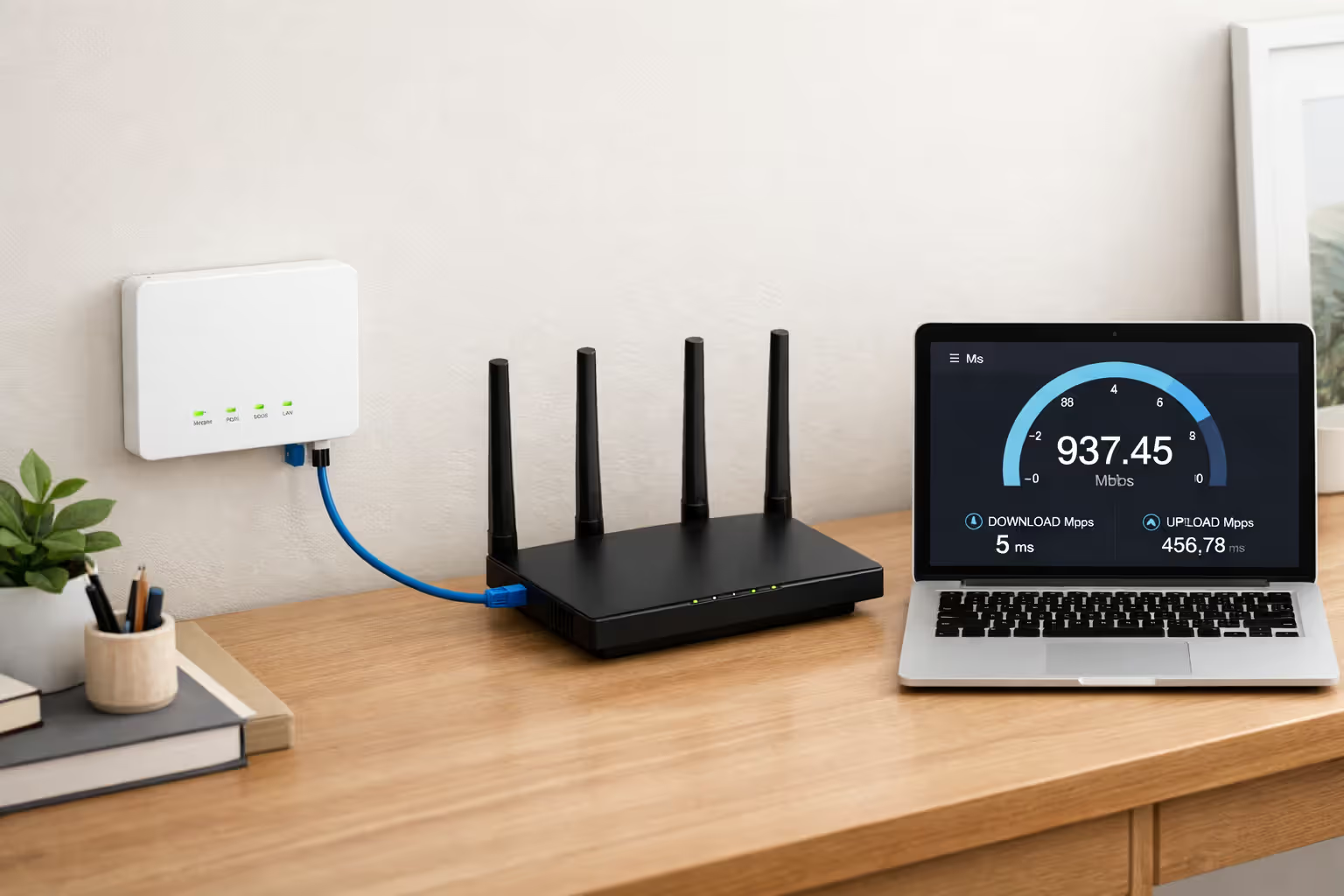
After physical connections, the tech checks fiber signal strength at the ONT, activates your account in the provider's system, and runs speed tests on several devices. They're confirming you get the speeds matching your service tier. Upload and download both get tested—fiber's symmetrical speeds mean both should hit your plan's advertised rates.
Budget 2-4 hours for normal installations. Complications stretch things out: multi-floor cable runs, finished basements with no exposed wall paths, signal troubleshooting. I've heard of installs hitting 5-6 hours when techs encountered unexpected issues. Most residential jobs get handled by one technician. Some providers send two-person crews for properties needing extensive outside work.
What Actually Causes Fiber Installation Delays
Even neighborhoods swimming in fiber infrastructure hit installation roadblocks regularly.
Infrastructure gaps nobody told you about
Providers mark addresses as "serviceable" when fiber runs down your street—but sometimes it doesn't actually reach your property yet. This discovery during order processing adds 1-3 weeks while crews install your drop. Multi-dwelling buildings create confusion too. Fiber might reach the building's main telecom room but not individual units. Expect delays while they wire vertical risers or horizontal hallway runs.
Permitting and utility coordination headaches
Any work beyond your property line often triggers permit requirements. Fiber routes crossing railroad property? Add 2-6 weeks for rail company permits. Same for state highway crossings or environmentally sensitive areas. Underground installations require calling 811 for utility marking, which burns 2-5 business days. Construction crews won't touch a shovel until every underground utility gets marked—nobody wants to slice through a gas main or fiber line serving 500 other customers.
Weather and seasonal complications
Frozen ground shuts down underground installations across northern states from December through March. Heavy rain turns trenching dangerous and creates muddy messes. Ice storms and winds over 25 mph halt aerial work—techs won't climb poles in those conditions. Gulf Coast providers deal with hurricane season backlogs as crews prioritize repair work over new installations.
Summer crushes installation schedules. May through August sees massive demand spikes—families moving, students setting up apartments, everyone who put it off all winter. Expect longer waits during these months.
Author: Tyler Beaumont;
Source: flexstarsolutions.com
Installer availability and scheduling backlogs
Fiber installation requires specialized training. Providers can't just hire temp workers to handle demand surges. The telecom industry faces persistent labor shortages, leaving some regions with 3-4 week scheduling backlogs for routine installations. Rural areas suffer worse—fewer technicians covering vast territories means longer waits than dense urban zones where techs handle multiple installs daily.
Property complications that stop installations cold
HOAs restrict exterior modifications or mandate architectural review before any drilling. Getting HOA approval adds 1-4 weeks easily. Condo and co-op boards move even slower.
Older homes with challenging access—crawlspaces too low to navigate, finished basements with drywall covering every wall, attics packed with insulation—complicate inside wiring. Some techs refuse installations requiring drywall removal or carpentry work beyond drilling. Underground conduit in poor shape sometimes needs repairs before fiber can be pulled through. Who pays for conduit repairs creates finger-pointing between providers and property owners, stalling installations for weeks.
Speed Up Your Install: Pre-Installation Prep That Actually Helps
Taking these steps before your scheduled appointment cuts down delays and prevents reschedules.
Verify fiber reaches your exact address—not just your ZIP code
Don't trust online availability checkers alone. Call and make a human verify service at your specific unit number or lot. Ask directly: "Does fiber terminate at my property line, or just somewhere on my street?" If it's the latter, demand a realistic timeline including drop installation. For apartments, confirm fiber reaches your specific unit—not just the building lobby or basement telecom room. Some complexes have fiber infrastructure but lack wiring to individual units.
Decide on interior equipment placement before the tech shows up
Pick your ONT and router location ahead of time. Best spots have AC power nearby, sit close to where you use internet most, and offer a clear path from wherever fiber enters your home. Basements and garages work great for ONT placement, with WiFi extending throughout. Clear everything from the path techs will walk from outside to your equipment spot. Move furniture, stored boxes, anything in the way. If fiber needs running through a closet or utility room, make sure techs can easily access it.
Author: Tyler Beaumont;
Source: flexstarsolutions.com
Clean up exterior pathways and utility access points
Walk from the street (or utility pole) to where fiber enters your home. Trim back bushes, move lawn furniture and grills, relocate anything blocking access. Locked gates? Be ready to open them. Dogs need securing away from work areas—even friendly dogs distract techs and slow things down. Check that work areas have adequate clearance. Aerial installations need ladder setup space. Underground work requires access to pedestals or handholes.
Gather existing service details
Switching from another provider? Have your current account number ready and understand their cancellation terms. Some folks prefer overlapping service for a day to avoid downtime. Others cancel old service the morning of fiber installation. Write down your desired WiFi network name and password so the tech configures your router correctly on the first pass.
Questions worth asking your provider before installation day
- Will the technician call 30 minutes ahead of arriving? - What's my appointment window? (Four-hour windows are standard) - Does installation include WiFi setup and testing multiple devices? - Any extra charges for wall penetrations or cable runs over 50 feet? - What's the plan if the tech discovers same-day completion isn't possible?
Same-Day Fiber Activation: When It's Actually Possible
Same-day activation exists but remains uncommon for most customers.
Situations where same-day service actually happens
Google Fiber offers same-day installation in select cities if you order before noon and technician slots remain open. This only works in neighborhoods where infrastructure already exists and tech capacity isn't maxed out.
Verizon Fios occasionally pulls off same-day service in dense urban markets like NYC, particularly in buildings already wired for fiber throughout. Your best shot? Call mornings to check for cancellations or last-minute openings.
Multi-dwelling buildings with fiber pre-wired to every unit sometimes enable genuine plug-and-play service. The provider ships equipment and you connect it yourself within hours of ordering.
Providers offering expedited installation
AT&T Fiber offers expedited scheduling in select markets for an added fee—typically $99-$149. This bumps you to the front of the queue but doesn't guarantee same-day service. Expect installation within 1-3 business days instead of the standard week-plus wait.
Some regional providers offer priority scheduling for business accounts or customers bundling multiple services. Always ask about expedited options when placing orders.
Self-install options and their limitations
Self-installation only works when fiber is already installed to your unit and just needs activation. The provider ships an ONT and router with instructions. You connect equipment, call to activate, and you're online within an hour.
This option appears mostly in apartment buildings where property management pre-wired units for fiber. Single-family homes almost never qualify because they need the physical fiber drop and wall penetration.
What rushed installation actually costs
Beyond expedited scheduling fees, rushed installations sometimes carry higher service call charges. Standard installation often comes free or gets included in promotional offers. Expedited service typically falls outside these promotions.
Weekend or after-hours installation requests usually cost $50-$100 extra. Some providers don't offer weekend installation at all, regardless of what you're willing to pay.
Handling Fiber Installation Delays (Because They Happen Constantly)
Fiber is the only future-proof broadband technology. Everything else is a compromise
— Craig Moffett
Installation delays happen frequently enough that backup plans aren't optional.
Why installations get rescheduled
Technicians sometimes run into issues during earlier appointments that stretch their schedules, forcing them to reschedule later slots. Equipment shortages—ONTs, routers, fiber cable—can delay installations by weeks during supply chain disruptions. Permitting delays outside the provider's control push back outside construction indefinitely.
Weather cancellations are non-negotiable. Crews won't work in lightning, ice, or high winds no matter how long you've waited.
Tracking your installation status
Most providers offer online order tracking through account portals. These show current status: order received, installation scheduled, outside work in progress, or ready for inside installation.
If your appointment sits more than 48 hours away and you haven't gotten confirmation, call to verify the technician remains scheduled. Systems sometimes drop appointments due to technical glitches nobody catches.
Escalation tactics when delays pile up
If your installation gets delayed multiple times, ask for supervisors. Document every delay: dates, reasons given, names of reps you spoke with. Supervisors can sometimes prioritize your installation or spot issues front-line reps missed.
Social media complaints on Twitter or Facebook sometimes get faster responses than phone calls. Tag the provider's official account with your order number and concise delay description.
FCC complaints are nuclear options but can prompt action on installations delayed for months. The FCC forwards complaints to providers who must respond within 30 days.
Interim internet solutions while waiting
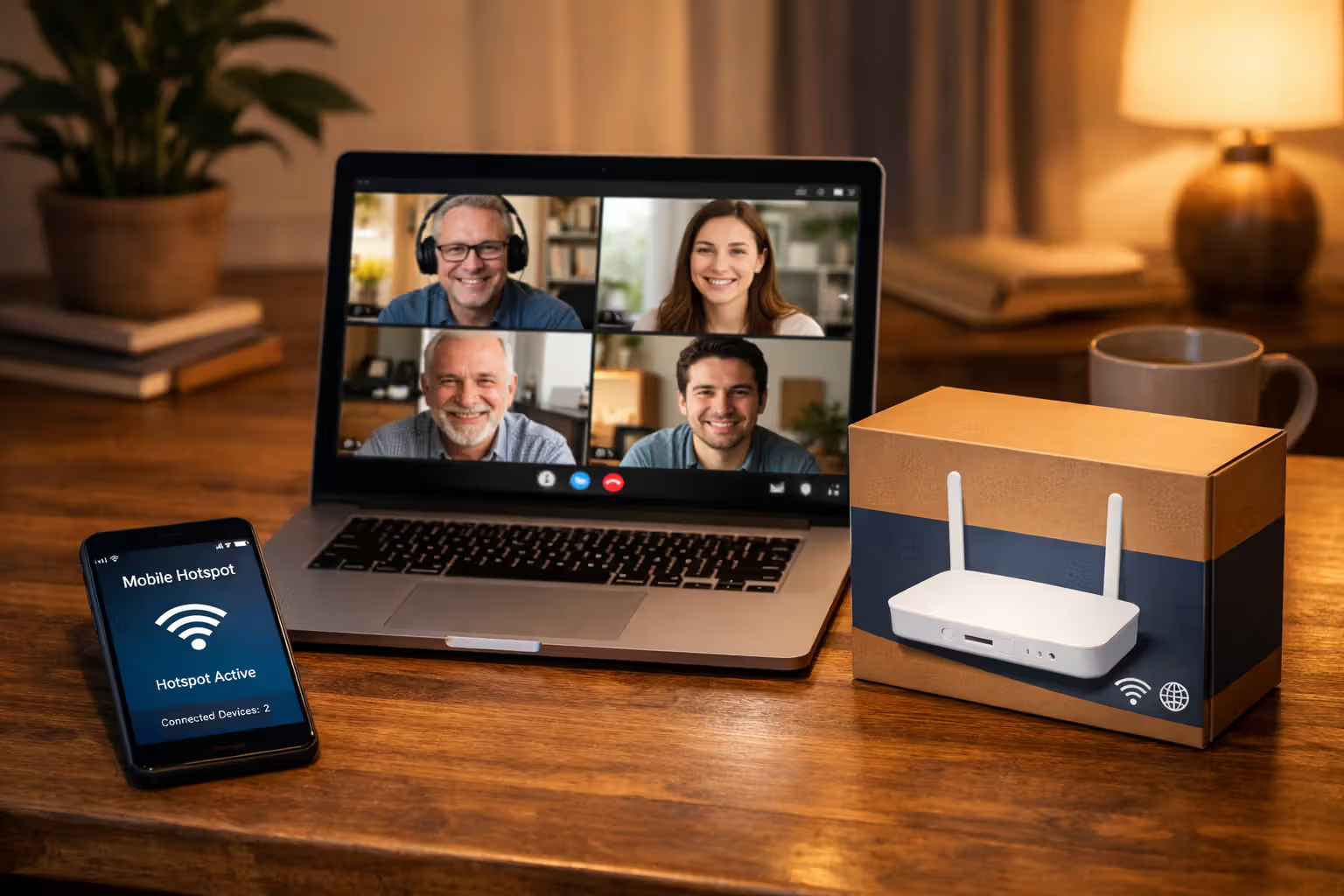
Mobile hotspots through your cell carrier provide temporary internet. Most carriers offer unlimited hotspot plans or add-ons. Speeds won't touch fiber but keep you online for work and basic browsing.
Fixed wireless providers like T-Mobile Home Internet or Verizon 5G Home Internet sometimes offer month-to-month service with zero installation wait. Cancel once fiber activates.
Cable or DSL providers often schedule installations faster than fiber. Facing a month-long fiber wait? Consider ordering temporary cable service and canceling once fiber goes live.
Author: Tyler Beaumont;
Source: flexstarsolutions.com
Common Questions About Fiber Installation Timeframes
Getting Your Fiber Installation Done Without Losing Your Mind
The wait for fiber internet tests patience, but performance usually justifies the hassle. Most installations complete within 2 weeks of ordering in established fiber neighborhoods. Properties needing outside construction face longer waits, especially during peak moving seasons or brutal weather.
Your preparation matters more than you'd think. Confirming exact service availability, clearing access paths, and deciding equipment placement before the tech arrives prevents delays and return visits. Switching from another provider? Keep your old service active until the fiber tech successfully completes installation and you've verified the connection works. Nothing worse than being stuck without internet for days because something went wrong.
Delays will hit some percentage of installations—that's guaranteed. Stay on top of your order status through the provider's tracking system and don't hesitate calling for updates. Polite persistence often gets faster service, particularly with customer service reps who have more power to escalate issues than you'd expect.
The speed and reliability you get with fiber makes the installation hassle worthwhile for most users. Upload speeds matching downloads help anyone working from home, gaming, or video calling. Connection stability blows away cable or DSL. Just budget extra time in your planning, especially if you're coordinating installation with a move or canceling existing service on a deadline.
Related Stories

Read more

Read more

The content on this website is provided for general informational and educational purposes only. It is intended to offer guidance on internet technology topics, including internet providers, connection types (fiber, cable, and 5G home internet), WiFi setup, router configuration, internet speed requirements, and online security practices. The information presented should not be considered technical, legal, or professional networking advice.
All information, articles, comparisons, and technical explanations on this website are for general informational purposes only. Internet service availability, performance, speeds, equipment requirements, and security features may vary by provider, location, infrastructure, and individual network configuration. Actual internet performance and reliability depend on many factors, including hardware, service plans, local network conditions, and user behavior.
This website is not responsible for any errors or omissions in the content or for actions taken based on the information provided. Reading this website does not create a professional or service relationship. Users are encouraged to consult with their internet service provider, network specialist, or qualified technical professional for advice specific to their internet setup, equipment, or connectivity needs.