
Glowing blue and green fiber-optic cable strands emerging from a connector with a blurred suburban house in the background at dusk
How to Check Fiber Internet Availability at Your Address Step by Step

Fiber-optic internet delivers symmetrical gigabit speeds that cable and DSL can't match, but finding out whether those glass strands run to your front door takes more than a quick Google search. Coverage maps often show entire ZIP codes shaded green when only three streets actually have service. ISP websites may promise fiber "in your area" yet return a "not serviceable" message when you type your exact address. Meanwhile, a neighbor two blocks over streams in 4K on a 2-gig connection while you're stuck with 100 Mbps cable.
This guide walks through the exact steps to verify fiber availability at your address, what to do when no provider serves your street yet, and how to compare plans once you've identified your options. You'll learn which tools actually work, which marketing claims to ignore, and how long you might wait if fiber is coming soon.
Why Fiber Internet Availability Varies by Location
Fiber deployment follows economics, not fairness. Providers invest where they can connect the most subscribers per mile of cable. A dense urban apartment complex might see three competing fiber networks, while a rural county 40 miles away has zero—even though both pay federal and state taxes that fund broadband grants.
Urban cores typically gained fiber first because telecom companies and competitive providers like Google Fiber or municipal networks targeted high-rise buildings and closely spaced single-family homes. Suburban subdivisions built after 2015 often include fiber as standard infrastructure, written into developer agreements. Older suburbs face a patchwork: some streets get upgraded when a provider trenches new conduit during road work, others wait indefinitely.
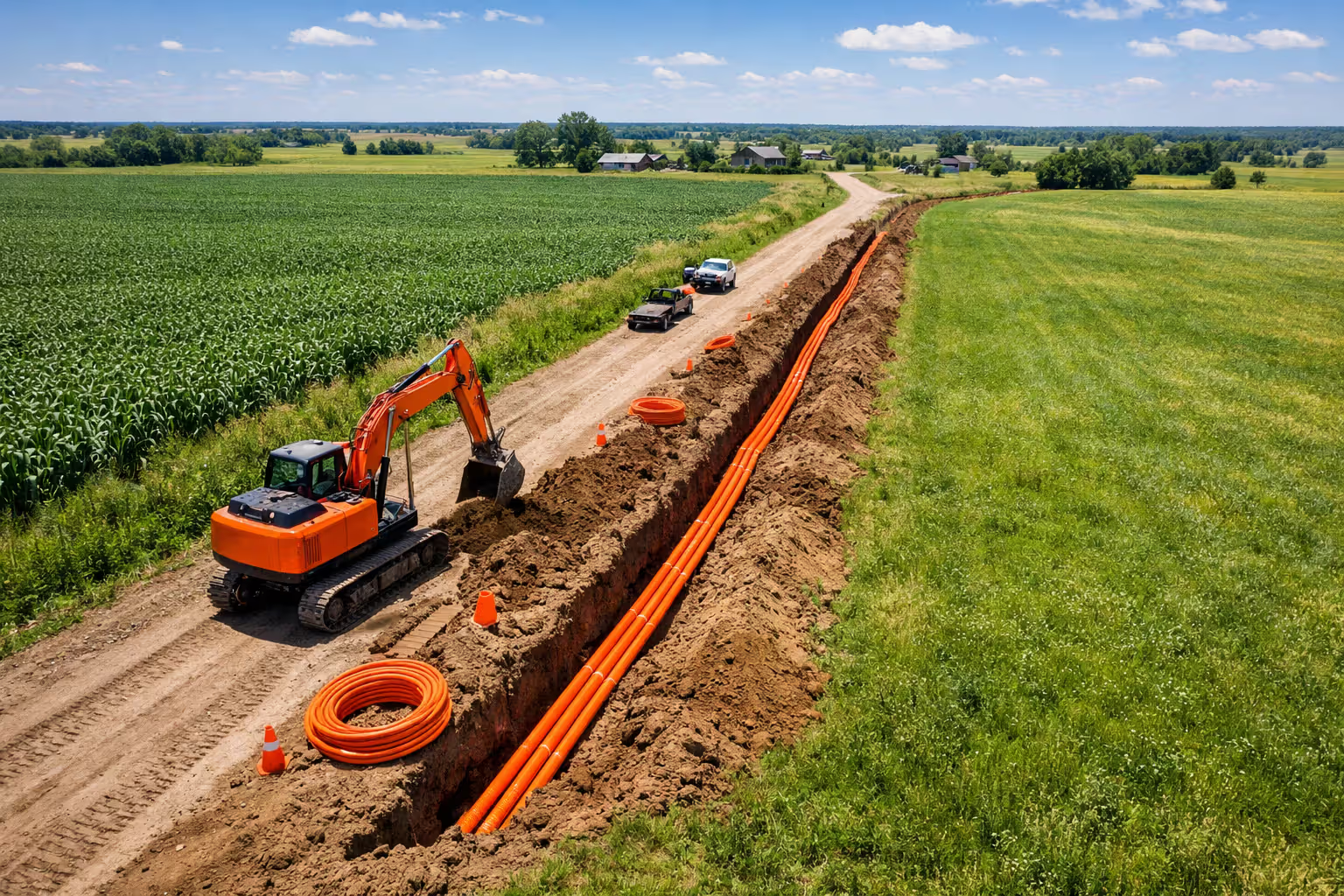
Rural areas lag furthest behind. Stringing fiber across miles of farmland to reach a handful of homes costs $20,000 to $60,000 per mile. Federal programs like the Rural Digital Opportunity Fund and state broadband offices now subsidize these builds, but construction timelines stretch two to four years from grant award to live service. Terrain matters too—mountainous regions and areas with rocky soil or frequent flooding add permitting delays and construction costs.
Author: Caroline Prescott;
Source: flexstarsolutions.com
Regulatory differences also create gaps. Some states let incumbent phone companies avoid upgrade mandates, so AT&T might offer fiber in Nashville but only DSL in adjacent counties. Municipal broadband bans in roughly 17 states prevent cities from building their own networks, leaving residents dependent on private ISPs that may never arrive.
4 Ways to Check If Fiber Internet Is Available at Your Address
Use Provider Coverage Maps and Online Tools
National aggregators like BroadbandNow and the FCC's broadband map offer starting points, but treat their results as rough filters rather than final answers. The FCC map, redesigned in 2023, shows which providers report service in each census block. However, "serviceable locations" don't always mean your specific house—especially if you live on a long rural road where fiber stops three driveways short of yours.
BroadbandNow and HighSpeedInternet.com let you enter your address and return a list of ISPs claiming coverage. These tools scrape provider data and user reports, so accuracy varies. A listing that says "AT&T Fiber available" might mean AT&T serves your ZIP code but not your street. Always verify on the ISP's own site before celebrating.
For a second opinion, check your state's broadband office website. States like California, North Carolina, and Virginia maintain their own mapping portals with more granular data than federal sources. Some include planned expansion zones funded by state grants, showing which addresses will gain fiber in the next 12 to 24 months.
Enter Your Address on ISP Websites
Once you have a shortlist of potential providers, visit each one's homepage and run their address checker. AT&T, Verizon Fios, Frontier, Lumen (CenturyLink), and Google Fiber all offer instant eligibility tools. Type your full street address including apartment or unit number—generic searches by ZIP code return overly optimistic results.
If the checker says fiber is available, note the maximum speed offered. True fiber-to-the-home delivers symmetrical speeds: 300/300 Mbps, 1000/1000 Mbps, or higher. If you see 100 Mbps download but only 10 Mbps upload, that's likely DSL or hybrid fiber-to-the-node service running over copper for the last segment.
Some regional providers don't advertise nationally. Search "
fiber internet" to uncover municipal networks (like Chattanooga's EPB or Longmont's NextLight) or smaller companies (Sonic in California, Ting in select towns). These providers often skip the big aggregator sites, so direct research pays off.Call Local Providers Directly
When online tools conflict or you need clarification, phone the ISP's sales line. Have your exact address ready, including any unit designators. Ask three specific questions:
- "Is fiber-to-the-home available at this address, or is it fiber-to-the-node?"
- "What installation timeline can you guarantee if I order today?"
- "Are there any pending service area expansions in my neighborhood?"
Sales reps sometimes confuse product types, so if they mention "fiber internet" but quote upload speeds far below download speeds, probe further. Real fiber delivers matching up and down bandwidth.
Document the rep's name, date, and answers. If you're planning a move or a lease renewal hinges on connectivity, get confirmation in writing via email or chat transcript. Verbal promises of "coming soon" mean little without a firm date.

Author: Caroline Prescott;
Source: flexstarsolutions.com
Check Municipal Broadband Databases
More than 750 communities operate their own fiber networks, often offering better speeds and prices than private ISPs. The Institute for Local Self-Reliance maintains a map of municipal and cooperative broadband providers at muninetworks.org. Enter your city or county to see if a public option exists.
Electric cooperatives in rural areas increasingly bundle fiber with power service. If your electricity comes from a co-op, check their website or call to ask about internet plans. Co-ops often serve addresses that commercial ISPs ignore because the co-op already owns the poles and rights-of-way.
Public housing authorities and some universities also build fiber networks. If you live in subsidized housing or near a large campus, inquire whether discounted or free gigabit service is available through an institutional program.
What to Do When Fiber Isn't Available Yet
Joining Waitlists and Pre-Registration Programs
Most major providers let you register interest when fiber isn't live yet. AT&T, Frontier, and Google Fiber maintain waitlist forms on their websites. Submitting your address signals demand, and some ISPs prioritize neighborhoods with high sign-up rates when planning construction phases.
Pre-registration sometimes unlocks discounts. Google Fiber historically offered early-bird pricing to waitlist members in new markets, and smaller providers use pre-orders to secure financing for builds. Even if no discount applies, you'll receive email updates when service goes live, giving you first crack at installation slots.
Check back quarterly. Expansion plans shift based on permitting, weather, and funding. A neighborhood that showed no activity in January might see crews trenching fiber by June.
Understanding Typical Buildout Timelines
If a provider announces plans for your area, expect 12 to 36 months before you can actually order service. The process breaks into stages:
- Permitting and design (3–6 months): Engineers map routes, apply for utility pole access, and secure city permits.
- Construction (6–18 months): Crews trench conduit, string aerial fiber, splice connections, and install neighborhood terminals. Weather, labor shortages, and permit disputes cause delays.
- Testing and activation (2–4 months): Technicians light the network, test signal quality, and begin taking orders.
Rural areas receiving grant funding often see longer timelines because providers wait for all funding tranches before starting construction. State and federal programs also impose "buy America" requirements and prevailing wage rules that slow procurement and hiring.
Viable Alternatives
While you wait, consider these substitutes:
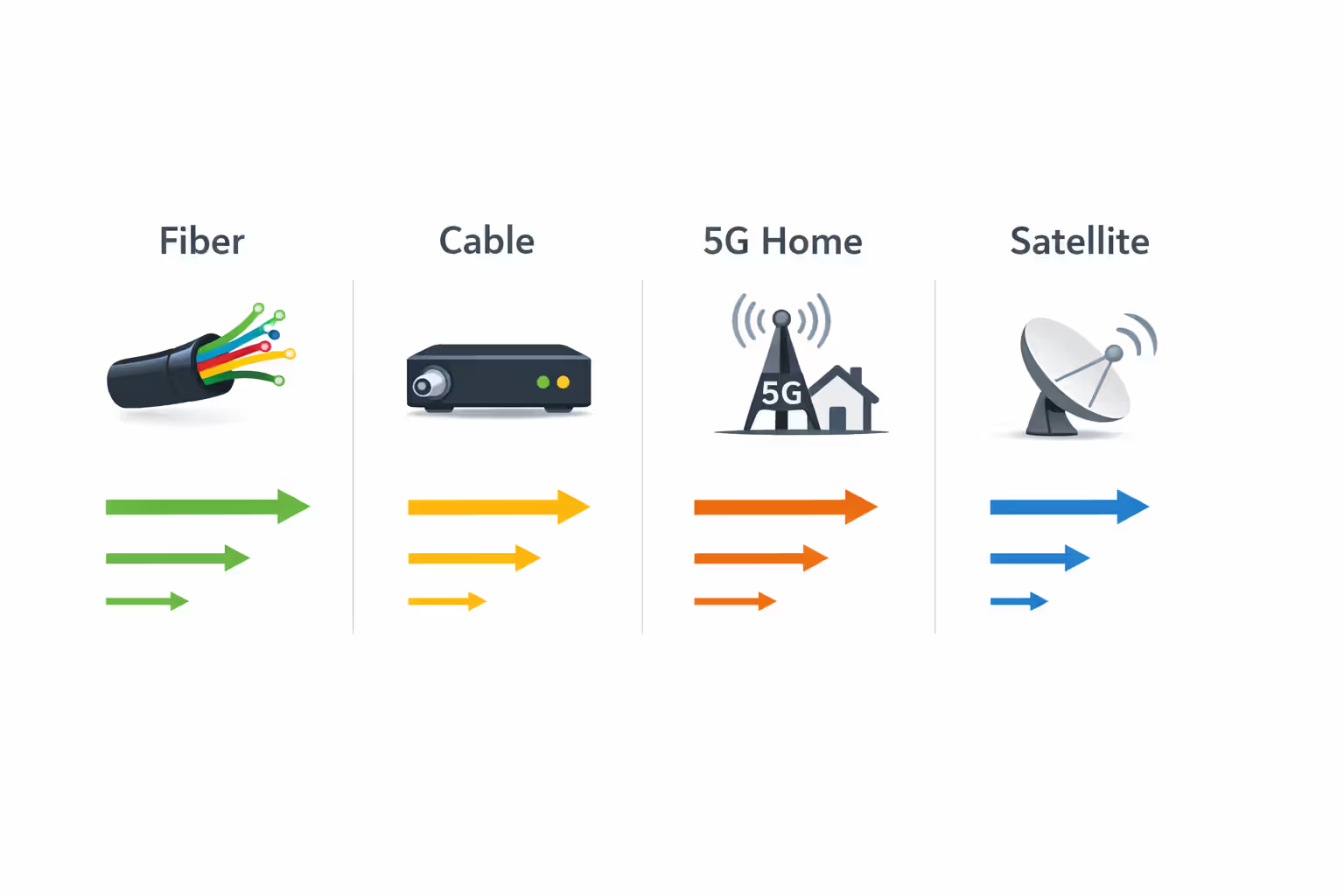
Cable internet remains the most common fiber alternative. Docsis 3.1 cable modems deliver 500 Mbps to 1 Gbps download in many markets, though upload speeds lag at 20–50 Mbps. Comcast, Spectrum, and Cox cover most urban and suburban areas.
5G home internet from Verizon and T-Mobile offers 100–300 Mbps with no data caps in coverage zones. Service quality depends on tower proximity and congestion. If your phone gets strong 5G signal at home, the fixed wireless gateway usually performs well. Speeds drop during peak evening hours in crowded areas.
Starlink and satellite work anywhere with a clear view of the sky but cost more—$120/month for Starlink versus $50–80 for cable. Latency runs 25–60 ms, acceptable for video calls and gaming, though not as low as fiber's sub-10 ms.
DSL upgrades like AT&T's fiber-to-the-node service or bonded VDSL sometimes deliver 100 Mbps over existing phone lines. Availability is hit-or-miss, and performance degrades beyond a quarter-mile from the node.
Author: Caroline Prescott;
Source: flexstarsolutions.com
How to Compare Fiber Plans Once You Find Providers Near You
Speed Tiers and Pricing Structures
Entry-level fiber typically starts at 300 or 500 Mbps symmetrical for $50 to $70 per month. Mid-tier 1-gig plans run $70 to $90, and multi-gig options (2 Gbps or 5 Gbps) cost $100 to $180. Promotional rates often knock $10 to $30 off the first year, then jump to standard pricing.
Match speed to household size and usage. A single remote worker streaming occasional video needs 300 Mbps. A family of four with multiple gamers, 4K streams, and large cloud backups benefits from 1 Gbps. Multi-gig makes sense only if you regularly transfer huge files or run a home server.
Symmetrical upload speed is fiber's killer feature. Cable's 1000/35 Mbps can't compete with fiber's 1000/1000 Mbps when you're uploading video projects, hosting video calls, or backing up photos.
Contract Terms and Installation Fees
Some providers require one- or two-year contracts with early termination fees of $200 to $300. Others offer month-to-month service at the same price. No-contract plans provide flexibility if you might move or switch providers.
Installation fees range from $0 (waived during promotions) to $99 for standard installs. Complex jobs—like burying a new drop across your yard or fishing fiber through finished walls—can cost $200 to $500. Ask whether the quote includes inside wiring and where the optical network terminal will be mounted.
Equipment rental adds $10 to $15 monthly for a router. Buying your own compatible router saves money over time, but not all ISPs allow it. Verizon Fios and AT&T Fiber support third-party routers; Google Fiber requires their gateway for TV service but allows your own router for internet-only plans.
Bundling Options and Promotional Rates
Bundling fiber with TV or phone service sometimes unlocks discounts, but streaming often costs less than cable TV packages. Run the math: if fiber alone is $70 and adding TV bumps the bill to $120, you're paying $50 for channels you can get via YouTube TV ($73) or Hulu + Live TV ($77) without a contract.
Autopay and paperless billing discounts typically save $5 to $10 per month. Linking service to a mobile plan occasionally yields another $10 off. AT&T and Verizon both offer mobile-plus-fiber bundles.
Watch for rate locks. Some promotions guarantee pricing for three years; others revert to standard rates after 12 months. Read the fine print before signing.
Comparison of Major U.S. Fiber Providers' Starting Plans
| Provider | Starting Price | Download/Upload Speed | Contract Requirement | Installation Fee | States Available |
| AT&T Fiber | $55/mo | 300/300 Mbps | None | $99 (often waived) | 22 |
| Verizon Fios | $50/mo (promo) | 300/300 Mbps | None | $99 (often waived) | 9 (Northeast) |
| Google Fiber | $70/mo | 1000/1000 Mbps | None | $0 | 20+ cities |
| Frontier Fiber | $50/mo | 500/500 Mbps | None | $0–$85 | 25 |
| Lumen (CenturyLink) | $50/mo | 940/940 Mbps | 1 year | $0 | 16 |
Prices as of late 2024; promotional rates and availability subject to change.
Common Mistakes When Searching for Fiber Service
Assuming "Fiber" Marketing Means True Fiber-to-the-Home
ISPs blur the line between fiber-to-the-home (FTTH) and fiber-to-the-node (FTTN). AT&T's "Internet Air" and "Fiber" brands both appear in search results, but Air is fixed wireless, not fiber. CenturyLink advertises "fiber internet" in areas where only the backbone is fiber—the last mile to your house runs over aging copper.
Check upload speeds to confirm. Anything less than 50 percent of download speed suggests partial fiber or cable. True FTTH delivers identical up and down rates.
Not Verifying Serviceability Before Moving
Renters and homebuyers often assume fiber listed for a ZIP code or street name means their specific unit has access. Apartment buildings may have fiber to the property but not wired to individual units. The landlord might have an exclusive agreement with a different ISP, blocking the fiber provider you want.
Before signing a lease or closing on a house, test the address on every ISP's website and ask the landlord or seller which services are active. Some HOAs restrict exterior cabling, preventing new fiber drops even when the street has service.
Overlooking Smaller Regional Providers
National brands dominate search results, but regional fiber companies often deliver better value. Sonic in the Bay Area, Greenlight in upstate New York, and MetroNet across the Midwest offer gigabit service with no contracts, local customer support, and competitive pricing.
Search "city name fiber ISP" and check local Reddit threads or Nextdoor posts for recommendations. Smaller providers may not spend on Google Ads, so they won't appear unless you dig.
Ignoring Future Expansion Announcements
City council meetings, press releases, and state broadband office websites publish fiber expansion timelines months before construction starts. If you're willing to wait six to twelve months, you might avoid signing a cable contract by tracking upcoming builds.
Subscribe to your city's broadband newsletter if available, or set a Google Alert for "your city fiber expansion." Providers also post construction updates on social media and community forums.
The gap between where fiber is available and where people think it's available remains significant. Consumers should verify serviceability at their exact address with multiple sources rather than relying on a single map or marketing claim
— John Busby
Frequently Asked Questions About Finding Fiber Internet
Fiber internet offers unmatched speed and reliability, but finding it requires persistence. Start with provider websites and municipal databases, verify results with phone calls, and don't assume coverage maps tell the whole story. If fiber isn't available yet, join waitlists, monitor expansion announcements, and evaluate alternatives like cable or 5G home internet. When comparing plans, prioritize symmetrical speeds, avoid unnecessary bundles, and read contract terms carefully. By following these steps, you'll either connect to fiber quickly or position yourself to jump on service the moment it reaches your street.
Related Stories

Read more

Read more

The content on this website is provided for general informational and educational purposes only. It is intended to offer guidance on internet technology topics, including internet providers, connection types (fiber, cable, and 5G home internet), WiFi setup, router configuration, internet speed requirements, and online security practices. The information presented should not be considered technical, legal, or professional networking advice.
All information, articles, comparisons, and technical explanations on this website are for general informational purposes only. Internet service availability, performance, speeds, equipment requirements, and security features may vary by provider, location, infrastructure, and individual network configuration. Actual internet performance and reliability depend on many factors, including hardware, service plans, local network conditions, and user behavior.
This website is not responsible for any errors or omissions in the content or for actions taken based on the information provided. Reading this website does not create a professional or service relationship. Users are encouraged to consult with their internet service provider, network specialist, or qualified technical professional for advice specific to their internet setup, equipment, or connectivity needs.