
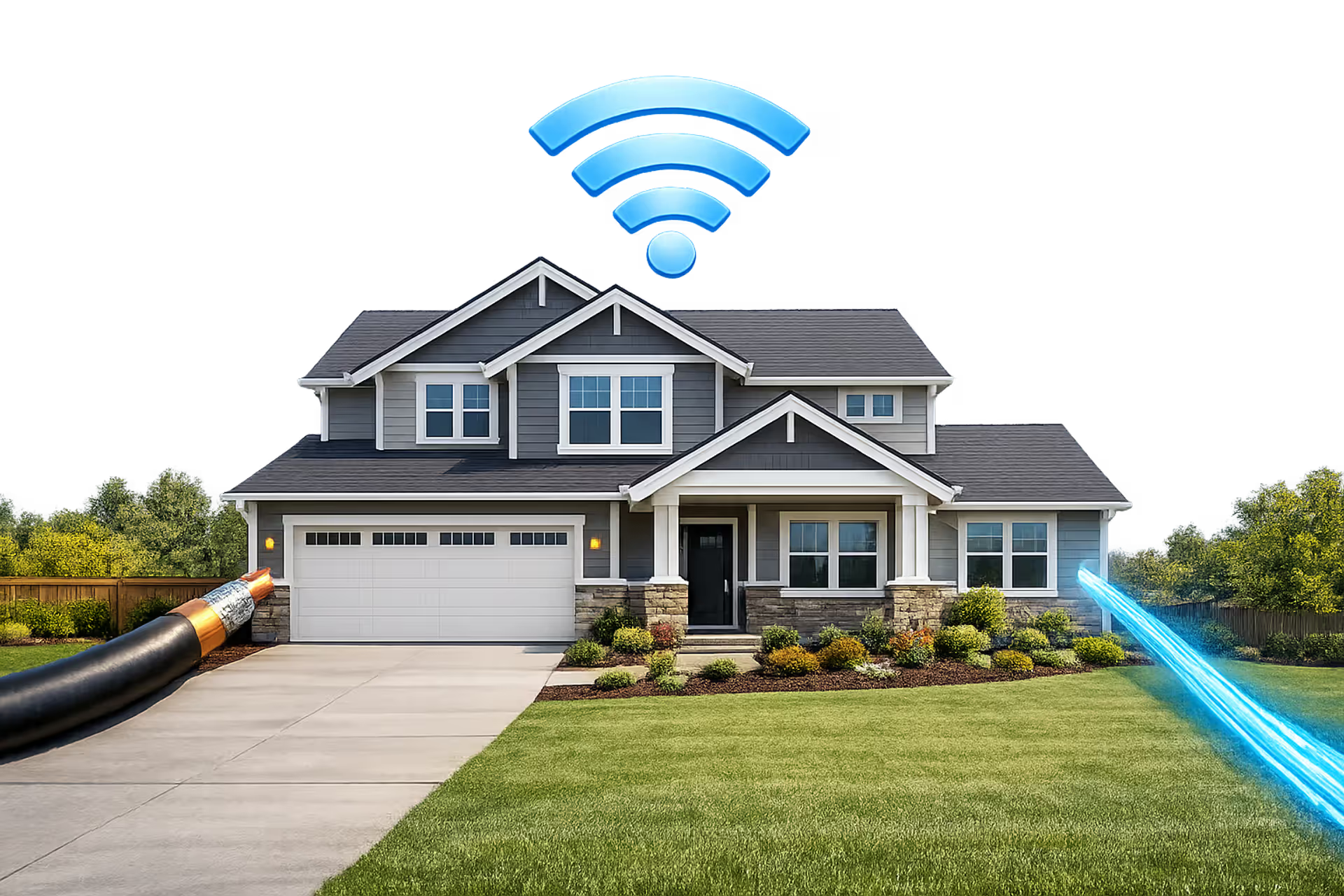
Suburban American house with coaxial cable and glowing fiber optic cable connections showing two types of internet technology
Is Optimum Cable or Fiber? How Your Internet Connection Really Works

Optimum markets itself as a high-speed internet provider, but many subscribers aren't sure whether they're getting fiber optic service or traditional cable. The answer matters because it affects upload speeds, reliability during peak hours, and whether you're paying a fair price for the technology you receive.
Most Optimum customers receive service through a hybrid fiber-coaxial (HFC) network, which is fundamentally a cable internet connection. True fiber-to-the-home (FTTH) service exists under the "Optimum Fiber Internet" brand, but it's only available in select neighborhoods where the company has invested in full fiber infrastructure. Understanding which type you have—or could get—helps you set realistic expectations and choose the right plan.
Optimum's Internet Technology: HFC Cable Network
Optimum operates primarily on a hybrid fiber-coaxial architecture. Fiber optic cables carry data from Optimum's core network to neighborhood distribution points, then coaxial cables complete the final connection to your home. This setup allows the company to advertise fiber as part of its infrastructure while delivering service through the same coaxial lines that have carried cable TV for decades.
The network uses DOCSIS 3.1 technology, a cable modem standard that enables gigabit download speeds over coaxial cable. DOCSIS 3.1 supports up to 10 Gbps downstream and 1-2 Gbps upstream in ideal conditions, though real-world performance depends on how many neighbors share your local node. During evening hours when everyone streams video, you might notice slower speeds because cable internet divides bandwidth among users on the same segment.
Hybrid fiber-coaxial networks offer a cost-effective upgrade path for cable operators, but they inherit the shared-bandwidth limitations of coaxial distribution. Upload speeds remain constrained compared to symmetrical fiber because the spectrum allocation on coax favors downstream traffic
— Craig Moffett
This explains why Optimum is classified as cable internet, not fiber, even though fiber optics play a role in the network. The last-mile connection—the part that reaches your house—determines the service type. Coaxial cable means you're getting cable internet, regardless of what happens upstream.
Optimum Fiber Internet, by contrast, runs fiber optic lines directly to your home. No coaxial cable touches your connection. This delivers symmetrical speeds (identical upload and download) and eliminates the shared-bandwidth issues that affect cable. The catch: Optimum Fiber is only available in portions of New York, New Jersey, Connecticut, and Pennsylvania where the company has completed fiber buildouts. Most Optimum subscribers still receive HFC cable service.
How to Tell If You Have Optimum Fiber or Cable Service
Checking your connection type takes less than five minutes. Start by looking at your monthly bill or logging into your Optimum account online. Plans labeled "Optimum Fiber Internet" or showing symmetrical speeds (like 500/500 Mbps or 1 Gig/1 Gig) indicate true fiber service. Asymmetrical speeds—300 Mbps download with 35 Mbps upload, for example—signal a cable connection.
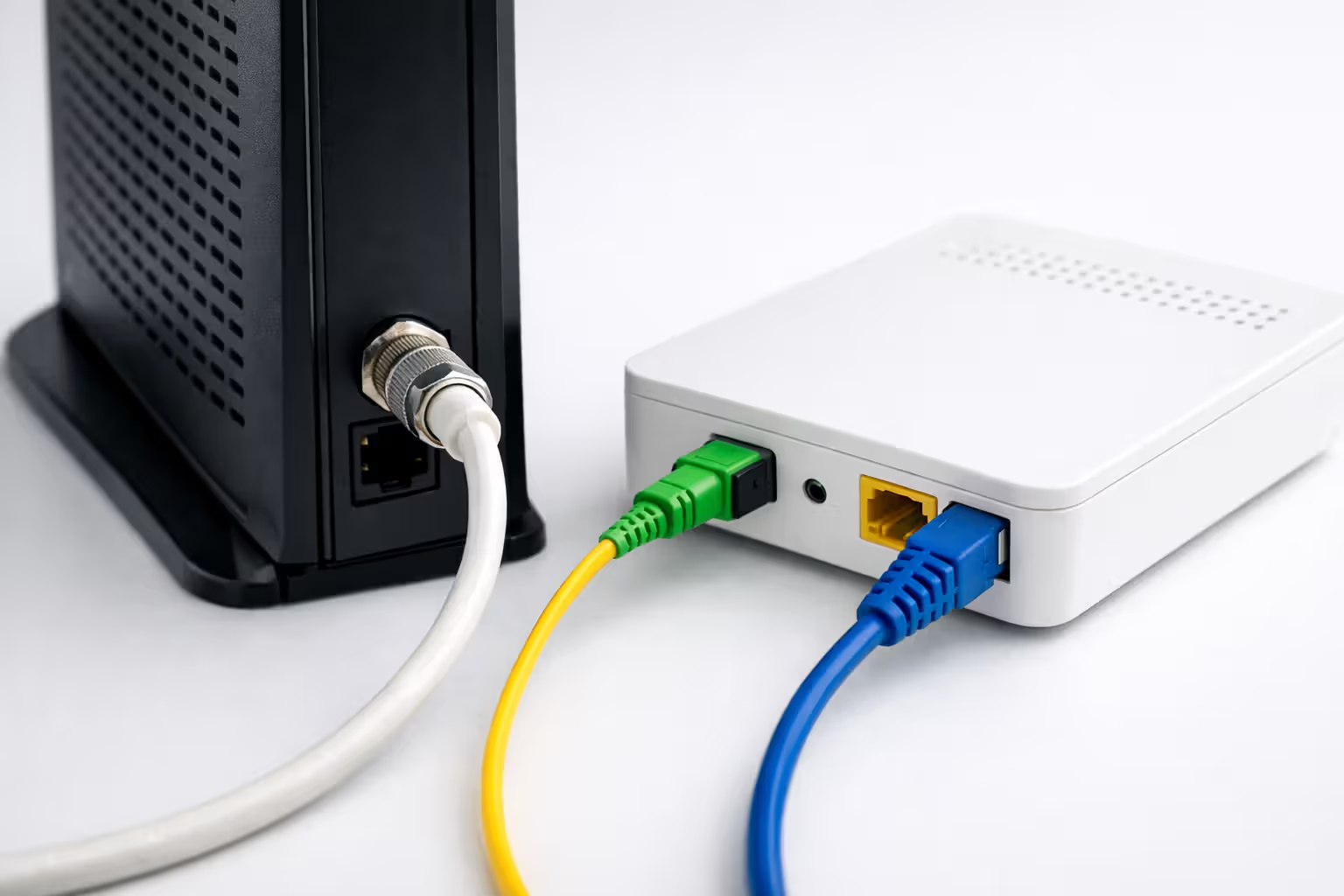
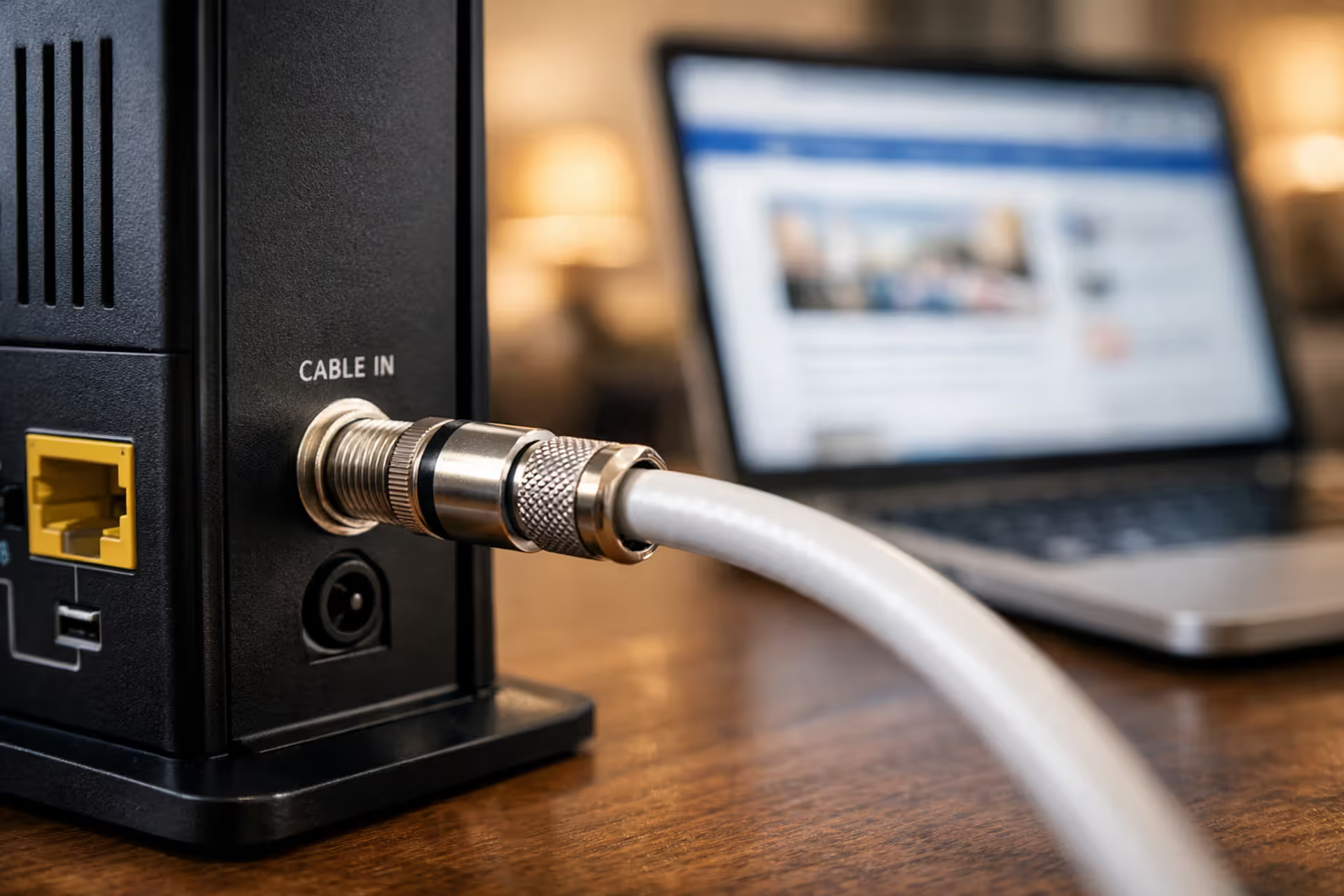
Your equipment provides another clue. Optimum Fiber uses an Optical Network Terminal (ONT), a small box mounted on your wall where the fiber line enters your home. It usually has a fiber optic cable running into it and an Ethernet cable running out to your router. If you have a traditional cable modem with a coaxial cable screwed into the back, you're on the HFC cable network.
Check the modem model number. Optimum cable plans typically use Ubee or Arris cable modems (model numbers like UBC1322, TM3402, or similar). Fiber customers receive different equipment altogether—the ONT plus a separate router, or sometimes a combined fiber gateway unit.
The Optimum website's availability checker provides official confirmation. Enter your address and note whether the results show "Optimum Fiber Internet" as an option or only standard Optimum Internet plans. If fiber isn't listed, you're in a cable-only service area. Customer service can verify this, but expect some confusion—frontline reps sometimes misunderstand the difference and claim "we use fiber" without clarifying that it's HFC, not FTTH.
Neighborhood age offers an unofficial indicator. Newer developments built after 2018 in Optimum's territory have a better chance of fiber infrastructure. Older suburbs and urban areas typically receive cable unless Optimum has specifically announced a fiber upgrade project in that zone.
Author: Lindsey Hartwell;
Source: flexstarsolutions.com
Optimum Speed Tiers and What They Actually Deliver
Optimum structures its plans around download speeds, with upload speeds varying dramatically based on whether you have cable or fiber. The pricing and tier names change periodically, but the underlying technology constraints remain consistent.
Download vs. Upload Speed Breakdown by Plan
| Plan Name | Download Speed | Upload Speed | Monthly Price (approx.) | Best For | Technology |
| Optimum 300 | 300 Mbps | 35 Mbps | $40 | 1-2 people, streaming, browsing | Cable (HFC) |
| Optimum 500 | 500 Mbps | 50 Mbps | $65 | 3-4 people, gaming, 4K streaming | Cable (HFC) |
| Optimum 1 Gig | 940 Mbps | 50 Mbps | $90 | 4+ people, heavy usage, smart home | Cable (HFC) |
| Optimum Fiber 300 | 300 Mbps | 300 Mbps | $40 | Content creators, video calls | Fiber (FTTH) |
| Optimum Fiber 500 | 500 Mbps | 500 Mbps | $65 | Work-from-home, cloud backups | Fiber (FTTH) |
| Optimum Fiber 1 Gig | 940 Mbps | 940 Mbps | $90 | Large households, 4K streaming, gaming | Fiber (FTTH) |
| Optimum Fiber 2 Gig | 2000 Mbps | 2000 Mbps | $120 | Power users, multiple streamers | Fiber (FTTH) |
Prices reflect typical promotional rates for new customers; expect increases after 12-24 months. Fiber plans cost roughly the same as equivalent cable tiers, making fiber the obvious choice where available.
The upload speed gap between cable and fiber plans stands out. Optimum's cable network caps uploads at 50 Mbps even on the gigabit tier. If you regularly upload large files to cloud storage, host video calls, or stream to Twitch or YouTube, that 50 Mbps ceiling becomes a bottleneck. A 20 GB video project takes about 53 minutes to upload at 50 Mbps, but only 3 minutes at 500 Mbps on a fiber plan.
Real-World Performance Expectations
Advertised speeds represent maximum throughput under ideal conditions. Actual performance depends on network congestion, your equipment, and how you connect.
Cable plans suffer more variability. During weekday evenings (6-11 PM), you might see speeds drop 15-30% below the advertised rate as neighbors stream Netflix and download games. Optimum provisions its cable network with oversubscription ratios—more total capacity is sold than the infrastructure can deliver simultaneously—betting that not everyone maxes out their connection at once. This gamble usually works, but the occasional buffering or slower-than-expected download stems from this shared-bandwidth model.
Fiber plans deliver more consistent speeds because each fiber line serves fewer customers and offers higher total capacity. Congestion still exists at the ISP's core network level, but the last-mile bottleneck disappears.
WiFi introduces another variable. Even with gigabit service, older WiFi routers (802.11ac or earlier) or devices connected on the 2.4 GHz band might max out at 100-300 Mbps. Wired Ethernet connections deliver the full rated speed, assuming your device has a gigabit Ethernet port. For most households, 300-500 Mbps provides plenty of headroom for streaming, gaming, and browsing simultaneously, making the 1 Gig tier overkill unless you frequently transfer huge files or have six people streaming 4K video at once.

Author: Lindsey Hartwell;
Source: flexstarsolutions.com
Optimum Fiber (Optimum Fiber Internet) vs. Standard Cable Plans
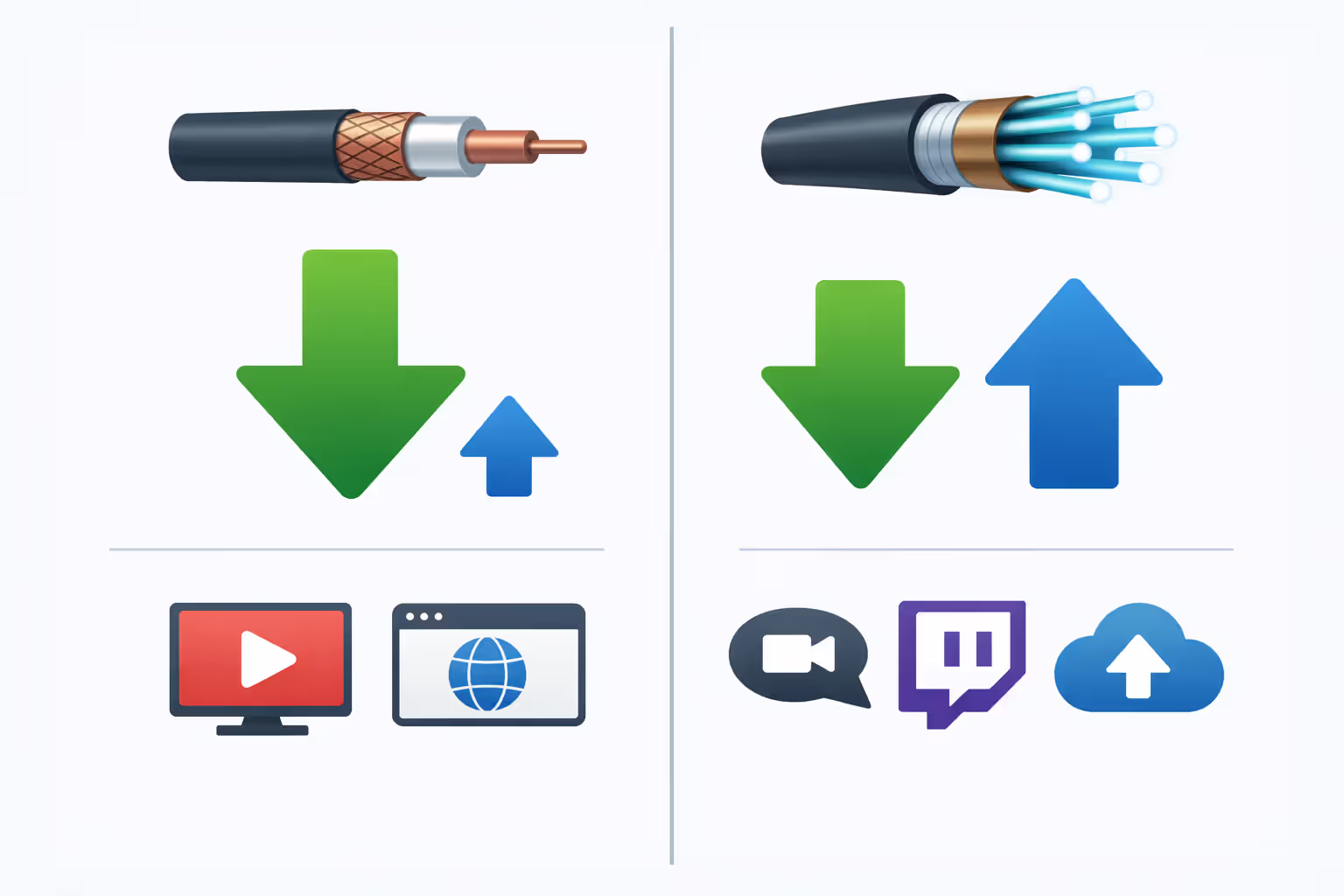
The performance difference between Optimum's fiber and cable offerings boils down to upload speeds and consistency. Download speeds reach similar peaks on both networks—940 Mbps on the top cable tier versus 940 Mbps to 2 Gbps on fiber plans. The upload speed disparity tells the real story.
Cable upload speeds max out at 50 Mbps across all Optimum HFC plans. This asymmetry reflects DOCSIS technology's design, which allocates more spectrum to downloads. For passive internet users who mostly consume content, 50 Mbps uploads suffice. You can join Zoom calls, upload photos to Google Photos, and send email attachments without issue.
Heavy uploaders face frustration on cable. Backing up 100 GB of files to Backblaze or Dropbox takes over four hours at 50 Mbps. The same backup completes in about 13 minutes on a 500 Mbps fiber upload. Streamers broadcasting 1080p gameplay to Twitch need 6-8 Mbps, manageable on cable, but 4K streaming requires 20-50 Mbps depending on encoding—cutting into that 50 Mbps ceiling. If someone else in the house uploads a file simultaneously, both uploads slow down.
Optimum Fiber's symmetrical speeds eliminate this trade-off. A 500/500 Mbps fiber plan supports multiple simultaneous uploads without degradation. Two people can host video calls while a third backs up files and a fourth streams gameplay.
Coverage determines whether you even get a choice. Optimum Fiber reaches select addresses in its Northeast footprint, concentrated in newer construction and areas where the company competes directly with Verizon Fios. Most of Optimum's service area remains cable-only. If fiber isn't available at your address, comparing the two is academic—you'll get cable or switch providers.
Pricing parity between fiber and cable tiers means fiber offers better value where available. An Optimum Fiber 500 plan costs the same $65 as the cable 500 plan but includes 500 Mbps upload instead of 50 Mbps. Unless you're certain you'll never upload anything larger than email attachments, the fiber version justifies itself.
Who actually needs fiber versus cable? Content creators, remote workers with large file transfers, and households with multiple simultaneous video calls benefit from fiber's upload capacity. Casual users who stream video, browse, and occasionally video chat won't notice much difference in day-to-day use. The cable network's 300 or 500 Mbps download speed handles Netflix, YouTube, and web browsing just fine.
Author: Lindsey Hartwell;
Source: flexstarsolutions.com
Equipment That Comes With Your Optimum Connection
Optimum provides a modem (or ONT for fiber) and router as part of your service, though you can use your own compatible equipment to avoid the $10-15 monthly rental fee.
Cable customers receive a DOCSIS 3.1 cable modem, typically an Arris TM3402 or Ubee UBC1322. These modems support the full speed range of Optimum's cable tiers. The modem connects to your coaxial cable outlet and outputs Ethernet. Optimum also includes a WiFi router (often an Arris or Ubee model) that plugs into the modem. Some newer deployments use a combined modem/router gateway unit.
Fiber customers get an Optical Network Terminal (ONT) installed by a technician. The ONT converts the fiber optic signal to Ethernet. A separate router connects to the ONT's Ethernet output to provide WiFi and multiple wired connections. Optimum Fiber's higher-tier plans (1 Gig and above) include upgraded routers with WiFi 6 support.
The monthly equipment rental fee covers both the modem/ONT and router. Optimum charges around $10-15 per month, adding $120-180 annually to your bill. You can eliminate this cost by purchasing your own equipment, but compatibility matters.
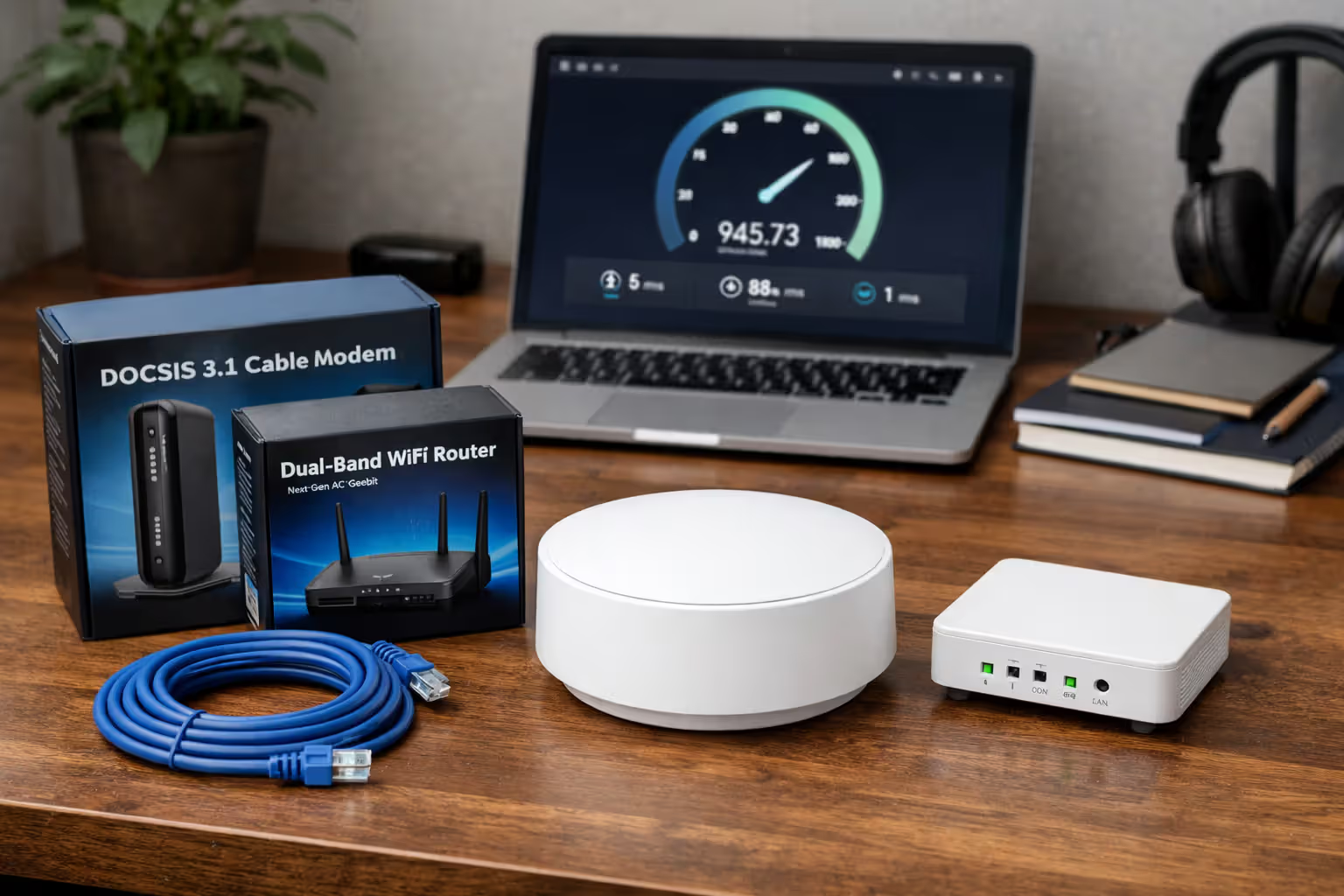
For cable service, buy a DOCSIS 3.1 modem from Optimum's approved compatibility list. Popular options include the Netgear CM1000 ($150-180) or Motorola MB8600 ($140-170). Pair it with any router you prefer—mesh systems like Eero or TP-Link Deco work well for larger homes, while a single-unit router from Asus or Netgear handles most apartments and smaller houses. Total upfront cost runs $200-350, breaking even versus rentals in 14-24 months.
Fiber customers face more restrictions. The ONT itself remains Optimum's property—they install and maintain it. You can replace the router with your own, but the ONT stays. This limits savings to the router portion of the rental fee. Some customers report that Optimum still charges the full equipment fee even when using a personal router with fiber service, so verify billing details before buying your own gear.
Router performance matters more than most people realize. Optimum's included routers provide basic functionality but often lack range for larger homes or advanced features like device prioritization and parental controls. If you're paying for 500 Mbps or faster service, a quality router ensures you actually see those speeds on your devices. Budget routers with 802.11n WiFi create artificial bottlenecks, capping speeds at 100-200 Mbps even though your internet connection supports more.
Author: Lindsey Hartwell;
Source: flexstarsolutions.com
Checking Optimum Availability and Technology in Your Area
Before signing up, verify which Optimum services reach your address and whether you're in a fiber or cable zone. The official availability checker at Optimum's website provides the most reliable information. Enter your street address, and the results page lists available plans.
If "Optimum Fiber Internet" appears as an option with symmetrical speeds, your address qualifies for true fiber service. If you only see standard "Optimum Internet" plans with asymmetrical speeds (like 300/35 Mbps), you're in a cable-only area. The checker occasionally shows both options—this happens in transition zones where fiber is being deployed but cable remains available.
Calling customer service works but introduces potential confusion. Ask specifically, "Does my address have Optimum Fiber Internet with an ONT, or is it the cable network with a coax modem?" Emphasize that you want to know about the last-mile technology. Some reps will say "yes, we use fiber" referring to the HFC network's fiber backbone, not realizing you're asking about fiber-to-the-home. Insist on clarification about whether you'll receive an ONT or a cable modem.
Neighbors' experiences provide useful data points. If someone on your street has Optimum Fiber, your address likely qualifies too. Fiber deployments typically cover entire neighborhoods rather than individual homes. Check local Facebook groups or Nextdoor for reports of Optimum Fiber availability.
Service maps show general coverage areas but lack address-level accuracy. Optimum's fiber footprint concentrates in parts of the New York metro area, northern New Jersey, Fairfield County in Connecticut, and select Pennsylvania communities. Even within these regions, coverage is patchy. Two streets apart might have different technology options based on when the neighborhood was built and Optimum's infrastructure investment priorities.
If fiber isn't available now, ask customer service whether any expansion plans exist for your area. They rarely commit to specific timelines, but a "we're evaluating that area" response suggests possible future availability. Optimum typically doesn't notify existing cable customers when fiber becomes available—you have to check periodically or ask.
Switching from cable to fiber requires a new installation appointment. The technician runs a fiber optic line to your home, installs the ONT, and provisions your service. Expect a 2-4 hour installation window. There's usually an installation fee ($50-100) unless you catch a promotional waiver.
Frequently Asked Questions About Optimum Internet Types
Making the Right Choice for Your Household
Optimum's dual-network approach—cable for most customers, fiber for select areas—creates a clear hierarchy. Fiber delivers better performance at the same price, but geography determines your options. If Optimum Fiber reaches your address, choose it over cable unless you're absolutely certain you'll never upload anything larger than email attachments. The symmetrical speeds provide future-proofing as video calls, cloud backups, and content creation become more common.
Cable customers shouldn't feel shortchanged if fiber isn't available. Optimum's HFC network handles typical household internet needs effectively. The 300 or 500 Mbps download tiers support multiple simultaneous 4K streams, gaming, and web browsing without issue. Upload speeds of 35-50 Mbps suffice for video calls and moderate file uploads. You'll notice the limitation only if you regularly send large files to cloud storage or stream high-quality video to platforms like Twitch.
Speed tier selection matters more than many people realize. The 300 Mbps plan covers most households adequately—upgrading to 500 Mbps or 1 Gig often wastes money unless you have five or more people streaming simultaneously or transfer huge files daily. Test your actual usage before overpaying for capacity you won't use. Optimum allows plan changes, so you can start at a lower tier and upgrade if you experience slowdowns.
Equipment choices affect your long-term costs. Purchasing your own DOCSIS 3.1 modem and router eliminates the $10-15 monthly rental fee, saving $120-180 annually. The upfront investment pays off in 14-24 months. For fiber customers, replacing just the router provides smaller savings since the ONT remains Optimum's property.
Check availability annually if you're currently on cable. Optimum expands its fiber footprint gradually, and your address might qualify for an upgrade even if it didn't last year. Fiber availability won't appear in your account or on your bill—you have to actively verify through the website or by calling customer service.
Related Stories
Read more
Read more



The content on this website is provided for general informational and educational purposes only. It is intended to offer guidance on internet technology topics, including internet providers, connection types (fiber, cable, and 5G home internet), WiFi setup, router configuration, internet speed requirements, and online security practices. The information presented should not be considered technical, legal, or professional networking advice.
All information, articles, comparisons, and technical explanations on this website are for general informational purposes only. Internet service availability, performance, speeds, equipment requirements, and security features may vary by provider, location, infrastructure, and individual network configuration. Actual internet performance and reliability depend on many factors, including hardware, service plans, local network conditions, and user behavior.
This website is not responsible for any errors or omissions in the content or for actions taken based on the information provided. Reading this website does not create a professional or service relationship. Users are encouraged to consult with their internet service provider, network specialist, or qualified technical professional for advice specific to their internet setup, equipment, or connectivity needs.