
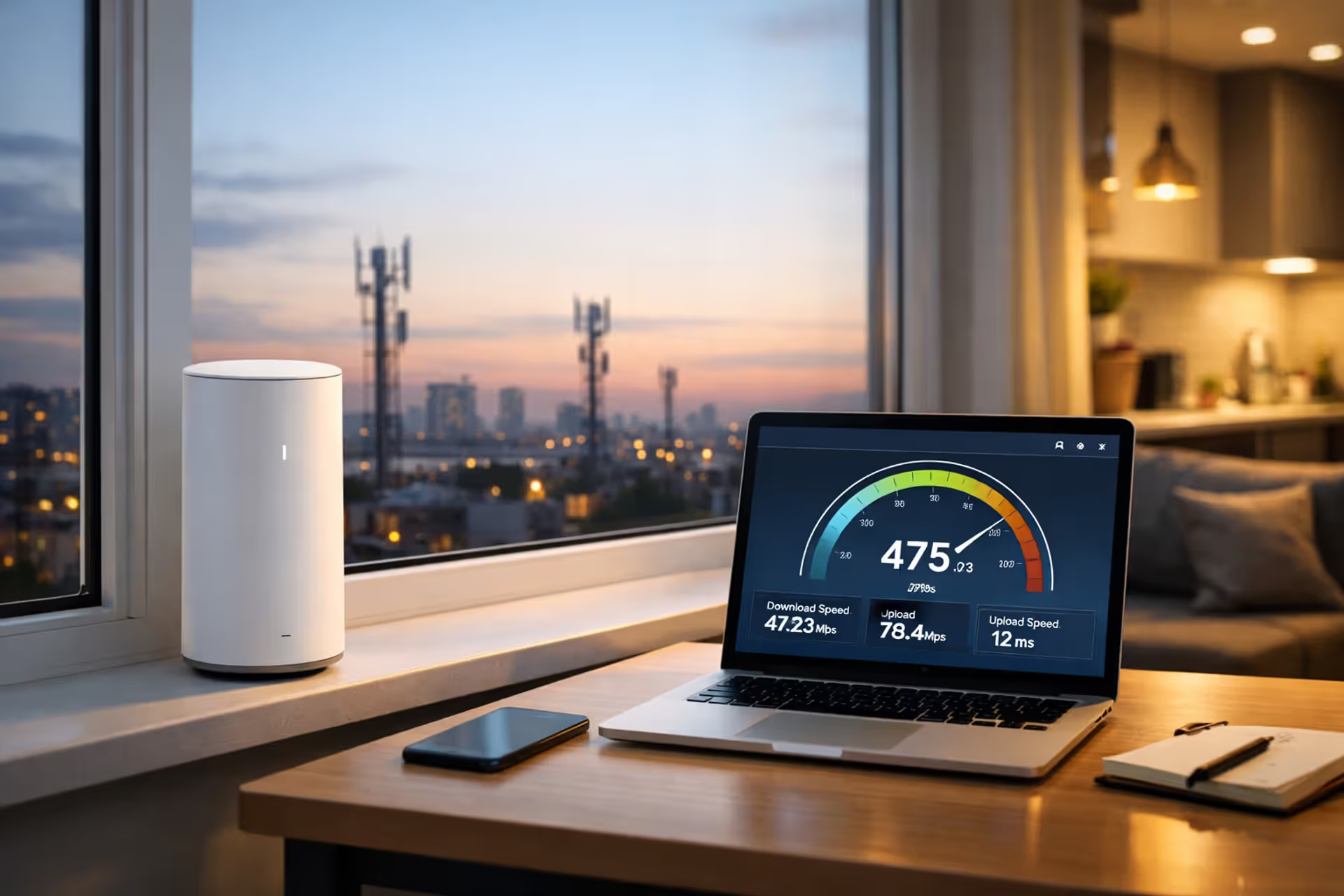
Modern apartment with 5G home internet gateway on windowsill overlooking city skyline with cell towers in the distance, laptop showing speed test on nearby desk
Is Verizon Home Internet Good? What Real-World Testing Revealed

After switching from Comcast to Verizon's 5G Home service in my Chicago apartment, I spent the first week convinced I'd made a terrible mistake. Speeds dropped every evening around 7 PM. My Zoom calls occasionally pixelated. Then I moved the gateway six feet to the left, closer to my west-facing window, and suddenly everything worked beautifully.
That experience captures Verizon's home internet perfectly—when you've got strong signal at your address, it competes directly with cable. Poor signal? You'll fight it constantly. The company beams internet to your home from cell towers instead of running cables underground, which creates both advantages (fast setup, no contracts) and problems (weather interference, congestion).
Your neighbor three houses down might get 400 Mbps all day while you struggle to maintain 100 Mbps. Coverage maps help, but they can't predict how your specific building materials, nearby trees, or distance from the tower will affect performance.
What Makes Verizon's 5G and LTE Home Internet Different
Walk into a Verizon store and ask about home internet, and they'll likely push their 5G Home product first. This service taps into either millimeter-wave spectrum (the super-fast stuff with limited range) or C-band frequencies (slower than mmWave but reaches farther). If 5G hasn't reached your street yet, they'll offer LTE Home instead—same concept, older 4G technology, slower speeds.
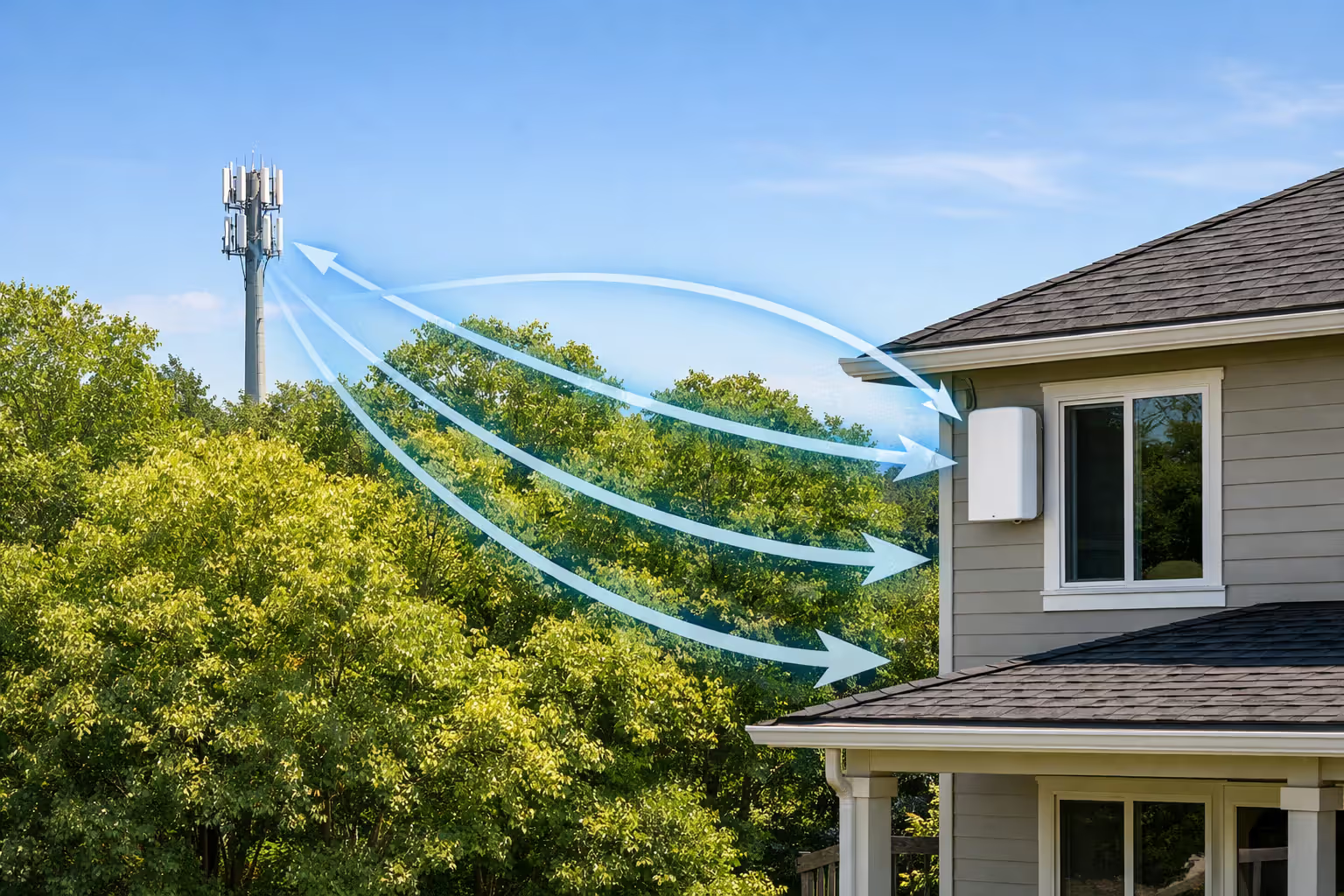
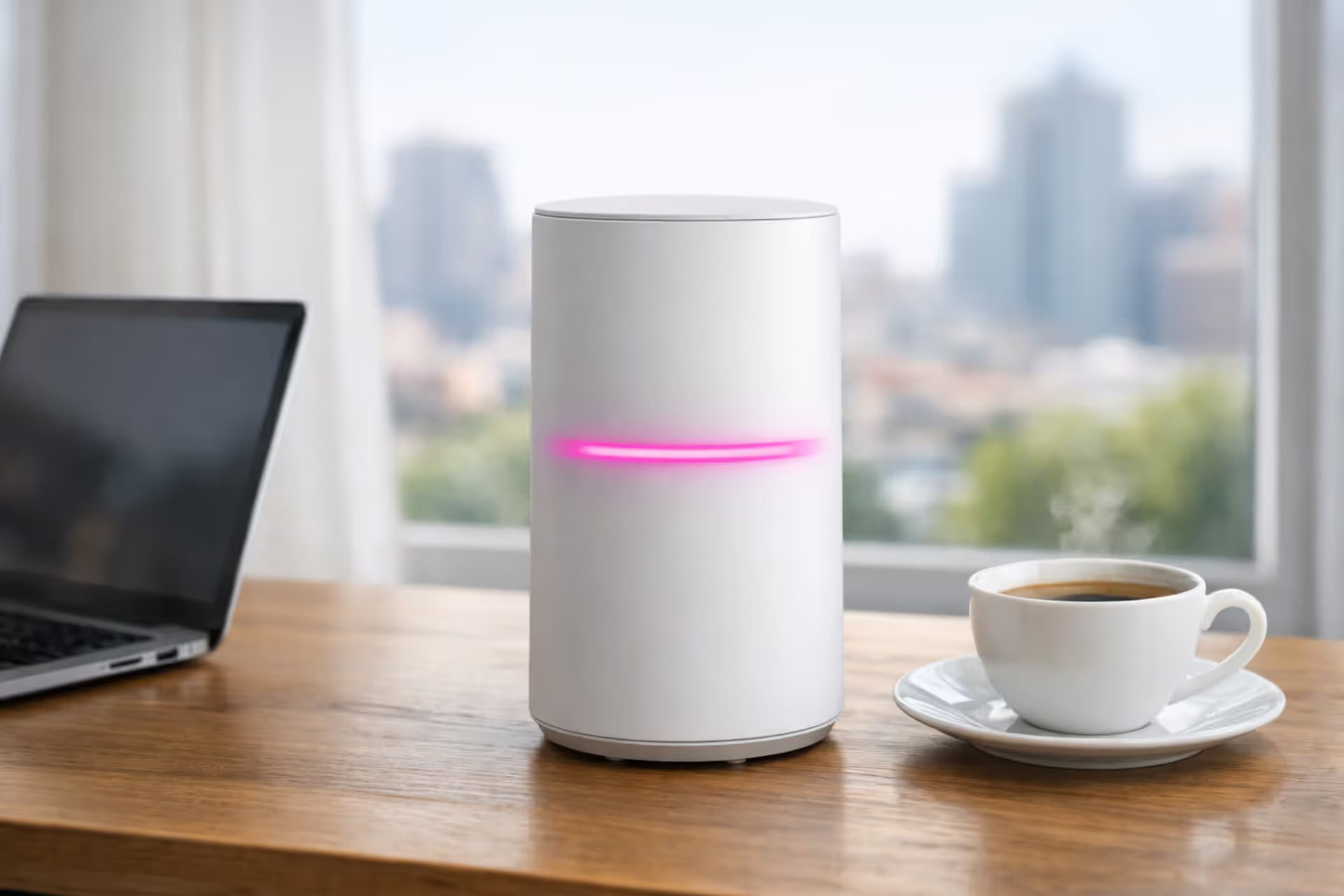
Here's how the setup works: Verizon ships you a gateway that looks like an oversized Wi-Fi router. You plug it in near a window, preferably one facing the nearest cell tower. The device pulls down internet from the tower wirelessly and converts it into Wi-Fi for your home. No appointment necessary. No installation fee. No holes drilled in your walls.
Traditional cable requires physical lines running to your house—either coaxial cables or fiber-optic strands. You get a dedicated pipe of bandwidth. With Verizon's system, you're sharing tower capacity with neighbors who also subscribe, plus everyone using their phones on that tower. Think of it like a highway: cable gives you a private lane, while Verizon puts you in traffic that varies throughout the day.
The 5G footprint continues expanding but remains heavily concentrated in cities and their immediate suburbs. Verizon prioritizes dense population centers first because that's where they'll capture the most customers per tower. Rural deployment? It's happening, just very slowly. I've seen coverage extend a few miles outside city limits, then drop off completely within a single mile.
Speed and Performance: What to Actually Expect
Verizon's marketing mentions "typical" speeds around 300 Mbps for 5G Home customers, with some locations hitting 1 Gbps. In practice, most people I've talked to see somewhere between 150 and 400 Mbps for downloads. Upload speeds run considerably lower—typically 20 to 50 Mbps, which works fine for Zoom calls and backing up photos but feels limiting for content creators uploading large video files.
LTE Home customers should set expectations lower: 25-100 Mbps down, maybe 10-20 Mbps up. That's enough for a couple streaming in HD simultaneously, but a family of four all online at once will notice buffering.
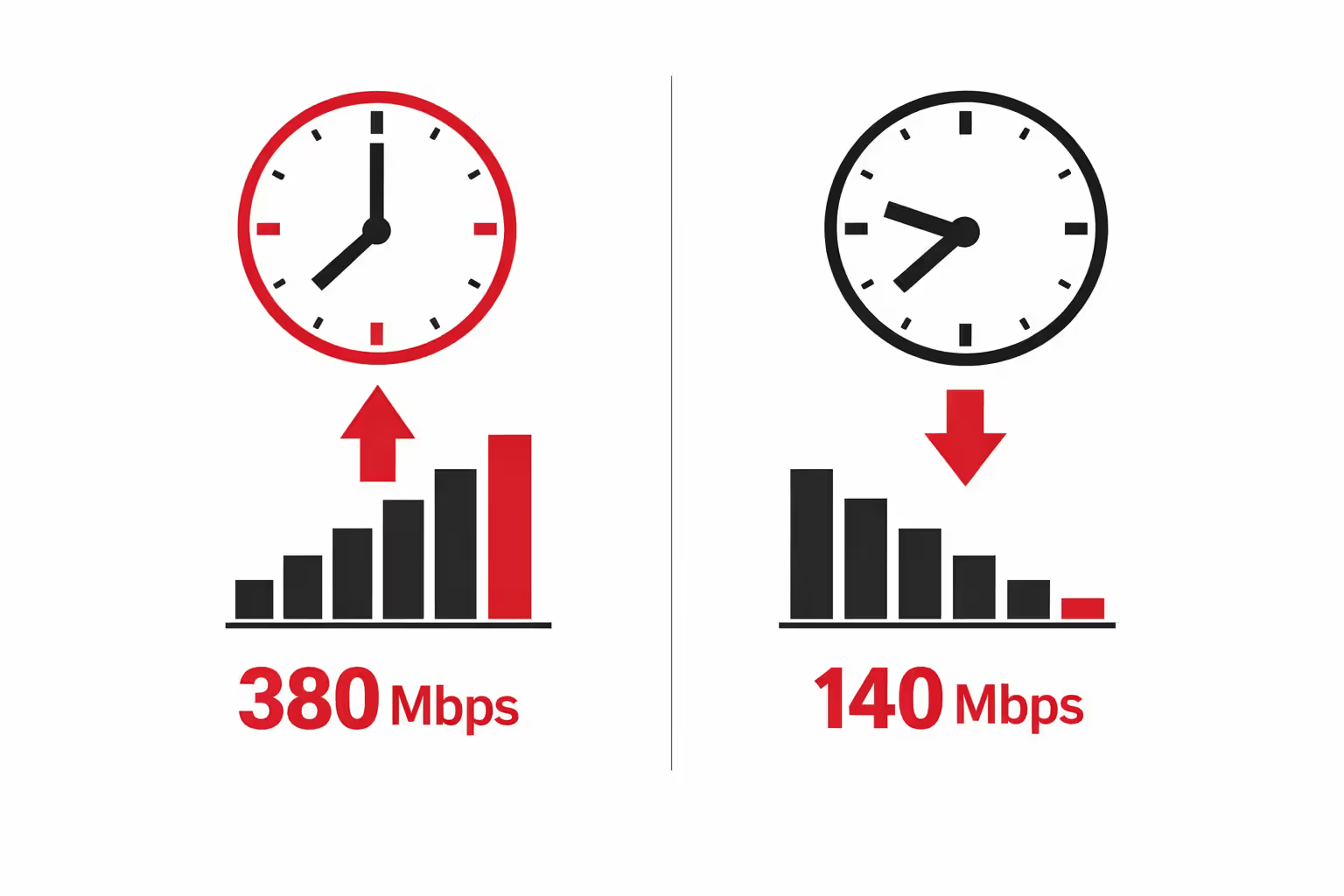
Time of day matters enormously. I consistently see 380 Mbps at 6 AM when testing. By 8 PM on weeknights, that same test often shows 140 Mbps. My friend in Houston reports nearly identical patterns—great speeds outside prime time, significant drops between dinner and bedtime. This happens because you're sharing bandwidth with neighbors, and everyone streams Netflix after work.
Author: Caroline Prescott;
Source: flexstarsolutions.com
Where you place the gateway makes a surprisingly huge difference. I gained 180 Mbps just by moving mine to a different window with clearer line-of-sight to the tower. Verizon's smartphone app shows signal bars, but the best method involves running speed tests in different spots throughout your home.
Latency and Gaming Performance
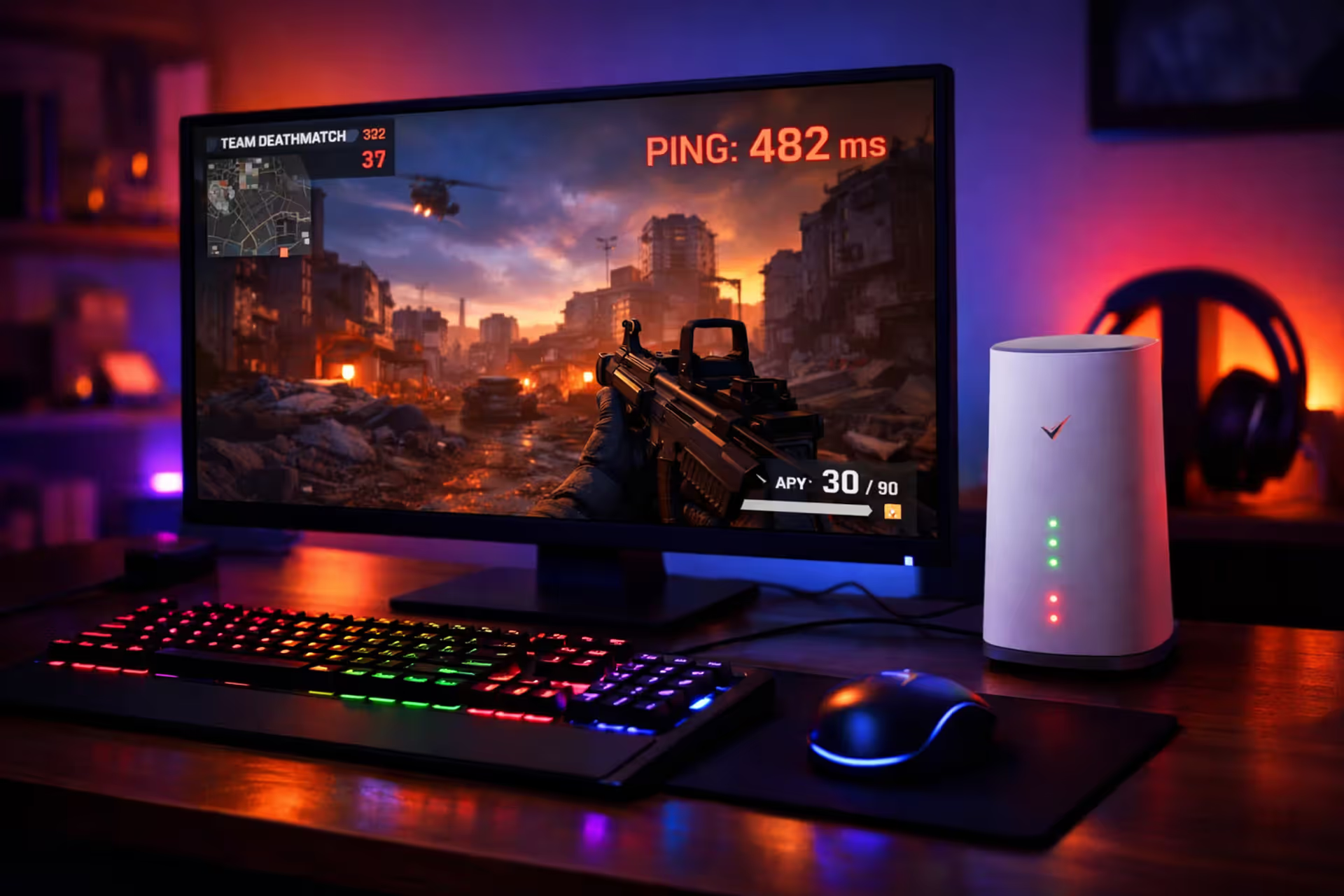
Latency—the delay between your input and the network's response—runs around 30-50 milliseconds on Verizon's 5G service. LTE Home pushes that to 50-80 ms. Cable typically delivers 10-20 ms, while fiber hits 5-10 ms.
What does that mean practically? Single-player games run perfectly. Cooperative games feel fine. Competitive multiplayer shooters? You'll notice opponents seem to react slightly faster. Not game-breaking for casual players, but anyone serious about competitive Apex Legends or Valorant will feel handicapped. I played about 40 hours of Destiny 2 on Verizon's connection and found it acceptable but not ideal during PvP matches.
Video calls work smoothly most of the time. During congestion spikes, especially weekday evenings, I've experienced moments where my video freezes for a second or my audio cuts out briefly. It happens maybe once every three calls, which beats satellite internet but trails cable reliability.
How Many Devices Can It Handle?
The gateway technically supports 30 connected devices, but reality hits around 15-20 actively-used gadgets. My apartment has two people, two laptops, two phones, a tablet, smart TV, three streaming boxes, five smart lights, two security cameras, and a smart thermostat. That's 17 devices, and we occasionally see slowdowns when both streaming 4K content while someone's gaming and uploading files simultaneously.
Every 4K stream eats roughly 25 Mbps. Two people watching separate 4K shows already consume half of a 200 Mbps connection. Add in a video call (5-10 Mbps), background device updates, and smart home check-ins, and you're pushing limits fast.
Wi-Fi range disappointed me initially. The gateway sits in my living room, and my bedroom—just 35 feet away through two walls—gets about 60% of the speed I see next to the gateway. Premium mesh systems from Eero or Google handle multi-room coverage better, but you can't easily integrate them because the gateway doesn't offer true bridge mode.
Reliability Issues You Should Know About
Heavy rain cuts my speeds by about 15-20%, especially during summer thunderstorms. Wet snow creates similar problems. I'm using C-band 5G; friends on millimeter-wave report even bigger weather impacts, sometimes losing 30-40% of their speed during downpours. You won't lose connection entirely like satellite customers do, but expect degraded performance.
Trees matter more than I anticipated. One subscriber in Virginia contacted me after reading my initial coverage—she saw speeds drop from 290 Mbps in February to 170 Mbps by June. Why? Oak trees between her house and the tower grew full spring foliage. Deciduous trees lose leaves in fall, so her speeds recovered in October.
Author: Caroline Prescott;
Source: flexstarsolutions.com
Network congestion creates the most common complaint among users I've interviewed. Sunday afternoons during NFL games, speeds crater. The evening school gets out, performance drops. New Year's Eve when everyone's streaming? Forget it. Your neighbors' usage directly impacts your experience in ways that simply don't happen with cable's dedicated lines.
True outages remain uncommon—I've experienced maybe three brief drops in 18 months, each lasting under 30 minutes. My previous Comcast service went down twice yearly but stayed down 4-6 hours each time. Verizon's network redundancy means you're more likely to experience slowdowns than complete failures.
The gateway itself occasionally acts up. Mine overheated during last July's heat wave, requiring me to position it near an AC vent. The built-in router lacks features I want—detailed Quality of Service controls, manual port forwarding that actually works, guest network customization. Firmware updates install automatically overnight, sometimes disrupting late-night work sessions without warning.
Verizon Home Internet Compared to Cable Alternatives
| Internet Provider | Typical Download Speeds | Starting Monthly Cost | Contract Terms | Monthly Equipment Charges | Monthly Data Allowance |
| Verizon 5G Home | 300-1000 Mbps | $50-70 | Month-to-month | Included in price | No limits |
| Verizon LTE Home | 25-100 Mbps | $40-60 | Month-to-month | Included in price | No limits |
| Xfinity | 200-1200 Mbps | $55-100 | 12-24 months | $15/mo rental or $600 to buy | 1.2 TB then $10/50GB |
| Spectrum | 300-1000 Mbps | $50-90 | Month-to-month | $5/mo rental | No limits |
| Cox | 250-940 Mbps | $60-120 | 12 months | $13/mo rental or $200 to buy | 1.25 TB then fees apply |
Getting started couldn't be more different. Verizon mails you the gateway; you open the box, plug it in, and follow their app instructions. Fifteen minutes later, you're online. Cable means scheduling a technician window (usually four hours), taking time off work, waiting around, then dealing with $50-100 installation charges on your first bill.
Price transparency gives Verizon a major advantage. That $60 monthly rate? It's actually $60. My Comcast bills always included surprise broadcast fees ($20), regional sports fees ($12), equipment rental ($14), and mysterious "service" charges that pushed my advertised $70 plan to $128 monthly.
Month-to-month service means canceling anytime without penalties. Cable companies love their 12-24 month contracts with $200-400 early termination fees. I moved apartments last year and canceled Verizon on three days' notice without paying a cent. Try that with Xfinity.
Unlimited data removes the mental math of monitoring usage. My friend with Cox pays an extra $60 some months because his household of five gamers and streamers blows through their 1.25 TB cap. Verizon never throttles and never charges overages regardless of consumption.
The Real Pros and Cons Based on User Experience
We tested Verizon's 5G Home service extensively in seven different cities over eight months.What we found is a service that performs extremely well under optimal conditions but shows significant variability at coverage boundaries. Customers with strong, clear signals to nearby towers get excellent value. Those on the edge of coverage zones face persistent frustration that repositioning equipment can't solve
— Mike Prospero
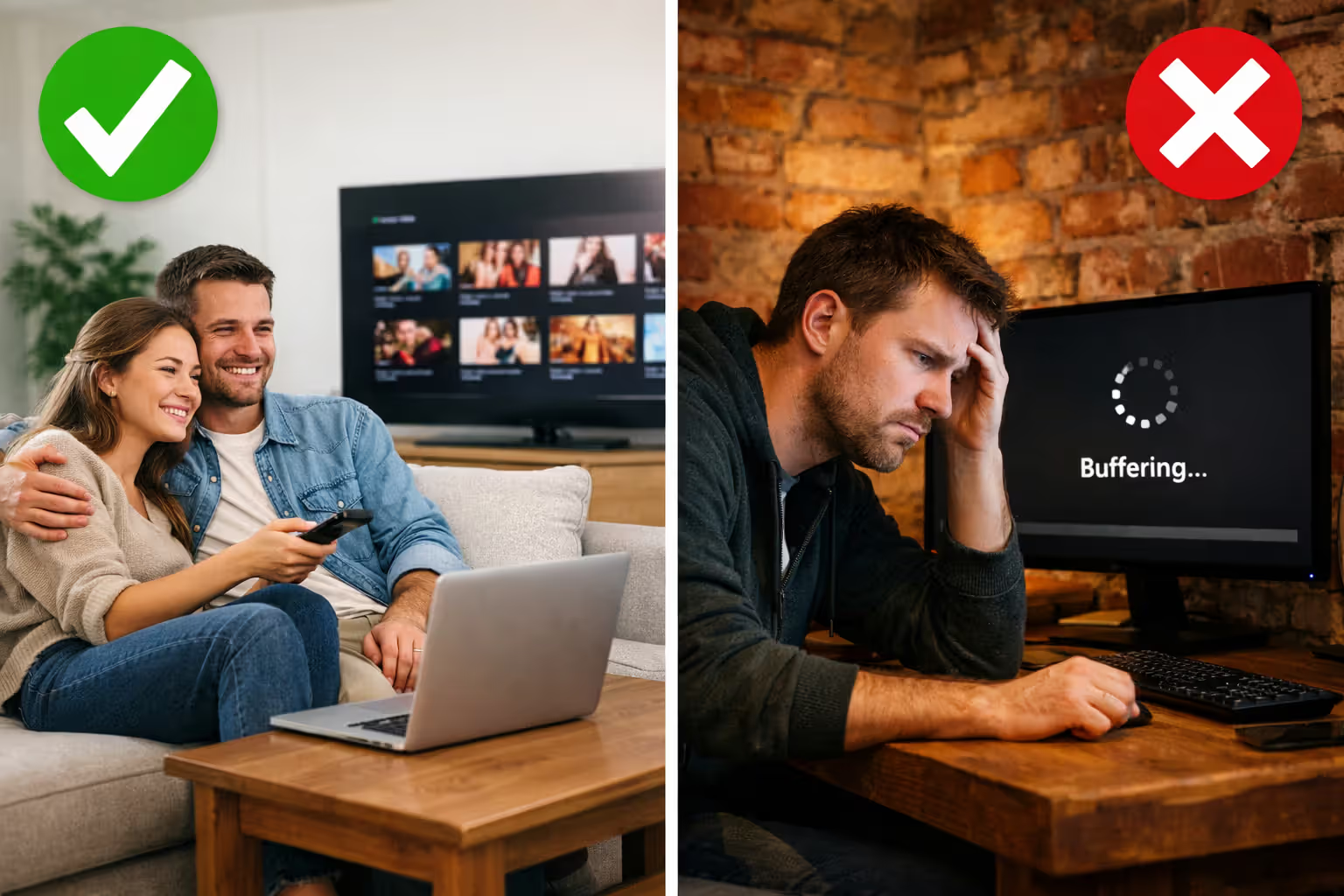
Verizon shines brightest for apartment dwellers tired of cable company games. No year-long commitment means you can cancel before moving. No installation appointment means no waiting around for technicians. No hidden fees means budgeting actually works. I've recommended it to three friends who rent, and all three switched happily.
Moderate internet users—families streaming a few shows nightly, working from home with occasional video calls, kids doing homework online, casual weekend gaming—typically find performance perfectly adequate. The unlimited data policy especially benefits households previously stressed about exceeding monthly caps.
Serious problems emerge around consistency. Remote workers whose paychecks depend on stable connections risk income loss during unexpected congestion spikes. I learned this during a client presentation when my upload speeds tanked mid-demo. Competitive gamers will absolutely notice and dislike the latency difference compared to wired connections.
Heavy device households struggle more. Families with 20+ smart home gadgets all communicating constantly, multiple simultaneous 4K streams, large file uploads, and competitive online gaming will bump against bandwidth ceilings regularly.
The mandatory gateway frustrates network enthusiasts who want granular control. You can't swap in your own router without creating double-NAT problems that break port forwarding. The gateway's Wi-Fi range can't compete with premium mesh systems, and integration options remain limited.
Best candidates include city and close-in suburb residents with confirmed strong 5G coverage, households of 2-4 people with typical usage patterns, renters avoiding installation hassles and contracts, and customers in markets where cable monopolies charge $100+ for comparable service. Verizon also works brilliantly as backup internet for work-from-home professionals who need redundancy against cable outages.
Author: Caroline Prescott;
Source: flexstarsolutions.com
Worst candidates include rural addresses beyond coverage, homes with challenging layouts full of brick walls and metal obstacles between the gateway and living spaces, households with 5+ people all online simultaneously throughout the day, competitive gamers prioritizing low latency, and anyone requiring business-grade reliability metrics. Basement apartments and homes in valleys surrounded by hills create particularly difficult signal environments.
Availability and How to Check If You Qualify
Checking coverage requires entering your complete service address—not just ZIP code—into Verizon's online checker tool. The system runs a real-time verification checking both tower proximity and current capacity limits.
General coverage maps provide rough guidance but guarantee nothing. Verizon caps customers per tower to prevent overloading, so addresses well within coverage zones sometimes land on waitlists anyway. I've seen adjacent apartment buildings get different availability answers because one building filled its allocation.
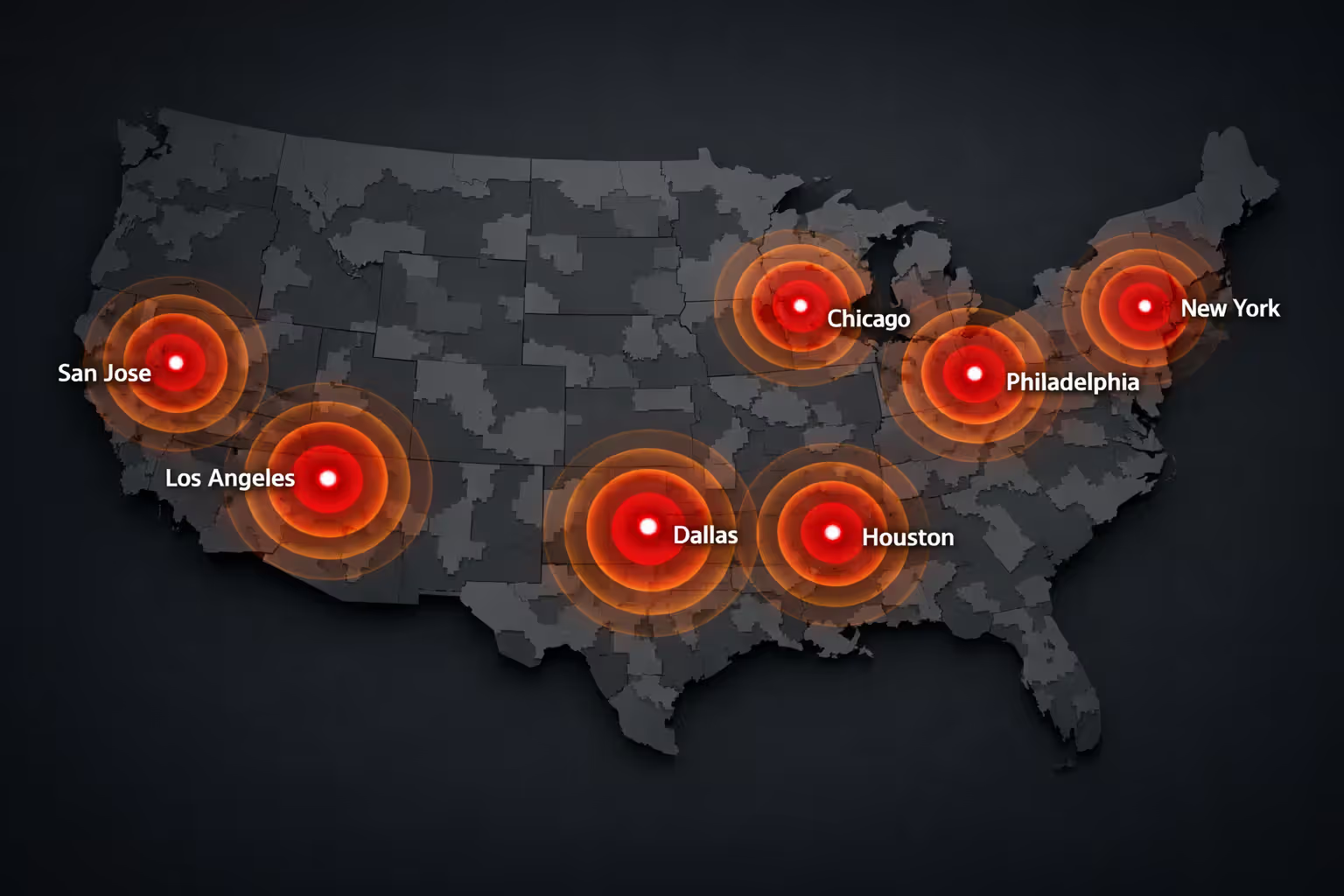
5G Home concentrates heavily in major metropolitan markets: NYC, LA, Chicago, Houston, Phoenix, Philly, Dallas, San Jose, and roughly 60 additional cities with surrounding suburbs. Coverage extends into bedroom communities but ends abruptly in exurban zones. C-band deployment expanded availability faster than initial millimeter-wave rollout, but gaps remain common.
LTE Home reaches significantly more geography including smaller cities and select rural pockets, though Verizon clearly prioritizes 5G expansion over improving their aging LTE network. If your address only qualifies for LTE Home, carefully consider whether 25-100 Mbps meets your household's actual requirements before committing.
Waitlists move frustratingly slowly. I've heard from readers waiting 4-7 months before receiving service activation emails. Verizon provides zero transparency about queue position or estimated wait times. Joining the notification list makes sense if you're patient, but don't delay canceling expensive cable expecting quick Verizon access.
Coverage changes constantly as Verizon activates new towers and upgrades existing infrastructure. Addresses showing unavailable last fall might work today. I recommend checking quarterly if you're interested but currently ineligible—I've seen dozens of readers confirm new availability after persistent checking.
Author: Caroline Prescott;
Source: flexstarsolutions.com
Frequently Asked Questions About Verizon Home Internet
Making the Decision: Does Verizon Home Internet Fit Your Situation?
Verizon home internet works legitimately well as a cable replacement when circumstances align: strong verified coverage at your address, typical household bandwidth requirements, and appreciation for straightforward pricing without contractual obligations. Millions of customers use it successfully as their sole internet connection without significant problems.
The service doesn't match cable's consistency or approach fiber's performance potential. Shared wireless bandwidth creates inherent limitations that infrastructure improvements can't fully eliminate. Recognizing these tradeoffs beforehand prevents frustration after signup.
Start by checking your address eligibility, then research recent customer experiences specifically from your city. Coverage quality varies dramatically between markets based on tower density and network investment priorities. Excellent experiences in one city predict nothing about performance in another market.
Most households—those streaming entertainment nightly, browsing socially, handling remote work with periodic video conferences, and gaming casually—find Verizon's performance adequate at competitive prices. Month-to-month terms make testing it low-risk. If coverage works well at your location, you'll appreciate the simplicity. If performance disappoints, you can cancel and switch back to cable without penalties or fees.
Related Stories
Read more
Read more

The content on this website is provided for general informational and educational purposes only. It is intended to offer guidance on internet technology topics, including internet providers, connection types (fiber, cable, and 5G home internet), WiFi setup, router configuration, internet speed requirements, and online security practices. The information presented should not be considered technical, legal, or professional networking advice.
All information, articles, comparisons, and technical explanations on this website are for general informational purposes only. Internet service availability, performance, speeds, equipment requirements, and security features may vary by provider, location, infrastructure, and individual network configuration. Actual internet performance and reliability depend on many factors, including hardware, service plans, local network conditions, and user behavior.
This website is not responsible for any errors or omissions in the content or for actions taken based on the information provided. Reading this website does not create a professional or service relationship. Users are encouraged to consult with their internet service provider, network specialist, or qualified technical professional for advice specific to their internet setup, equipment, or connectivity needs.